

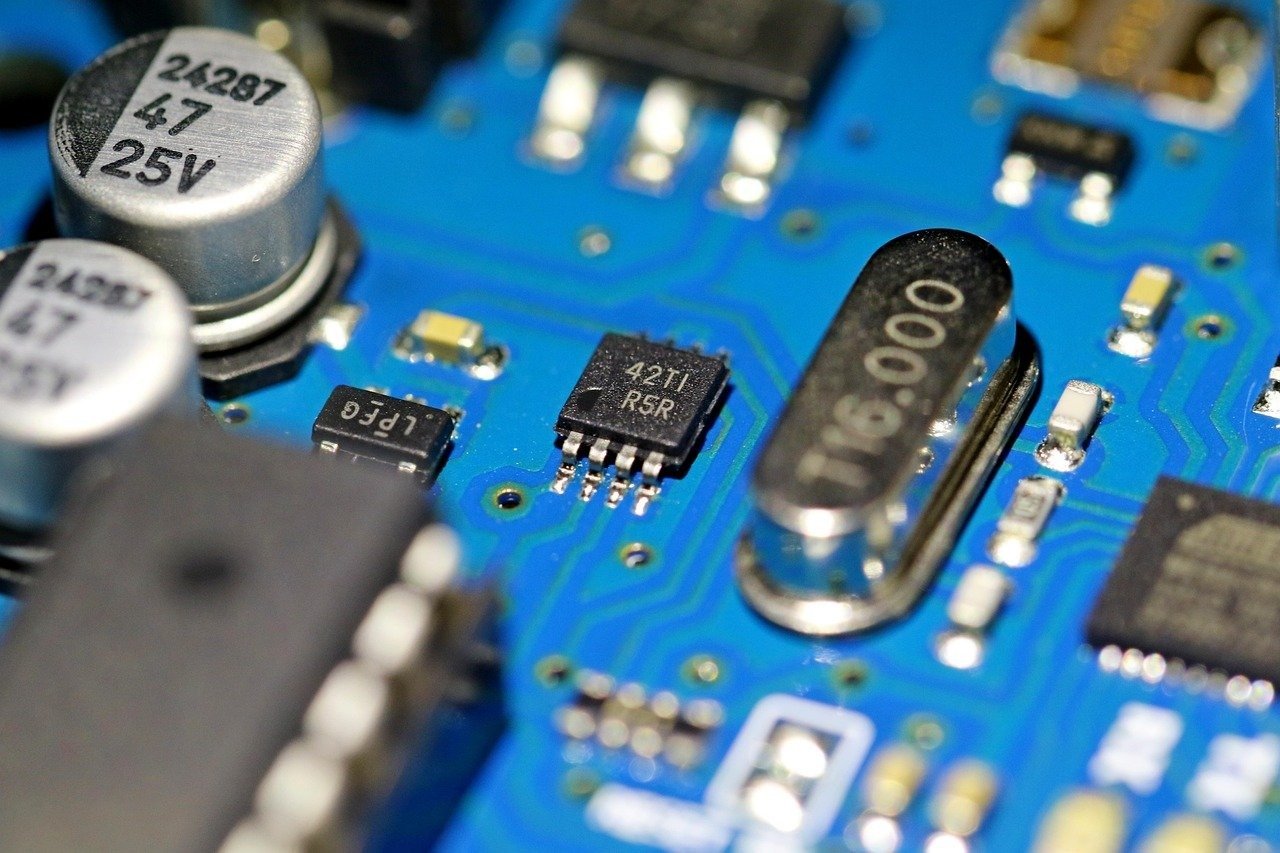
This Professional Commercial Product Photography Studio Lighting Prompt provides an advanced framework for generating high-end, photorealistic product imagery suitable for luxury advertising, e-commerce, and high-conversion marketing campaigns. By utilizing precise technical parameters for studio lighting, lens specifications, and material rendering, this prompt allows photographers, designers, and creative directors to produce studio-quality visuals that emphasize texture, depth, and premium brand aesthetics. The prompt is specifically engineered to achieve the clean, sharp, and sophisticated look found in professional commercial photography, making it an essential tool for those looking to elevate their visual content across digital and print media platforms without requiring a physical studio setup. It benefits anyone from independent entrepreneurs to professional creative agencies seeking to streamline their production workflow while maintaining the highest standards of visual excellence in their product presentations.
Contents
About Prompt
Prompt Type: AI Image Generation
Prompt Nature: Text to Image
Niche: Product Photography
Category: Commercial Advertising
Language: English
Prompt Title: Professional Commercial Product Photography Studio Lighting Prompt
Prompt Platforms: Midjourney, Flux, Stable Diffusion, DALL-E 3
Target Audience: Creative Directors, E-commerce Owners, Professional Photographers
Skill Level: Intermediate to Advanced
Visual Style: Photorealistic Commercial Studio
Optional Notes: Focuses on physically accurate lighting, such as rim lighting and softbox highlights, to enhance product material realism.
How to Use This Prompt
- Step 1: Identify the specific product and key features you wish to highlight in your commercial image.
- Step 2: Copy the Premium Master Prompt below into your preferred high-fidelity AI image generator.
- Step 3: Replace the bracketed placeholders with your specific product details and environmental preferences.
- Step 4: Adjust the aspect ratio or resolution settings in your chosen model to match your specific marketing requirements.
Required Input: No external file required. Customize the relevant details directly inside the prompt.
Customize: [product_name], [material_texture], [lighting_setup], [background_color], [brand_aesthetic], [aspect_ratio]
Example Values
[product_name]: Minimalist ceramic coffee carafe
[material_texture]: Matte-finish stoneware with subtle speckling
[lighting_setup]: Dual softbox side lighting with a subtle rim light
[background_color]: Neutral charcoal grey gradient
[brand_aesthetic]: High-end Scandinavian luxury
[aspect_ratio]: 4:5
Prompt
Prompt Variations
Variation 1 (Luxury Gold/Black): Commercial photography of [product_name], opulent black obsidian surface, dramatic chiaroscuro lighting, warm gold rim lighting highlighting edges, 85mm lens, luxury brand aesthetic, sharp focus, 8K, cinematic contrast, 1:1 aspect ratio.
Variation 2 (Nature/Earthy): Studio product shot of [product_name], placed on raw slate and moss, soft natural morning sunlight, dappled shadows, organic textures, 50mm lens, eco-conscious brand aesthetic, hyper-realistic, soft color palette, 4:5 aspect ratio.
Variation 3 (Futuristic/Neon): Product photography of [product_name], floating on a translucent glass surface, vibrant neon blue and magenta rim lighting, dark reflective background, cybernetic aesthetic, 35mm lens, sharp details, high-contrast, 16:9 aspect ratio.
Variation 4 (Minimalist/White): High-key bright studio photography of [product_name], pure white background, soft diffused overhead lighting, clean aesthetic, 100mm macro lens, focus on material perfection, airy and bright, 4:5 aspect ratio.
Variation 5 (Action/Dynamic): Commercial shot of [product_name] captured mid-motion with subtle particle effects, dramatic strobe lighting, frozen action, high-speed shutter aesthetic, energetic, sharp focus, 21:9 cinematic aspect ratio.
Negative Prompt
Expert Usage Tips
Use the 85mm or 100mm lens settings to minimize geometric distortion on your product.
Adjust the [lighting_setup] to “Golden Hour” for lifestyle brands or “Studio Softbox” for tech hardware.
For metallic surfaces, add “anisotropic highlights” to your prompt to improve material realism.
If the background feels too plain, specify “bokeh studio background” to add depth without distracting from the subject.
Always define the surface material of the base to ensure the product looks anchored in the scene.