

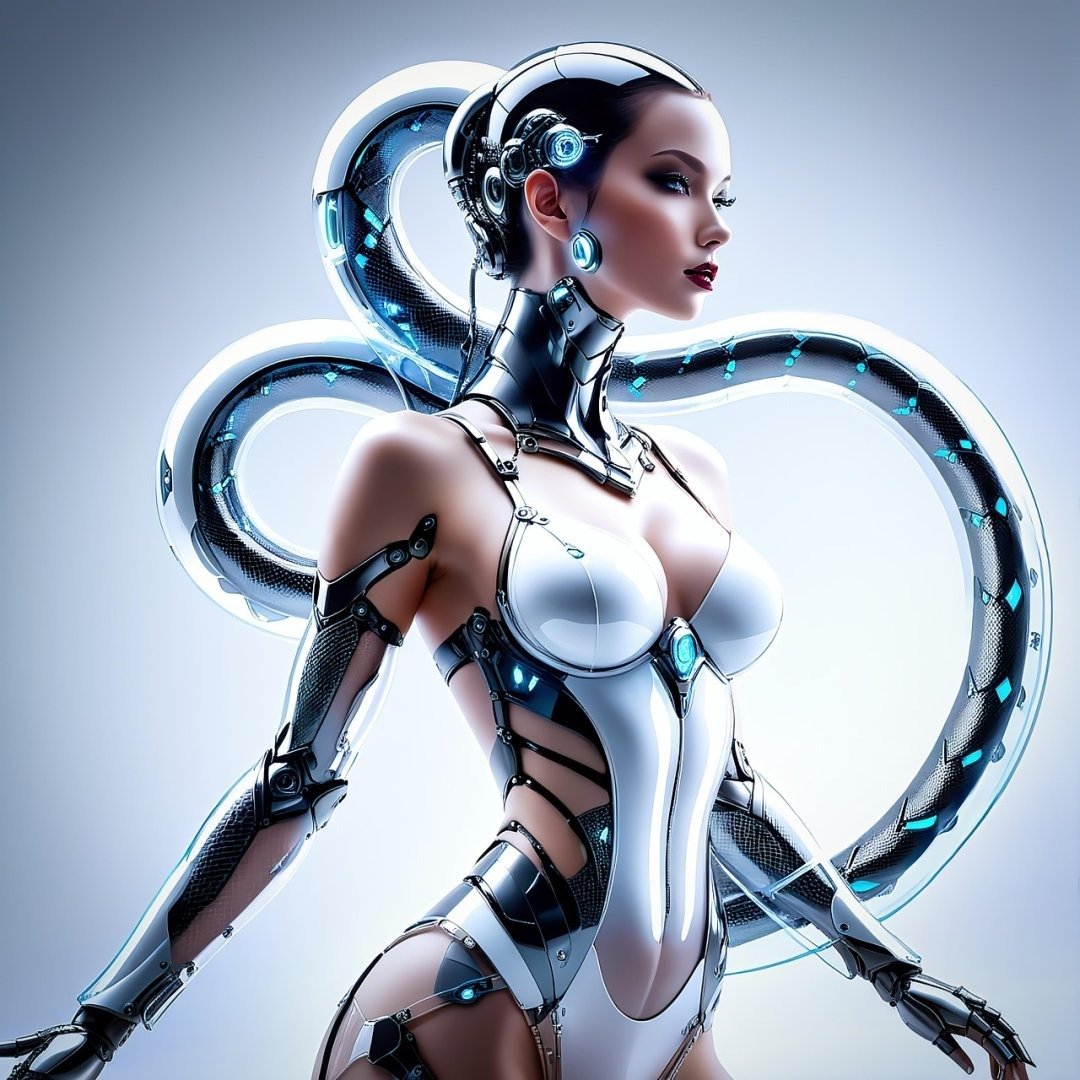
Professional commercial e-commerce product photography requires a precise balance of lighting, composition, and material rendering to drive conversions and build brand authority. This Professional Commercial E-commerce Product Photography Lighting and Styling Prompt is engineered to generate high-fidelity, studio-quality imagery that highlights product textures, premium finishes, and intricate details with absolute clarity. Designed for professional photographers, creative directors, and marketing teams, this prompt ensures consistent results across various platforms, including social media campaigns, web stores, and digital advertising. By utilizing advanced rendering parameters and professional lighting techniques—such as softbox diffusion, rim lighting, and controlled specular highlights—the prompt creates visuals that compete with high-end editorial photography. Whether you are showcasing luxury consumer goods, tech hardware, or artisanal lifestyle items, this tool provides the structural framework needed to achieve a polished, high-conversion visual identity without the high overhead of traditional studio production.
Contents
About Prompt
Prompt Type: AI Image Generation
Prompt Nature: Text-to-Image
Niche: Commercial Product Photography
Category: Marketing and E-commerce
Language: English
Prompt Title: Professional Commercial E-commerce Product Photography Lighting and Styling Prompt
Prompt Platforms: Midjourney, Flux, Stable Diffusion, DALL-E 3
Target Audience: E-commerce Business Owners, Creative Directors, Digital Marketers
Skill Level: Intermediate
Visual Style: Ultra-photorealistic, High-End Commercial Studio
Optional Notes: Use high-resolution settings and ensure your aspect ratio is set for your specific e-commerce platform (e.g., 4:5 for Instagram or 1:1 for Shopify).
How to Use This Prompt
- Step 1: Identify your product and determine the ideal environment (e.g., minimalist studio, luxury home, or natural outdoor setting).
- Step 2: Copy the Premium Master Prompt below into your preferred AI image generator.
- Step 3: Replace the bracketed placeholders with your specific product details, brand color palette, and preferred mood.
- Step 4: Adjust the aspect ratio parameter (e.g., –ar 4:5 for social media) to fit your required output dimensions.
Required Input: No external file required. Customize the relevant details directly inside the prompt.
Customize: [product_description], [brand_color_palette], [lighting_style], [surface_material], [background_environment], [mood], [aspect_ratio]
Example Values
[product_description]: minimalist ceramic coffee dripper with matte finish
[brand_color_palette]: sage green and warm charcoal
[lighting_style]: soft diffused overhead studio lighting with subtle rim light
[surface_material]: polished dark walnut wood tabletop
[background_environment]: clean, airy modern kitchen interior with soft out-of-focus depth
[mood]: premium, serene, and sophisticated
[aspect_ratio]: –ar 4:5
Prompt
Prompt Variations
Variation 1 (Luxury Editorial): High-end fashion editorial style, [product_description] on a marble pedestal, dramatic chiaroscuro lighting, deep shadows, gold and obsidian color palette, ultra-sharp 100mm macro lens focus, cinematic luxury, 8K, –ar 1:1.
Variation 2 (Tech Minimalist): Floating [product_description] in a sterile, futuristic white studio, clinical lighting, cool blue and silver highlights, sharp edges, infinite white background, tech advertising style, Unreal Engine 5 render, –ar 16:9.
Variation 3 (Organic/Lifestyle): [product_description] in a sun-drenched garden setting, natural morning sunlight, soft lens flare, earthy tones, shallow depth of field, authentic texture, documentary product photography, –ar 4:5.
Variation 4 (Neon/Cyberpunk): [product_description] set against a dark, moody urban backdrop with neon pink and cyan ambient lighting, wet pavement reflections, cinematic contrast, high-speed shutter look, vibrant, –ar 9:16.
Variation 5 (Vintage/Retro): [product_description] on a rustic wooden desk, warm incandescent studio lighting, film grain, muted nostalgic color palette, 35mm film aesthetic, soft vignetting, timeless appeal, –ar 1:1.
Negative Prompt
Expert Usage Tips
Tip 1: Use a specific focal length like 85mm or 100mm to ensure the product has natural proportions without wide-angle distortion.
Tip 2: To enhance realism, describe the surface material in detail; adding terms like “brushed metal,” “matte ceramic,” or “full-grain leather” significantly improves texture rendering.
Tip 3: Adjust the –stylize parameter in Midjourney (range 0-1000) to balance between literal product accuracy and artistic flair.
Tip 4: If the AI adds unwanted elements, use the negative prompt to explicitly exclude “text” and “watermarks” to ensure a clean, usable commercial asset.
Tip 5: For e-commerce consistency, keep the lighting style and background environment identical across multiple products to create a cohesive brand look.