

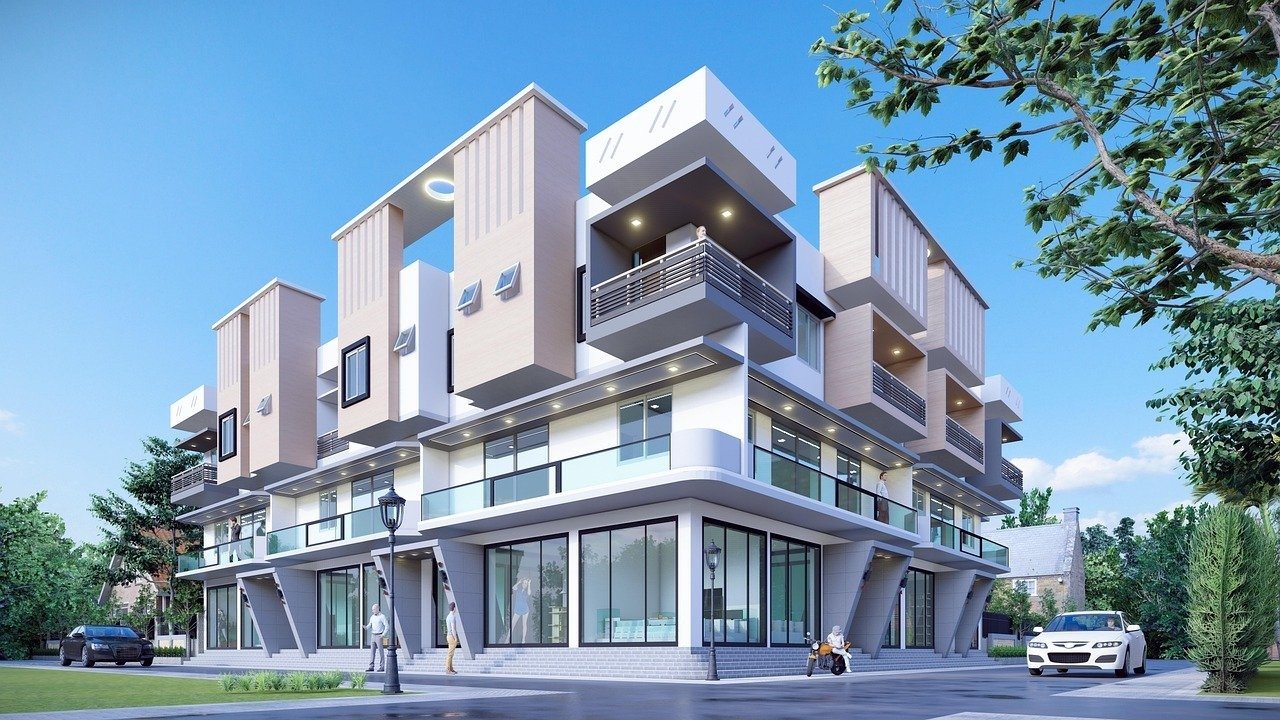
This High Fidelity Photorealistic Image Generation Hunyuan Model Prompt is engineered to leverage the advanced architectural capabilities of the Hunyuan image synthesis framework to produce gallery-grade, hyper-realistic visuals. Designed for creative professionals, digital artists, and commercial photographers, this prompt provides a comprehensive structural framework that forces the model to prioritize texture accuracy, physically correct lighting, and deep cinematic composition. By defining specific technical parameters—ranging from focal lengths and aperture settings to sub-pixel surface details—users can achieve professional-level output that bypasses the common artifacts associated with standard text-to-image generation. Whether you are creating high-end product advertisements, conceptual character art, or architectural visualizations, this prompt serves as a foundation for achieving consistent, high-fidelity results that meet the rigorous standards of modern visual media production. It is an essential resource for those seeking to push the boundaries of current generative AI models in high-stakes commercial environments.
Contents
About Prompt
Prompt Type: Text to Image
Prompt Nature: Text to Image Generation
Niche: Hyper-realistic Commercial Photography
Category: Creative Production
Language: English
Prompt Title: High Fidelity Photorealistic Image Generation Hunyuan Model Prompt
Prompt Platforms: Hunyuan-DiT, Hugging Face, Midjourney, Flux
Target Audience: Digital Artists, Commercial Photographers, Art Directors
Skill Level: Advanced
Visual Style: Ultra-Photorealistic / Cinematic
Optional Notes: Optimize for high-resolution output settings within the Hunyuan interface for best results.
How to Use This Prompt
- Step 1: Copy the full text provided in the Premium Master Prompt section below.
- Step 2: Paste the text into the Hunyuan model interface or your preferred high-fidelity image generator.
- Step 3: Replace the bracketed placeholders like [subject], [environment], and [lighting] with your specific project requirements.
- Step 4: Adjust the aspect ratio parameter to fit your intended medium (e.g., –ar 16:9 for cinematic, 9:16 for social media).
- Step 5: Generate and refine the output by adjusting the seed or guidance scale if further stylistic precision is needed.
Required Input: No external file required. Customize the relevant details directly inside the prompt.
Customize: [subject], [environment], [clothing_style], [lighting_conditions], [color_palette], [camera_lens], [focal_length]
Example Values
[subject]: A weathered desert explorer wearing a tactical linen poncho
[environment]: Vast, sun-drenched Martian-red canyon at dusk with swirling dust motes
[clothing_style]: Distressed leather, layered woven fabrics, technical gear
[lighting_conditions]: Harsh side-lighting creating long, dramatic shadows
[color_palette]: Burnt orange, deep umber, slate grey, and vibrant turquoise accents
[camera_lens]: 85mm prime lens for shallow depth of field
[focal_length]: 85mm aperture f/1.8
Prompt
Prompt Variations
Variation 1 (Cyberpunk Noir): A close-up of a cybernetic [subject] in a rain-slicked neon [environment]. Lighting: moody purple and teal neon reflections. Lens: 35mm wide-angle. Style: gritty, high-contrast, hyper-realistic, wet textures, metallic skin implants, sharp focus on glowing ocular sensors, cyberpunk noir aesthetic, 8K resolution.
Variation 2 (Luxury Editorial): A minimalist fashion shot of a [subject] in a high-end, brutalist concrete [environment]. Lighting: soft, diffuse, top-down studio light. Lens: 50mm. Style: clean lines, high-fashion editorial, muted [color_palette], soft shadows, luxurious textures, silk and wool fabrics, pristine skin, sophisticated, 8K, commercial quality.
Variation 3 (Fantasy Epic): A regal [subject] standing in an ancient, overgrown stone [environment]. Lighting: ethereal golden hour sunlight filtering through canopy leaves. Lens: 85mm telephoto. Style: fantasy cinematic, intricate embroidery, magical atmosphere, glowing particles, soft focus background, grand scale, sharp detail on jewelry, epic narrative, 8K.
Variation 4 (Documentary Realism): A candid, raw portrait of a [subject] in a bustling urban [environment]. Lighting: natural daylight, overcast sky. Lens: 35mm. Style: documentary street photography, authentic skin imperfections, natural expression, candid, high-fidelity, sharp focus, neutral [color_palette], hyper-realistic, 8K, unedited look.
Variation 5 (Sci-Fi Futuristic): A sleek [subject] inside a sterile white laboratory [environment]. Lighting: cool, clinical, bright white LED strips. Lens: 24mm ultra-wide. Style: futuristic minimalist, high-tech material surface, reflective glass, precise geometry, clean, hyper-detailed, sharp focus, 8K, professional rendering.
Negative Prompt
Expert Usage Tips
1. Adjust the focal length to change the sense of scale; use 35mm for wide environmental shots or 85mm for intimate portraits.
2. Pair specific lighting conditions with your color palette for a cohesive, professional cinematic look.
3. If the image appears too “digital,” add keywords like “film grain” or “analog 35mm texture” to soften the render.
4. Use the “rule of thirds” parameter to guide the model toward more dynamic and professionally balanced compositions.
5. Increase the guidance scale in your model settings if the output ignores specific details like clothing texture or eye color.