

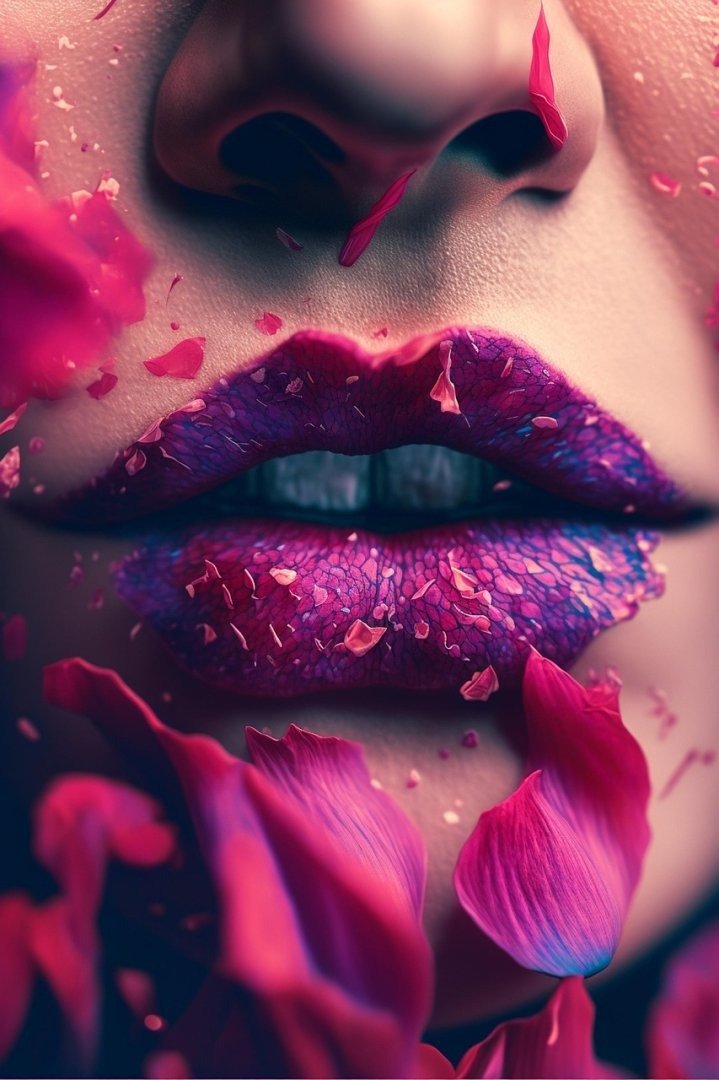
This Cinematic Hyper Realistic Luma Dream Machine Video Generation Prompt provides a professional-grade framework for producing high-fidelity, photorealistic video sequences using advanced generative models. By leveraging precise cinematography parameters, lighting specifications, and atmospheric depth, this prompt enables content creators, filmmakers, and digital artists to achieve studio-quality results. It is specifically optimized for high-end video generation platforms, ensuring consistent character behavior, fluid motion, and professional framing. Whether you are producing social media reels, cinematic commercials, or experimental visual art, this resource serves as a foundational tool for elevating your digital production standards and achieving a distinct, polished aesthetic that meets modern industry expectations for hyper-realism and visual storytelling.
Contents
About Prompt
Prompt Type: Text-to-Video / Image-to-Video
Prompt Nature: Text to Video
Niche: Cinematic Filmmaking
Category: Creative Production
Language: English
Prompt Title: Cinematic Hyper Realistic Luma Dream Machine Video Generation Prompt
Prompt Platforms: Luma Dream Machine, Kling AI, Runway Gen-3 Alpha, OpenAI Sora
Target Audience: Filmmakers, Video Editors, Digital Artists, Content Creators
Skill Level: Advanced
Visual Style: Cinematic Photorealism
Optional Notes: Focus on maintaining consistent lighting cues and camera movement to maximize the model’s temporal stability.
How to Use This Prompt
- Step 1: Copy the full text provided in the Premium Master Prompt section below.
- Step 2: Open your preferred AI video generation tool, such as Luma Dream Machine or Runway.
- Step 3: Paste the text into the prompt input field. If using an image-to-video workflow, upload your reference image first to lock in identity and character consistency.
- Step 4: Customize the bracketed variables (e.g., [subject], [environment], [camera_movement]) to match your specific creative vision.
- Step 5: Adjust your duration settings if the platform allows and initiate the generation process.
Required Input: No external file required. Customize the relevant details directly inside the prompt.
Customize: [subject], [environment], [action], [lighting], [camera_movement], [color_palette]
Example Values
[subject]: A weathered explorer in a high-tech tactical parka
[environment]: A dense, bioluminescent jungle at twilight with floating spores
[action]: Slowly brushing glowing moss off an ancient stone artifact
[lighting]: Cinematic rim lighting with soft cyan and magenta highlights
[camera_movement]: A slow, steady push-in tracking shot
[color_palette]: Deep emerald, neon violet, and muted charcoal tones
Prompt
Cinematic 8K video, hyper-realistic, [subject] standing in [environment]. The scene features [action]. Lighting is [lighting], creating high-contrast shadows and deep, physically accurate reflections on surfaces. The camera movement is a [camera_movement], utilizing a 35mm lens for a shallow depth of field, blurring the background into a soft, textured bokeh. Color grading follows a [color_palette] palette, emphasizing cinematic mood and atmosphere. High-fidelity textures on skin, fabric, and environment materials. Include subtle floating dust particles and volumetric fog to enhance the sense of depth and scale. Motion must be fluid, realistic, and physically grounded. Rendered with extreme attention to detail, maintaining temporal consistency, realistic physics, and professional-grade cinematography. Sharp focus on the subject’s features, natural eye movement, and subtle micro-expressions. Every frame is a masterpiece of digital composition, avoiding any artifacts or distortion. 24 frames per second, high dynamic range, industrial-grade production quality.
Prompt Variations
Variation 1: Cinematic Sci-Fi. A lone pilot in a futuristic cockpit, [action], [environment] of deep space nebula, [lighting] neon blue and orange, [camera_movement] rapid handheld shake, [color_palette] high-contrast tech-noir.
Variation 2: Luxury Commercial. A premium [subject] holding a [product], [environment] high-end minimalist penthouse, [lighting] soft morning sunlight, [camera_movement] smooth cinematic gimbal pan, [color_palette] warm neutrals and gold.
Variation 3: Dark Fantasy. A hooded mystic in a gothic cathedral, [action], [environment] swirling incense smoke and stone architecture, [lighting] flickering candlelight, [camera_movement] slow zoom, [color_palette] desaturated sepia and blood red.
Variation 4: Nature Documentary. A majestic [subject] moving through a [environment] of lush forest, [action], [lighting] dappled natural light, [camera_movement] wide tracking shot, [color_palette] vibrant forest greens and earthen tones.
Variation 5: Cyberpunk Street. A character in a rain-slicked alleyway, [action], [environment] neon signs and wet pavement reflections, [lighting] harsh magenta and cyan strobe, [camera_movement] FPV drone dive, [color_palette] dark saturated neon.
Negative Prompt
low quality, low resolution, compression artifacts, blur, noise, poor anatomy, duplicate subjects, cropped, bad proportions, watermarks, logos, text overlays, incorrect lighting, oversaturated colors, underexposed, overexposed, motion artifacts, render errors, AI hallucinations, extra limbs, extra fingers, incorrect perspective, identity drift, camera jitter, frame flicker, temporal inconsistency, lip sync mismatch, motion warping, scene discontinuity, character inconsistency, object morphing, background instability, audio clipping, music distortion, cartoonish, low-poly, flat textures, glowing artifacts.
Expert Usage Tips
1. Keep your [action] descriptions simple and distinct to help the AI maintain temporal consistency. Complex movements often lead to morphing.
2. Use specific lens types like 35mm or 85mm in your prompt to force the model to render a more cinematic, shallow depth-of-field look.
3. If generating for Luma or Runway, always use an initial reference image to lock in character identity and wardrobe before running the prompt.
4. Adjust your [color_palette] to include specific film-stock references, such as “Kodak Portra 400” or “Fujifilm Eterna,” for authentic color science.
5. Experiment with “volumetric lighting” or “god rays” to add significant production value to your environment renders.