

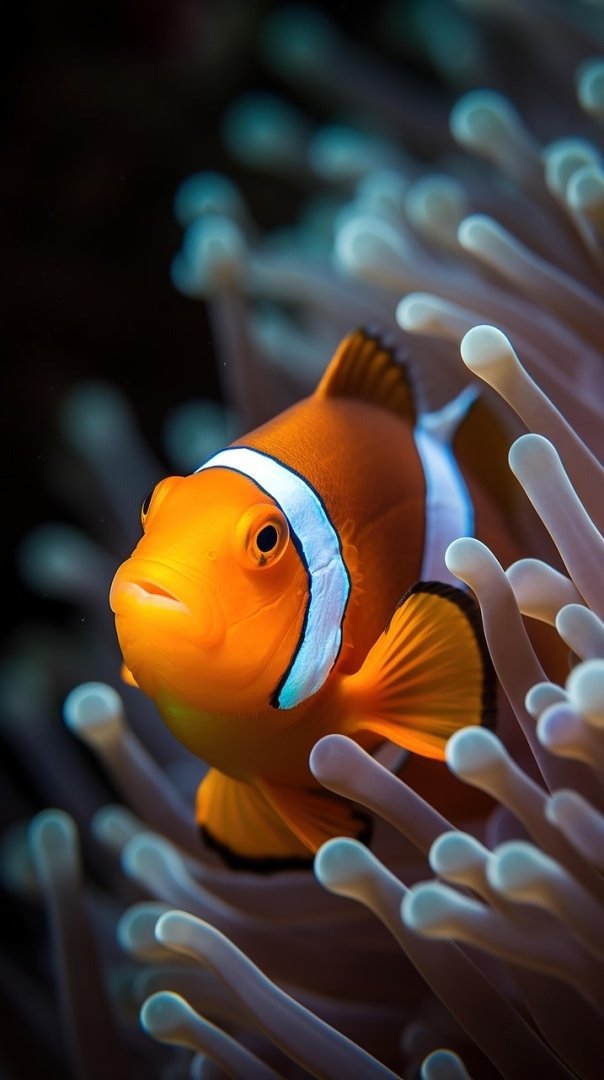
The Cinematic Motion Transformation Image to Video Generation Prompt is a sophisticated tool designed to convert static visual assets into high-fidelity, fluid cinematic sequences. By leveraging advanced generative AI models, this prompt allows creative professionals, filmmakers, and digital marketers to produce high-end motion content that maintains strict character, product, and environmental consistency. This prompt is particularly effective for those working on social media reels, high-conversion product advertisements, or cinematic portfolio pieces, ensuring that the transition from a single frame to a full motion sequence is smooth, professional, and visually cohesive. Users who benefit most from this prompt include video editors, content creators, and brand strategists who require efficient, scalable workflows to produce trending, viral-ready video content without the overhead of traditional animation or complex CGI production pipelines.
Contents
About Prompt
Prompt Type: Image-to-Video Generation
Prompt Nature: Image to Video — AI-driven motion synthesis
Niche: Cinematic Content Creation
Category: AI Media Production
Language: English
Prompt Title: Cinematic Motion Transformation Image to Video Generation Prompt
Prompt Platforms: Kling AI, Runway Gen-3, Luma Dream Machine, Haiper AI
Target Audience: Filmmakers, Video Editors, Digital Marketers
Skill Level: Advanced
Visual Style: Cinematic, Photorealistic, High-Dynamic Range
Optional Notes: Ensure the reference image has high contrast and clear focal points to maximize motion synthesis accuracy.
How to Use This Prompt
- Step 1: Upload your high-resolution reference image to your chosen AI video platform.
- Step 2: Copy the master prompt below and paste it into the motion instruction or prompt field.
- Step 3: Adjust the [motion_intensity] and [camera_movement] variables to suit your specific project requirements.
- Step 4: Set your desired [aspect_ratio] and [duration] within the platform settings to align with your output goals.
- Step 5: Generate the video, using the provided negative prompt to ensure visual fidelity and temporal consistency.
Required Input: One high-resolution static image (portrait, landscape, or product shot) that serves as the visual anchor for the video generation.
Customize: [subject_action], [camera_movement], [motion_intensity], [environment_atmosphere], [lighting_effect], [aspect_ratio], [duration]
Example Values
[subject_action]: The character slowly turns their head toward the camera with a subtle, confident smile.
[camera_movement]: A slow, cinematic dolly-in zoom focusing on the subject’s eyes.
[motion_intensity]: Moderate, naturalistic motion.
[environment_atmosphere]: Soft, swirling dust motes dancing in golden afternoon light.
[lighting_effect]: Dynamic rim lighting highlighting the subject’s silhouette.
[aspect_ratio]: 9:16
[duration]: 5 seconds
Prompt
Cinematic motion sequence, maintain identity and visual integrity of the uploaded reference image, [subject_action], [camera_movement], [motion_intensity] motion, [environment_atmosphere], [lighting_effect], ultra-realistic skin textures, physically accurate light refraction, 8K resolution, high-frame-rate fluidity, depth of field with soft bokeh background, motion blur on peripheral elements, consistent color grading, cinematic film grain, sharp focus on primary subject, no identity drift, temporal stability, smooth transition from static frame to active motion, professional cinematography, 35mm lens aesthetic, high dynamic range, detailed textures, [aspect_ratio], [duration].
Prompt Variations
Variation 1: Cyberpunk Aesthetic. Focus on neon lighting reflections, rapid, energetic [motion_intensity], handheld camera shake for realism, rainy urban environment, [aspect_ratio] 16:9, [duration] 4 seconds. Maintain character identity while adding glowing cybernetic highlights.
Variation 2: Luxury Product Showcase. Slow, sweeping [camera_movement] around a product, soft studio lighting, elegant [motion_intensity], clean minimalist background, high-end commercial aesthetic, [aspect_ratio] 4:5, [duration] 6 seconds. Emphasize metallic reflections and texture details.
Variation 3: Epic Fantasy Narrative. Sweeping drone [camera_movement], slow-motion [motion_intensity], dramatic fog and wind effects, warm sunset lighting, cinematic scale, [aspect_ratio] 21:9, [duration] 8 seconds. Focus on flowing fabric and environment interaction.
Variation 4: Documentary Interview Style. Subtle [camera_movement] zoom, natural [motion_intensity], soft natural window lighting, authentic skin pores and subtle facial expressions, [aspect_ratio] 9:16, [duration] 5 seconds. Prioritize emotional connection and realism.
Variation 5: Abstract Artistic Flow. Fluid, liquid-like [motion_intensity], ethereal [environment_atmosphere], shifting light gradients, experimental [camera_movement], high-contrast color palette, [aspect_ratio] 1:1, [duration] 3 seconds. Focus on shape morphing and artistic texture manipulation.
Negative Prompt
low quality, low resolution, compression artifacts, blur, noise, poor anatomy, duplicate subjects, cropped, bad proportions, watermarks, logos, text overlays, incorrect lighting, oversaturated colors, underexposed, overexposed, motion artifacts, render errors, AI hallucinations, extra limbs, extra fingers, incorrect perspective, identity drift, camera jitter, frame flicker, temporal inconsistency, lip sync mismatch, motion warping, scene discontinuity, character inconsistency, object morphing, background instability, audio clipping, music distortion.
Expert Usage Tips
Tip 1: Use a high-contrast source image to help the AI better distinguish between the subject and the background for cleaner motion masking.
Tip 2: If the AI struggles with identity, use a lower [motion_intensity] setting to prevent the model from hallucinating new facial features.
Tip 3: For professional results, perform a final color grade in external software like DaVinci Resolve to match the video to your source image.
Tip 4: Use the 9:16 aspect ratio for social media platforms like TikTok or Instagram to ensure the framing is optimized for mobile viewing.
Tip 5: If the video appears jittery, try reducing the motion duration or increasing the frame rate if your AI platform provides that specific control.