

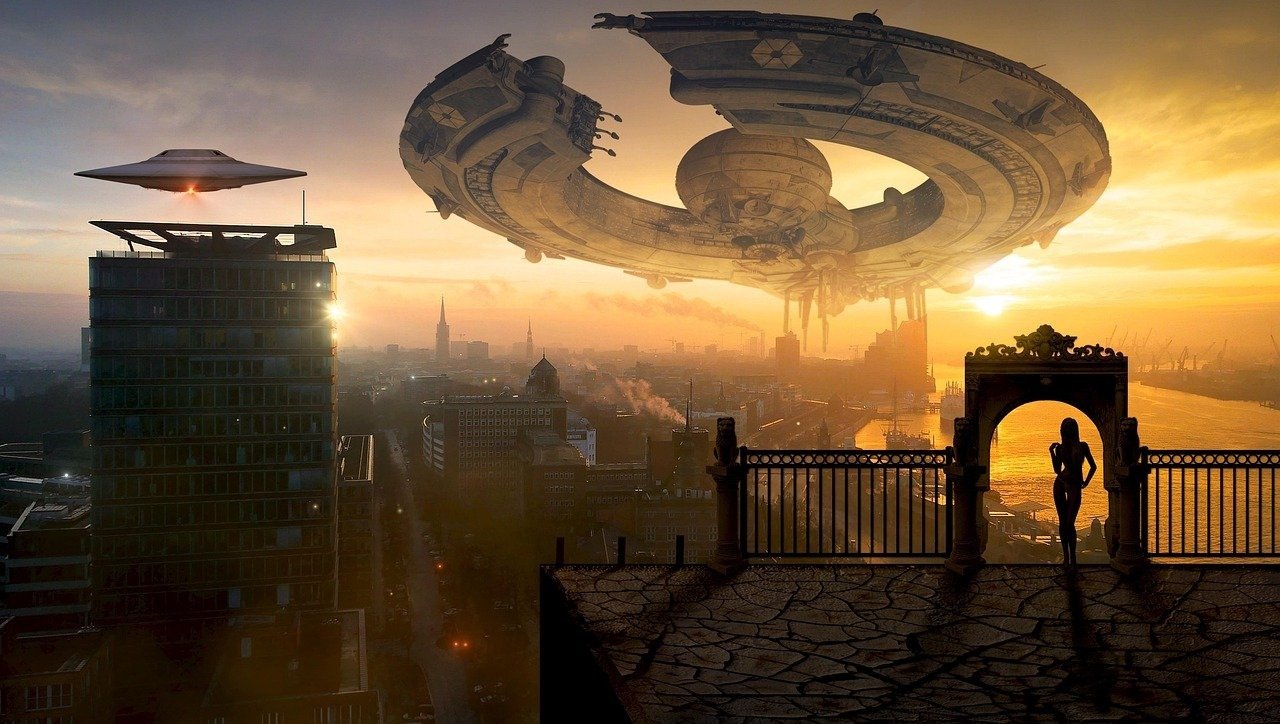
This premium cinematic storytelling narrative video prompt is engineered to empower filmmakers, content creators, and marketing professionals to produce high-impact, viral-ready short films. By leveraging advanced structural parameters and nuanced visual directives, this prompt enables users to craft emotionally resonant, visually stunning narratives that perform exceptionally well on social media platforms. Whether you are developing a brand story, a dramatic short, or a conceptual art film, this tool provides the necessary consistency and cinematic depth to ensure professional-grade production values. Creators utilizing this prompt can expect to generate high-fidelity, atmospheric scenes that maintain character identity and narrative flow, making it an essential resource for those looking to elevate their video production quality using leading generative AI models.
Contents
About Prompt
Prompt Type: Text-to-Video / Storytelling Narrative
Prompt Nature: Text-to-Video production template designed for high-end cinematic output.
Niche: Cinematic Filmmaking, Social Media Content, Brand Storytelling.
Category: AI Video Generation.
Language: English
Prompt Title: Cinematic Storytelling Viral Short Film Narrative Video Prompt
Prompt Platforms: Runway Gen-3 Alpha, Luma Dream Machine, Kling AI, Sora, Stability AI.
Target Audience: Filmmakers, Content Creators, Digital Marketers, Visual Artists.
Skill Level: Advanced
Visual Style: Cinematic, Hyper-Realistic, Moody, High-Contrast Lighting.
Optional Notes: For optimal results, ensure your chosen AI model supports temporal consistency features or seed locking to maintain character identity across multiple scenes.
How to Use This Prompt
- Step 1: Select a high-performance AI video generation platform such as Runway, Luma, or Kling.
- Step 2: Copy the provided Master Prompt into the text-input field of your chosen tool.
- Step 3: Replace the bracketed placeholders like [subject], [environment], and [theme] with your specific story elements.
- Step 4: Adjust the [duration] and [aspect_ratio] parameters to match your intended social media platform requirements (e.g., 9:16 for Reels/TikTok).
- Step 5: Generate the scenes sequentially, ensuring that character descriptors remain identical to preserve visual continuity.
Required Input: No external file required. Customize the relevant details directly inside the prompt.
Customize: [subject], [environment], [action], [theme], [lighting], [camera_movement], [color_palette], [aspect_ratio], [duration].
Example Values
[subject]: A weary cyberpunk courier with neon-etched cybernetic implants
[environment]: Rain-slicked alleyway in a dystopian Tokyo cityscape
[action]: Carefully handing over a glowing data canister to a mysterious contact
[theme]: High-stakes suspense and atmospheric noir
[lighting]: Low-key dramatic lighting, flickering neon blue and magenta highlights
[camera_movement]: Slow, steady tracking shot with a shallow depth of field
[color_palette]: Deep shadows, midnight blues, and vibrant neon accents
[aspect_ratio]: 9:16
[duration]: 10 seconds
Prompt
Prompt Variations
Variation 1 (Horror/Suspense): Focus on [subject] in a dark, abandoned [environment]. Use flickering, high-contrast [lighting] to create tension. Emphasize [camera_movement] that feels handheld and anxious. Palette: monochrome with splashes of deep red. Maintain a sense of dread and mystery.
Variation 2 (Luxury Commercial): [subject] in a high-end, minimalist [environment]. Utilize soft, golden-hour [lighting]. Camera: smooth, sweeping cinematic pans. Focus on textures of clothing and surroundings. Style: polished, aspirational, and clean. Palette: warm neutrals and soft gold.
Variation 3 (Sci-Fi Action): [subject] performing an intense [action] within a futuristic [environment]. Use high-energy, dynamic [camera_movement] like fast tracking or pans. Lighting: harsh, strobe-like, and intense. Palette: cool metallic blues and electric sparks.
Variation 4 (Documentary/Raw): [subject] in a natural, candid [environment]. Use [lighting] that mimics natural daylight. Camera: static, tripod-based, observant. Style: hyper-realistic, unpolished, and authentic. Palette: desaturated, earthy tones.
Variation 5 (Fantasy/Ethereal): [subject] exploring a mystical [environment]. Lighting: soft, glowing, and magical. Camera: sweeping aerial drone shot. Focus on volumetric light rays and floating particles. Palette: pastel purples, iridescent highlights, and soft greens.
Negative Prompt
Expert Usage Tips
1. Use consistent seeds across different scene generations to ensure [subject] remains visually identical throughout the narrative.
2. Adjust the [camera_movement] to match the emotional intensity of the scene; slow movements for drama and fast for action.
3. If using platforms like Runway, leverage the “Motion Brush” feature to guide specific movements within the frame.
4. Keep your [lighting] descriptors consistent across scenes to maintain a professional, cohesive color grade for the final edit.
5. Experiment with varying the [aspect_ratio] to see how framing changes the impact of your [theme] on different social media feeds.