

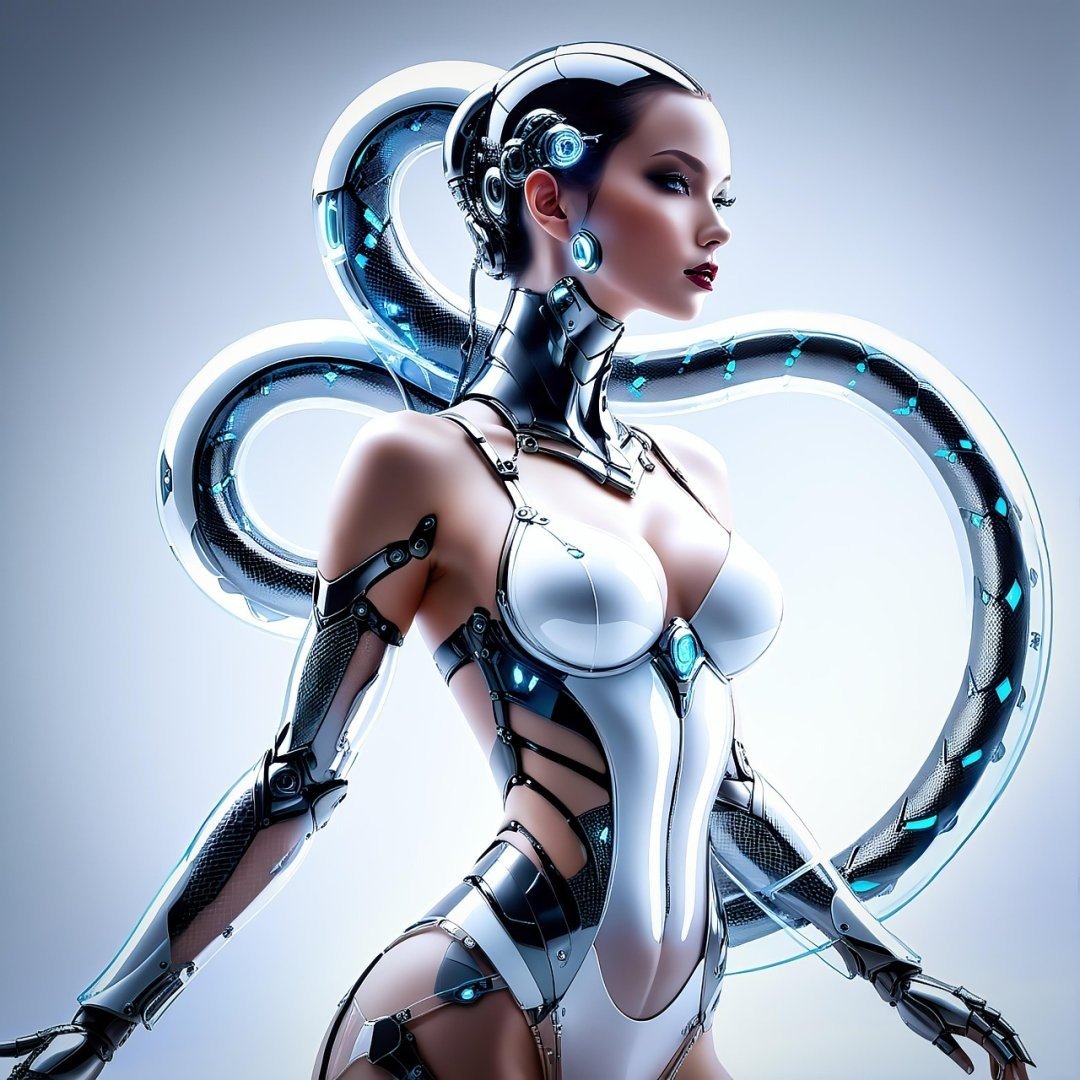
This Cinematic Hyper Realistic AI Video Generation Prompt provides a professional-grade framework for producing high-fidelity, studio-quality motion content. Designed for filmmakers, creative directors, and digital artists, this prompt utilizes advanced descriptive techniques to achieve cinematic lighting, precise camera movement, and superior visual textures. By leveraging sophisticated structural cues for composition, color grading, and temporal consistency, it ensures that your AI-generated videos stand out in competitive digital landscapes. Whether you are creating high-end marketing assets, narrative short films, or viral social media content, this tool streamlines the generation of polished, hyper-realistic visuals. It is highly effective for users working with advanced video models like Kling, Runway Gen-3, or Luma Dream Machine, offering a reliable way to maintain creative control over complex visual scenes while ensuring a sophisticated, industry-standard aesthetic across every frame.
Contents
About Prompt
Prompt Type: Cinematic AI Video Generation
Prompt Nature: Text to Video / Image to Video
Niche: High-End Cinematic Production
Category: Creative Content Creation
Language: English
Prompt Title: Cinematic Hyper Realistic AI Video Generation Prompt
Prompt Platforms: Runway Gen-3, Kling AI, Luma Dream Machine, Sora, Stability AI
Target Audience: Professional Video Editors, Motion Designers, Creative Directors
Skill Level: Advanced
Visual Style: Cinematic Photorealism
Optional Notes: For optimal results, utilize a high-quality reference image to lock in character identity and material textures before running the motion prompt.
How to Use This Prompt
- Step 1: Select your preferred AI video generator (e.g., Runway, Kling, or Luma).
- Step 2: If using an Image-to-Video workflow, upload your high-resolution reference image first to ensure character and environment consistency.
- Step 3: Paste the Premium Master Prompt into the motion or scene description field.
- Step 4: Replace the bracketed placeholders like [subject], [action], and [environment] with your specific project details.
- Step 5: Adjust the aspect ratio and motion intensity settings in your chosen platform to match the desired cinematic output.
Required Input: A clear, high-resolution reference image is recommended for character and setting consistency.
Customize: [subject], [clothing], [environment], [lighting_style], [camera_movement], [action_sequence], [color_grading], [mood].
Example Values
[subject]: A weathered deep-sea explorer in a vintage brass diving suit
[clothing]: Intricate leather straps, oxidized metal plating, and glowing utility lights
[environment]: A bioluminescent underwater cavern filled with floating particles and ancient ruins
[lighting_style]: Moody cyan and amber volumetric lighting
[camera_movement]: Slow, creeping cinematic dolly-in with slight handheld shake
[action_sequence]: Reaching out to touch a glowing artifact, causing the water to ripple
[color_grading]: Desaturated shadows with high-contrast teal highlights
[mood]: Mysterious, awe-inspiring, and melancholic
Prompt
Prompt Variations
Variation 1 (Cyberpunk Noir): Cinematic 8K video, [subject] in neon-soaked [clothing], navigating a rain-slicked [environment]. Lighting: Harsh neon pink and electric blue signage reflection. Camera: Fast-paced FPV tracking shot. Action: Moving quickly through a crowded street, avoiding obstacles. Color: High-contrast noir, deep blacks. Style: Gritty, futuristic, hyper-realistic, 4K HDR, sharp reflections.
Variation 2 (Nature Documentary): Cinematic 8K video, [subject] interacting with a serene [environment]. Lighting: Golden hour natural sunlight, soft diffusion. Camera: Slow, sweeping drone shot. Action: [action_sequence] with delicate, fluid movement. Color: Warm, earthy tones, vibrant natural saturation. Style: Ultra-detailed, macro textures, 120fps, serene and peaceful atmosphere, photorealistic wildlife aesthetic.
Variation 3 (Historical Drama): Cinematic 8K video, [subject] in period-accurate [clothing] within a [environment]. Lighting: Candlelight and firelight, flickering shadows. Camera: Static, slightly handheld for intimacy. Action: [action_sequence] with subtle, dramatic facial expressions. Color: Desaturated, vintage sepia undertones. Style: 35mm film stock, organic grain, depth of field, focused on emotional resonance.
Variation 4 (Luxury Commercial): Cinematic 8K video, [subject] showcasing a [product] in a minimalist [environment]. Lighting: Studio soft-box lighting, crisp highlights. Camera: Smooth, slow-motion orbit. Action: [action_sequence] performed with elegance and precision. Color: Clean, high-key, balanced neutral palette. Style: Commercial gloss, ultra-sharp, high-end production, clean background, premium aesthetic.
Variation 5 (Sci-Fi Epic): Cinematic 8K video, [subject] inside a futuristic [environment]. Lighting: Cool, clinical white LED and holographic interface light. Camera: Aggressive dolly zoom. Action: [action_sequence] involving complex machinery. Color: Monochrome with vibrant UI accents. Style: Unreal Engine 5 render quality, hyper-realistic textures, metallic reflections, depth of field, expansive scale.
Negative Prompt
Expert Usage Tips
1. Use a reference image to lock in character features; this prevents the AI from drifting during complex movements.
2. Adjust your motion intensity settings to “Low” for subtle, emotional scenes, or “High” for dynamic action sequences.
3. Always specify the lens type (e.g., 85mm for portraits) to control the depth of field and background bokeh.
4. If the lighting feels off, add specific keywords like “rim lighting” or “soft key light” to the lighting section of the prompt.
5. Experiment with frame rates by adding “60fps” or “120fps” to the prompt to influence the motion smoothness of the output.