

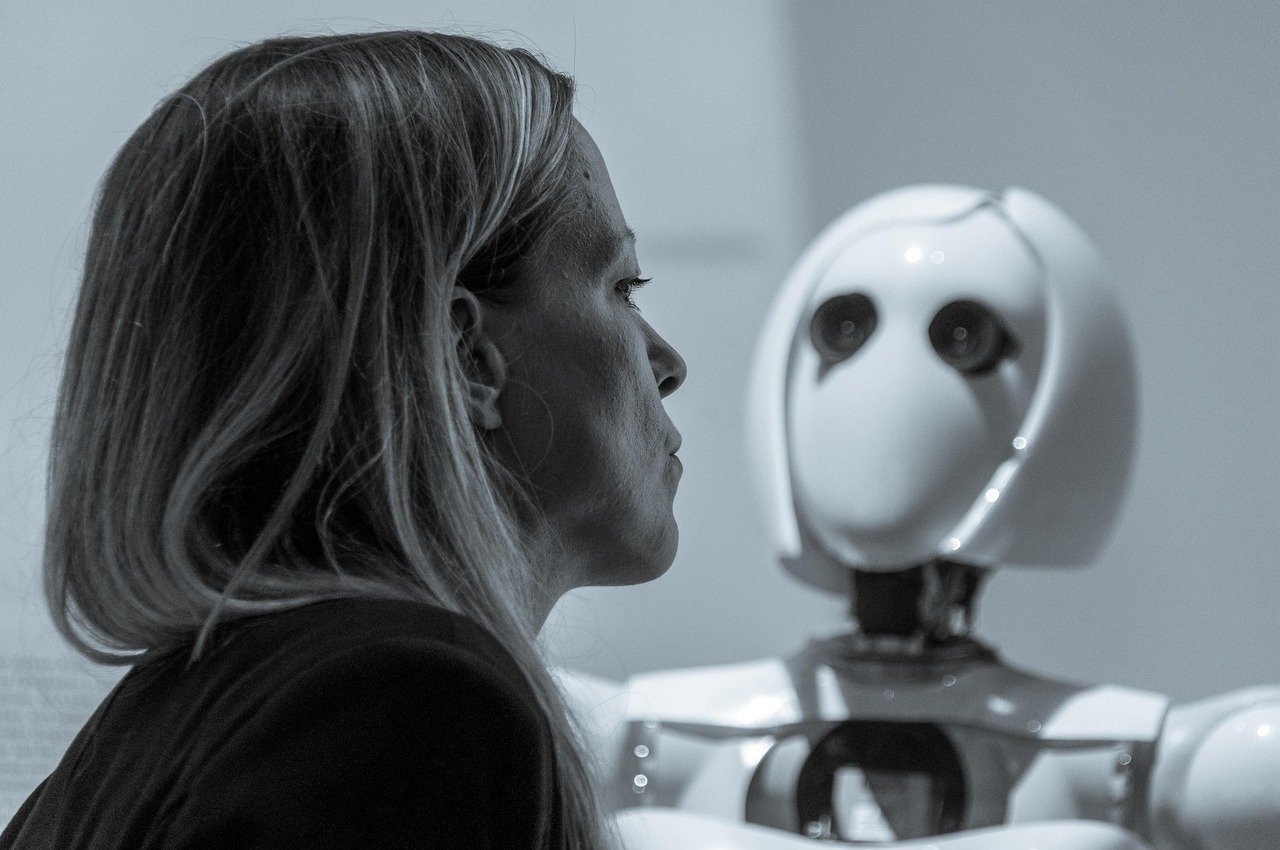
This premium photorealistic cinematic Midjourney image generation prompt is engineered to produce high-end, gallery-quality visuals suitable for professional commercial applications, editorial photography, and high-impact digital art. By leveraging specific technical descriptors related to lens physics, lighting temperature, and material texture, this prompt allows photographers, designers, and creative directors to bypass generic AI results. It provides a structured framework that guides the latent space toward hyper-realistic outcomes, making it ideal for high-stakes projects like luxury advertisements, cinematic concept art, and brand storytelling. Whether you are a professional visual artist or a creative hobbyist, this tool ensures consistent, high-fidelity results that emulate the aesthetic of high-budget film production and high-end photographic equipment, providing an essential resource for those demanding visual excellence from generative AI models.
Contents
About Prompt
Prompt Type: Text-to-Image
Prompt Nature: AI Image Generation
Niche: Cinematic Photography and Visual Arts
Category: High-End Commercial Photography
Language: English
Prompt Title: Photorealistic Cinematic Midjourney Image Generation Prompt
Prompt Platforms: Midjourney, Flux, Stable Diffusion, DALL-E 3
Target Audience: Photographers, Creative Directors, Digital Artists
Skill Level: Advanced
Visual Style: Hyper-Realistic, Cinematic, 8K Ultra-Detailed
Optional Notes: Focus on lens attributes and physical lighting properties to achieve the highest level of realism in Midjourney.
How to Use This Prompt
- Step 1: Copy the full text provided in the Master Prompt section below.
- Step 2: Open your preferred AI image generator (e.g., Midjourney) and paste the prompt into the generation bar.
- Step 3: Replace the bracketed placeholders like [subject], [environment], and [lighting] with your specific creative requirements.
- Step 4: Adjust the aspect ratio parameter at the end of the prompt to fit your project (e.g., –ar 16:9 for cinema or –ar 4:5 for portrait).
- Step 5: Execute the generation and use the variation buttons to fine-tune the output.
Required Input: No external file required. Customize the relevant details directly inside the prompt.
Customize: [subject], [environment], [clothing], [lighting], [color_palette], [camera_lens], [aspect_ratio].
Example Values
[subject]: A weathered deep-sea explorer holding a rusted brass compass
[environment]: Interior of a dimly lit, Victorian-era submarine cabin with brass pipes and steam
[clothing]: Heavy wool naval sweater with salt-crusted textures
[lighting]: Single warm tungsten spotlight filtering through a porthole with volumetric dust motes
[color_palette]: Deep navy, oxidized copper, and warm amber highlights
[camera_lens]: 35mm prime lens, f/1.8 aperture for shallow depth of field
[aspect_ratio]: –ar 21:9
Prompt
Prompt Variations
Variation 1: Focus on high-fashion editorial. Subject: A high-fashion model wearing avant-garde silk attire, Environment: Minimalist brutalist concrete studio, Lighting: Harsh direct strobe light, Style: Editorial Vogue look, Lens: 85mm portrait lens, –ar 4:5.
Variation 2: Focus on gritty sci-fi. Subject: Cybernetic mechanic, Environment: Neon-lit rainy cyberpunk alleyway, Lighting: Blue and magenta neon glow, Style: Dystopian film noir, Lens: 24mm wide angle, –ar 16:9.
Variation 3: Focus on fantasy epic. Subject: Ancient forest guardian, Environment: Bioluminescent moss-covered ruins, Lighting: Soft ethereal moonlight, Style: Ethereal high-fantasy, Lens: 50mm, –ar 16:9.
Variation 4: Focus on vintage documentary. Subject: 1950s street merchant, Environment: Bustling post-war cobblestone street, Lighting: Soft overcast natural light, Style: Kodachrome vintage aesthetic, Lens: 35mm, –ar 3:2.
Variation 5: Focus on macro product. Subject: Luxury timepiece, Environment: Abstract reflective glass surfaces, Lighting: Soft-box product photography, Style: Minimalist commercial luxury, Lens: 100mm macro, –ar 1:1.
Negative Prompt
Expert Usage Tips
Use lower aperture values (f/1.4 – f/2.8) in the lens setting to create a professional bokeh effect.
Incorporate specific time-of-day keywords like “Golden Hour” or “Blue Hour” to force the model to render more natural light behavior.
Add “shot on 35mm film stock” to the prompt to introduce authentic film grain and organic color shifting.
If the subject looks too smooth, add “detailed skin texture with fine pores and subtle imperfections” to increase realism.
Always adjust the –ar parameter to match the intended final platform, such as 9:16 for TikTok/Reels or 16:9 for YouTube/Cinema.