

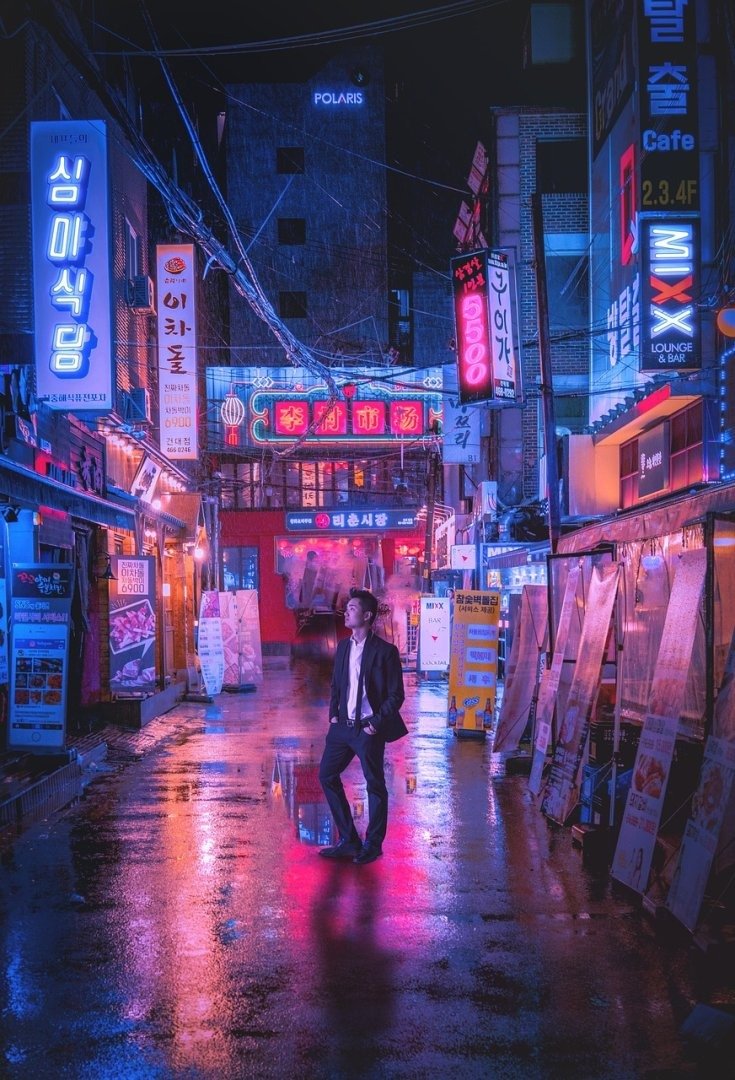
The Grand Navratri Durga Puja Street Celebration Video Prompt provides a high-fidelity blueprint for generating immersive, culturally rich cinematic sequences depicting the vibrant energy of Durga Puja festivities. This prompt is engineered for content creators, filmmakers, and digital artists aiming to capture the intricate details of traditional street processions, glowing idol aesthetics, and the ecstatic atmosphere of this auspicious festival. By leveraging advanced AI video generation technology, users can produce professional-grade visuals suitable for social media reels, cultural documentaries, or high-end marketing campaigns. The prompt emphasizes technical cinematography, realistic lighting physics, and authentic cultural textures, ensuring that the final output resonates with visual depth and emotional impact. Whether you are a professional videographer looking to enhance your creative workflow or a digital storyteller aiming to capture the essence of Indian tradition, this resource offers a structured, high-performance approach to generating trending and visually stunning video content.
Contents
About Prompt
Prompt Type: Text-to-Video / Image-to-Video
Prompt Nature: Cinematic Video Generation
Niche: Cultural Festivals / Cinematic Storytelling
Category: Creative Production
Language: English
Prompt Title: Grand Navratri Durga Puja Street Celebration Video Prompt
Prompt Platforms: Runway Gen-3 Alpha, Kling AI, Luma Dream Machine, Sora, Pika Labs
Target Audience: Filmmakers, Social Media Content Creators, Digital Artists
Skill Level: Advanced
Visual Style: Cinematic Realism, High-Contrast, Vibrant Cultural Aesthetic
Optional Notes: For best results, use a 16:9 aspect ratio for cinematic projects or 9:16 for high-engagement social media reels.
How to Use This Prompt
- Step 1: Select a high-performance AI video platform such as Runway Gen-3 Alpha or Kling AI.
- Step 2: Copy the Premium Master Prompt below and paste it into the generation input field.
- Step 3: If using an Image-to-Video model, upload a high-quality reference photo of a Durga Puja idol or a crowded street scene to maintain visual consistency.
- Step 4: Adjust the [camera_movement] and [lighting] placeholders to match your specific narrative needs.
- Step 5: Generate the video and use the output as a foundational sequence for your final edit.
Required Input: No external file required, though uploading a reference image of a Durga Puja Pandal is recommended for higher identity precision.
Customize: [camera_movement], [lighting], [crowd_density], [color_palette], [time_of_day].
Example Values
[camera_movement]: Slow cinematic tracking shot moving through the crowd
[lighting]: Warm golden hour sunlight filtering through colorful pandal decorations
[crowd_density]: Dense, energetic crowd of devotees in traditional attire
[color_palette]: Vibrant crimson, marigold yellow, and deep royal blue
[time_of_day]: Late evening with glowing fairy lights and oil lamp reflections
Prompt
Prompt Variations
Variation 1: Nighttime Neon Pandal. Shift focus to a night scene with electric neon lighting and modern LED decorations. Emphasize a fast-paced, handheld FPV drone style camera movement to capture the frantic energy of the night festivities.
Variation 2: Intimate Ritual Focus. Change the scope to a close-up, macro-lens shot of a priest performing the Aarti ritual with a brass lamp. Focus on the flickering flame reflections in the eyes of the devotees, using a slow-motion, graceful cinematic style.
Variation 3: Historical Vintage Documentary. Apply a 16mm film grain aesthetic with a desaturated, earthy color palette. Use a static, wide-angle composition to evoke a nostalgic, timeless feel of traditional rural Durga Puja celebrations.
Variation 4: Aerial Drone Spectacle. Utilize a high-altitude drone shot to capture the scale of a massive street procession winding through the city. Focus on the contrast between the vibrant red of the clothing and the grey urban architecture, rendered in crisp 8K.
Variation 5: Stylized Fantasy Realism. Incorporate ethereal, shimmering particle effects around the idol. Use a dreamy, soft-focus lighting style with a pastel color palette to give the celebration a divine, mythological, and otherworldly quality.
Negative Prompt
Expert Usage Tips
Tip 1: Use “seed” consistency settings if your AI tool supports it to maintain the same Durga idol design across multiple shots.
Tip 2: If the crowd appears too static, explicitly add “dynamic motion” or “chaotic movement” to the prompt to increase the energy.
Tip 3: For social media, always render in 9:16 aspect ratio to ensure the vertical composition captures the height of the idol and pandal.
Tip 4: Layer your generated clips with authentic “Dhak” drumming audio in post-production to create a truly immersive cultural experience.
Tip 5: If the AI is struggling with complex crowds, generate the idol and the crowd in separate passes and composite them in your video editor.