

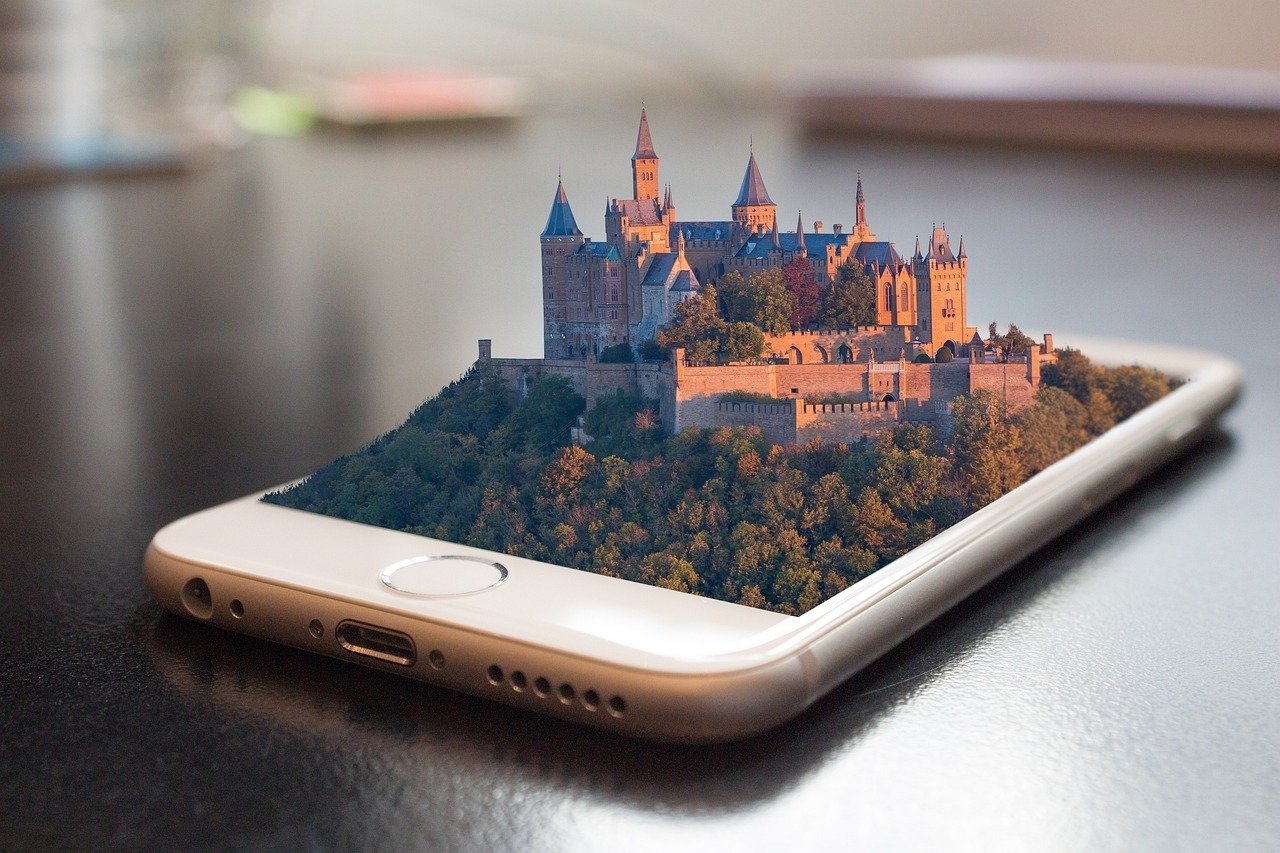
The Scroll Stopping Cinematic Reality Bending Viral Hook Prompt provides high-end creators and digital marketers with a sophisticated framework for generating hyper-realistic, mind-bending visual sequences that command attention in crowded social media feeds. This professional tool is engineered to produce seamless, high-fidelity AI videos that leverage complex camera movements, surreal lighting transitions, and consistent character physics to ensure maximum viewer retention. Whether you are producing avant-garde short-form content, surrealist product advertisements, or immersive storytelling projects, this resource delivers the precise technical parameters required for industry-standard quality. By utilizing advanced cinematic descriptors and specific lighting cues, users can achieve a polished, high-budget aesthetic that stands out on platforms like Instagram, TikTok, and YouTube. Ideal for creative directors, social media managers, and digital artists, this prompt streamlines the production of viral-ready assets by bridging the gap between imaginative conceptualization and technical execution in modern generative media pipelines.
Contents
About Prompt
Prompt Type: Text-to-Video / Cinematic Production
Prompt Nature: Text-to-Video Generation with advanced motion and lighting control
Niche: High-End Social Media Marketing, Surrealist Content Creation, Cinematic Advertising
Category: AI Video Generation
Language: English
Prompt Title: Scroll Stopping Cinematic Reality Bending Viral Hook Prompt
Prompt Platforms: Runway Gen-3 Alpha, Kling AI, Luma Dream Machine, Sora, Pika Labs
Target Audience: Content Creators, Creative Directors, Social Media Strategists, Digital Artists
Skill Level: Advanced
Visual Style: Cinematic Surrealism, Hyper-Realistic, High-Contrast Editorial
Optional Notes: Focus on frame-by-frame narrative continuity; for best results, use a 9:16 aspect ratio to maximize mobile screen real estate.
How to Use This Prompt
- Step 1: Select a high-performance AI video model such as Runway Gen-3, Kling, or Luma Dream Machine.
- Step 2: Copy the entire prompt block below and paste it into the primary text-to-video prompt input field.
- Step 3: Adjust the aspect ratio settings in your chosen platform to 9:16 for vertical mobile optimization.
- Step 4: If the platform supports motion intensity or camera control sliders, set motion to a moderate level (3-5) to maintain structural integrity during reality-bending transitions.
- Step 5: Generate the sequence and utilize your platform’s “extend” or “loop” features to refine the transition points between scenes.
Required Input: No external file required. Customize the relevant details directly inside the prompt.
Customize: Subject identity, specific environment, color grading style, and the core “reality-bending” event (e.g., gravity shift, liquid transformation, or dimensional fold).
Prompt
Scene 1: The Establishing Surrealism. Duration: 5 seconds. Cinematic wide shot, 35mm lens, f/2.8. A high-fashion model standing in the center of a brutalist concrete atrium. The floor is made of liquid obsidian that ripples with every step. The model is wearing a sharp, reflective chrome-fabric coat. Lighting is dramatic, high-contrast chiaroscuro, with cool blue moonlight filtering through high skylights. The model looks directly into the lens with an intense, unblinking gaze. Camera slowly tracks backward, maintaining a steady, smooth gimbal motion. Background activity: dust particles suspended in light beams. Sound: deep, resonant bass hum, ambient echoes of a vast space.
Scene 2: The Reality Bend. Duration: 4 seconds. Close-up on the model’s face, 85mm macro lens. Suddenly, the gravity within the atrium inverts. The liquid obsidian floor begins to rise in slow-motion droplets, defying physics. The model’s hair floats upward as if underwater. Facial expression remains stoic and calm. Lighting shifts from cool blue to a vibrant, electric violet neon glow emanating from the rising liquid. High-speed photography style, 120fps, sharp focus on eyes. Transitions to next scene: the rising liquid droplets merge into a seamless portal. Sound: rising synth swell, crisp liquid splashing sounds in reverse.
Scene 3: The Dimensional Shift. Duration: 4 seconds. Medium shot, wide-angle 24mm lens. The portal opens, revealing an infinite, lush botanical garden inside the brutalist atrium. The model walks forward, stepping from the concrete floor onto a field of bioluminescent flora. The transition is seamless, with no jump cuts. The model’s clothing transforms from chrome fabric to flowing, silk-like material that changes color based on the environment. Lighting is now warm, golden-hour sunlight mixed with the soft glow of the plants. Camera movement: steady tracking shot following the model’s movement. Sound: birds chirping, gentle wind, transition to melodic, cinematic orchestral score.
Scene 4: The Viral Hook Resolution. Duration: 3 seconds. Extreme close-up on the model’s hand touching a glowing flower. The petals dissolve into digital pixels, which then swarm toward the camera lens, obscuring the view. The rendering is ultra-realistic, 8K, with high-fidelity textures on the petals and skin. The pixels glow with a soft, ethereal light. Atmosphere: dreamlike, magical, ethereal. Final frame: the camera is completely consumed by the light, leaving a lingering, high-quality specular highlight. Sound: soft digital shimmer, final deep bass hit, music fades into a sharp, satisfying silence.
Prompt Variations
1. Cyberpunk Noir: Replace the brutalist atrium with a rain-slicked, neon-drenched Tokyo alleyway. Use high-contrast cyan and magenta lighting, handheld camera shakiness for urgency, and metallic, gritty textures.
2. Ethereal Fantasy: Swap the brutalist architecture for a floating island at sunset. The reality-bending element involves the sky turning into a clockwork mechanism. Use warm gold and amber color palettes with soft, dreamy lens flares.
3. Luxury Brand Commercial: Focus on a high-end watch or jewelry piece as the central object. The reality-bending transition involves the product shattering and reassembling into a futuristic landscape. Use studio lighting, clean backgrounds, and sharp, crisp textures.
4. Retro Vintage VHS: Apply a 1990s analog aesthetic with scanlines, chromatic aberration, and a muted, warm color grade. The reality bend is a “glitch” in the fabric of the scene, causing the environment to loop and distort.
5. Minimalist Abstract: Remove the human subject entirely. Focus on geometric shapes (spheres, cubes) floating in a void, shifting materials from glass to liquid metal. Use soft, studio-quality lighting and a monochrome, high-fashion color palette.
Negative Prompt
low quality, low resolution, compression artifacts, blur, noise, poor anatomy, duplicate subjects, cropped, bad proportions, watermarks, logos, text overlays, incorrect lighting, oversaturated colors, underexposed, overexposed, motion artifacts, render errors, AI hallucinations, extra limbs, extra fingers, incorrect perspective, identity drift, camera jitter, frame flicker, temporal inconsistency, lip sync mismatch, motion warping, scene discontinuity, character inconsistency, object morphing, background instability, audio clipping, music distortion, shaky camera, warped faces, inconsistent clothing, blurry textures, flat lighting, unrealistic skin, unnatural shadows.
Expert Usage Tips
1. Maintain consistent character identity by using the same seed number across all scene segments.
2. For seamless transitions, use the “Image-to-Video” feature to feed the last frame of one scene as the starting frame for the next.
3. Adjust the motion slider to lower values (1-2) if the reality-bending effect becomes too chaotic or hallucinatory.
4. Enhance the “viral” potential by timing the reality-bending transition (Scene 2) exactly at the 3-second mark to capture attention immediately.
5. Use high-fidelity upscalers like Topaz Video AI after generation to ensure your final export is crisp 4K quality for social media.