

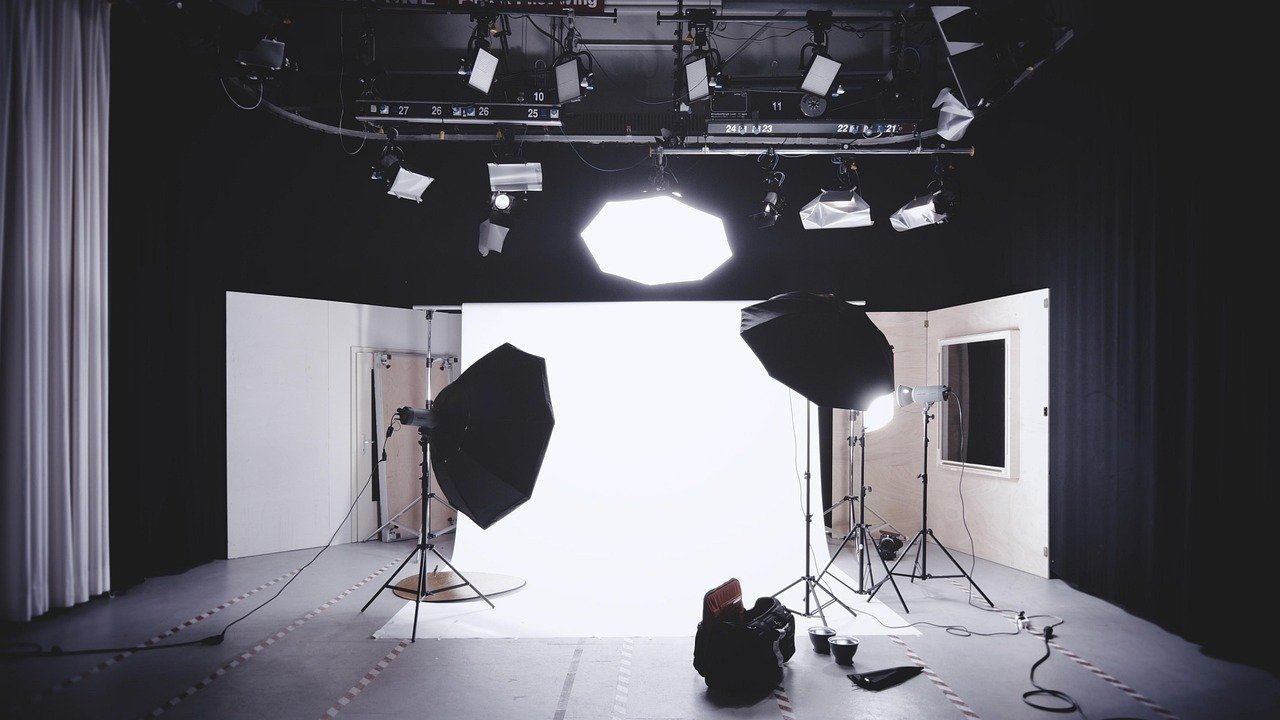
The Hyper Realistic Cinematic Studio Lighting Portrait Prompt provides a sophisticated framework for generating high-end editorial imagery that mimics the technical precision of professional studio photography. By leveraging complex lighting setups and precise camera parameters, this tool enables users to produce images with exceptional skin texture, depth, and atmospheric realism. It serves as an essential resource for photographers, digital artists, and marketing professionals who require studio-grade visual assets for branding, advertising, or high-impact social media content. Whether you are aiming for a classic portrait or a contemporary fashion look, this prompt ensures consistent, high-fidelity results across top-tier AI platforms. By integrating advanced rendering instructions and detailed technical specifications, it significantly reduces the trial-and-error process, allowing creators to achieve professional-grade photorealism instantly. This is a must-have asset for anyone looking to elevate their visual portfolio with premium, lifelike portraits that stand out in a competitive digital landscape.
About Prompt
Prompt Type: AI Image Generation
Niche: Professional Photography & Editorial Portraiture
Category: Fine Art & Commercial Photography
Language: English
Prompt Title: Hyper Realistic Cinematic Studio Lighting Portrait Prompt
Prompt Platforms: Midjourney, Flux, Stable Diffusion, DALL-E 3
Target Audience: Photographers, Creative Directors, Graphic Designers, Content Creators
Skill Level: Intermediate, Advanced
Visual Style: Cinematic Photorealism, Studio Lighting, High-Fashion Editorial
Optional Notes: For best results, use a 4:5 aspect ratio to emphasize the vertical composition typical of professional portrait photography.
Prompt
Prompt Variations
1. Dramatic Noir Style: Change lighting to high-contrast Chiaroscuro with deep shadows, monochrome color palette, 50mm lens, sharp shadows on the face, moody and cinematic atmosphere.
2. Soft Golden Hour Editorial: Change lighting to warm, diffused sunlight, add a subtle golden glow, 105mm macro lens for extreme detail, soft pastel background, relaxed and candid emotion.
3. Futuristic Cyberpunk Portrait: Change lighting to neon blue and magenta rim lights, add subtle metallic face paint or tech-wear accessories, high-contrast reflections, sleek urban background, sharp and edgy style.
4. Minimalist Luxury Studio: Change lighting to high-key flat studio lighting, soft white background, minimalist clothing, 85mm prime lens, ultra-clean aesthetic, high-fashion magazine look.
5. Vintage Film Photography: Change rendering to look like 35mm Kodak Portra 400 film, add subtle film grain, slight color shift, classic soft focus, warm nostalgic tones, timeless portrait aesthetic.
Negative Prompt
Expert Usage Tips
Adjust the aperture value (f/1.8 to f/5.6) to control how much of the background remains visible and in focus.
Experiment with different lighting keywords like “Butterfly lighting” or “Split lighting” to drastically change the mood of the portrait.
Specify the subject’s age or ethnicity to refine the skin texture and facial structure details for more specific results.
Modify the lens focal length; use 35mm for environmental portraits or 135mm for a highly compressed, flattering headshot.
Incorporate specific clothing materials like “silk,” “leather,” or “wool” to enhance the tactile realism of the final output.