

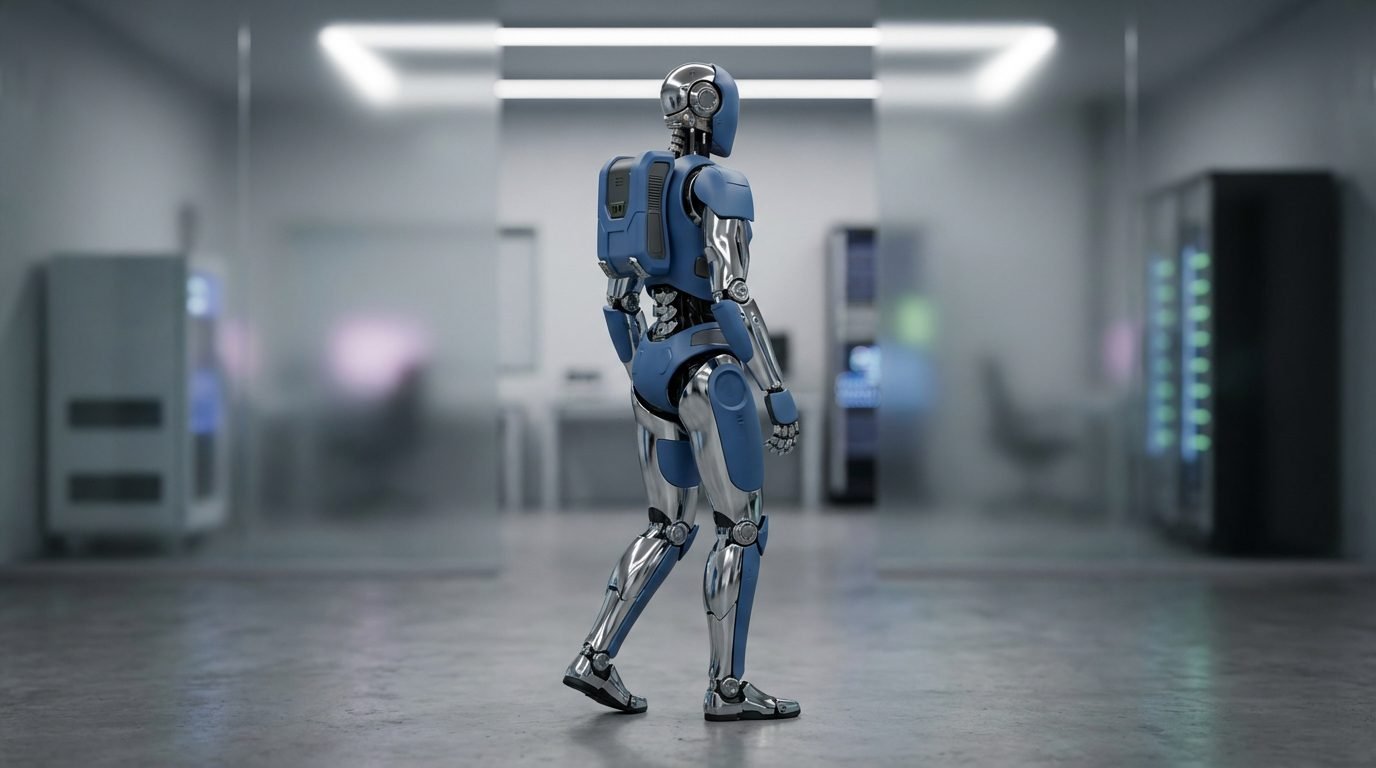
The High Fidelity Cinematic AI Video Generation Prompt provides a professional-grade framework for producing ultra-realistic, commercially viable video content using state-of-the-art generative models. This prompt is engineered to bridge the gap between creative vision and technical output, ensuring high-end cinematic aesthetics, consistent character behavior, and precise camera choreography. It is ideally suited for filmmakers, digital agencies, and content creators looking to produce high-impact social media reels, narrative shorts, or premium brand advertisements. By utilizing advanced cinematic terminology and structured scene sequencing, users can achieve professional studio-quality results that stand out in competitive digital landscapes. This tool is compatible with leading AI video platforms such as Kling, Runway Gen-3, and Luma Dream Machine, offering a versatile foundation for any high-fidelity production workflow that demands visual excellence and narrative coherence.
Contents
About Prompt
Prompt Type: Cinematic Text-to-Video / Image-to-Video
Prompt Nature: Text to Video
Niche: High-End Cinematography and Commercial Production
Category: AI Video Generation
Language: English
Prompt Title: High Fidelity Cinematic AI Video Generation Prompt
Prompt Platforms: Runway, Kling AI, Luma Dream Machine, Pika Labs
Target Audience: Professional Video Editors, Filmmakers, Digital Marketers
Skill Level: Advanced
Visual Style: Hyper-Realistic Cinematic
Optional Notes: Focus on maintaining consistent lighting and camera movement across all scenes for maximum professional impact.
How to Use This Prompt
- Step 1: Identify the core narrative of your video and replace the [subject], [environment], and [action] placeholders with your specific requirements.
- Step 2: Paste the complete prompt into your preferred AI video generation tool (e.g., Runway or Kling).
- Step 3: Adjust the [camera_movement] and [lighting] variables to match the desired tone of your specific project.
- Step 4: If the model supports reference uploads, provide a high-quality character or product image to ensure consistent visual identity.
Required Input: No external file required. Customize the relevant details directly inside the prompt.
Customize: [subject], [environment], [action], [camera_movement], [lighting], [color_palette], [time_of_day], [lens_type].
Example Values
[subject]: A futuristic cyberpunk courier wearing a weathered leather jacket
[environment]: Neon-drenched alleyway in Neo-Tokyo during a light rain shower
[action]: Running swiftly toward the camera while checking a holographic map on their wrist
[camera_movement]: Low-angle tracking shot moving backward in sync with the subject
[lighting]: High-contrast cinematic lighting with blue and magenta neon rim lights
[color_palette]: Deep shadows, vibrant neon accents, moody teal and orange
[time_of_day]: Deep midnight
[lens_type]: 35mm anamorphic lens for a wide cinematic aspect ratio
Prompt
Prompt Variations
Variation 1 (Documentary Style): Focus on naturalism. Subject: A wildlife researcher in a dense rainforest. Lighting: Dappled natural sunlight filtering through canopy. Camera: Handheld documentary style with slight organic shake. Color: Earthy, desaturated tones. Lens: 85mm for intimate close-ups.
Variation 2 (Luxury Commercial): Focus on elegance. Subject: A luxury watch on a wrist. Environment: Minimalist modern architectural lounge. Lighting: Soft, diffused studio bounce lighting. Camera: Slow, orbiting dolly shot. Color: Monochrome with gold accents. Lens: 100mm macro.
Variation 3 (Horror/Thriller): Focus on tension. Subject: A lone survivor in an abandoned corridor. Environment: Dusty, decaying industrial hallway. Lighting: Harsh, flickering emergency red lights. Camera: Static wide shot followed by a sudden zoom. Color: Low-key, high-contrast shadows. Lens: 24mm wide angle.
Variation 4 (Futuristic Sci-Fi): Focus on scale. Subject: An astronaut on a desolate alien planet. Environment: Craggy rock formations under a binary star system. Lighting: Extreme golden hour, long shadows. Camera: FPV sweeping aerial drone shot. Color: Vibrant space-age hues. Lens: 14mm ultra-wide.
Variation 5 (Anime/Stylized): Focus on artistic flair. Subject: A young student walking to school. Environment: Vibrant, cherry-blossom-filled street. Lighting: Bright, flat, high-key anime style. Camera: Tracking side-profile shot. Color: Saturated, warm, pastel palette. Lens: 35mm equivalent.
Negative Prompt
Expert Usage Tips
Use consistent seed numbers across multiple scene prompts to maintain character and environment stability.
Keep camera movements simple; complex trajectories often lead to higher rates of motion artifacts in current models.
Adjust the “Motion Bucket” or “Motion Strength” settings in your tool to control the intensity of the action described.
If the subject morphs, use a static reference image as the first frame to lock in identity and wardrobe details.
Apply a slight cinematic grain overlay in post-production to unify the AI-generated frames for a more cohesive film look.