

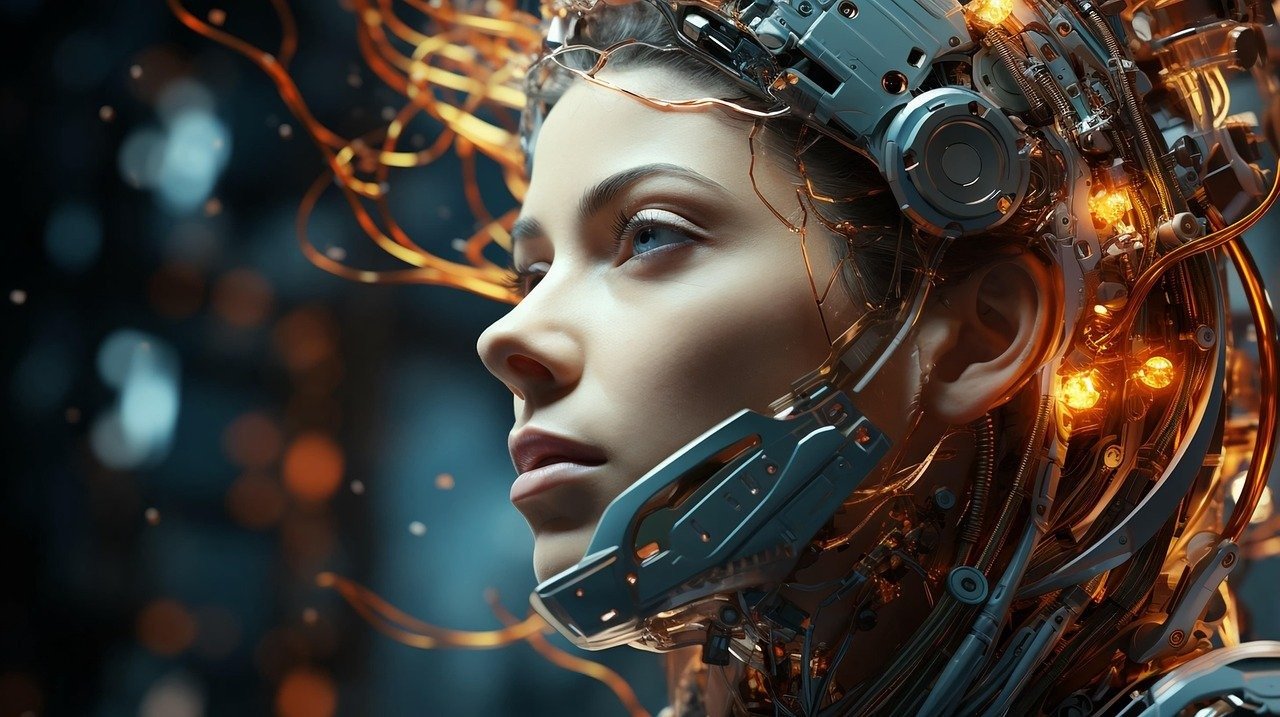
The Surreal CGI Product Takeover Viral Story Video Prompt provides a high-end, cinematic framework designed for creators looking to produce high-impact, attention-grabbing content for social media platforms. By focusing on hyper-realistic product integration, this prompt enables users to seamlessly blend physical objects into impossible, dreamlike environments, creating a sense of wonder and curiosity that drives engagement. Whether you are a brand manager, a content creator, or a video producer, this prompt helps you leverage advanced AI video generation tools to create professional-grade visual storytelling that stands out in competitive digital feeds. It is perfect for product launches, marketing campaigns, or experimental art projects where the goal is to stop the scroll through visually arresting, surreal CGI aesthetics. By utilizing this prompt, users can achieve a premium, studio-quality look without the need for traditional, costly 3D animation pipelines, effectively democratizing professional-grade creative production.
Contents
About Prompt
Prompt Type: Text to Video / Image to Video
Prompt Nature: Cinematic CGI Product Advertisement
Niche: Luxury Marketing, Product Design, Viral Content
Category: AI Video Generation
Language: English
Prompt Title: Surreal CGI Product Takeover Viral Story Video Prompt
Prompt Platforms: Runway Gen-3, Luma Dream Machine, Kling AI, Sora, Stability AI
Target Audience: Digital Marketers, Social Media Managers, Creative Directors, Influencers
Skill Level: Intermediate to Advanced
Visual Style: Surrealist CGI, Photorealistic, Cinematic, High-Contrast Lighting
Optional Notes: For best results, use a high-resolution hero shot of your product as a starting frame to maintain perfect brand consistency.
How to Use This Prompt
- Step 1: Select a high-quality, clear image of your [product_name] against a neutral background to serve as your visual anchor.
- Step 2: Open your preferred AI video generation tool (such as Runway, Luma, or Kling) and upload your product image as the source frame.
- Step 3: Paste the provided Master Prompt into the text field, ensuring you replace the bracketed placeholders with your specific product details and desired environment.
- Step 4: Adjust the motion intensity and camera settings in your chosen platform to match the specific scene requirements.
- Step 5: Generate the video sequence and perform minor color grading in post-production if necessary to perfectly align with your brand identity.
Required Input: A high-resolution PNG or JPG file of your product and the specific brand name.
Customize: [product_name], [brand_name], [surreal_environment], [color_palette], [camera_movement], [duration].
Example Values
[product_name]: Luxury minimalist perfume bottle
[brand_name]: Aetheria Fragrances
[surreal_environment]: A floating desert of liquid gold dunes under a violet twilight sky
[color_palette]: Deep violet, metallic gold, and soft amber
[camera_movement]: Slow orbit followed by a rapid zoom into the product label
[duration]: 10 seconds
Prompt
Prompt Variations
Variation 1 (Cyberpunk Aesthetic): Focus on neon lighting and futuristic cityscapes. Replace [surreal_environment] with “a rain-slicked, neon-lit cyberpunk alleyway at night.” Use a [color_palette] of electric blue and hot pink. Emphasize metallic reflections and holographic data streams swirling around the product.
Variation 2 (Nature Minimalism): Focus on organic serenity. Replace [surreal_environment] with “a serene, mossy forest floor where the product emerges from a blooming crystalline flower.” Use a [color_palette] of emerald green, soft white, and dew-drop silver. Slow, floating camera motion.
Variation 3 (Abstract Art): Focus on fluid dynamics. Replace [surreal_environment] with “a chaotic, swirling vortex of liquid ink and vibrant silk ribbons.” Use a [color_palette] of monochrome black and white with high-contrast gold accents. Fast-paced, dynamic camera cuts.
Variation 4 (Space Odyssey): Focus on cosmic majesty. Replace [surreal_environment] with “deep space, with the product orbiting a glowing, iridescent nebula.” Use a [color_palette] of deep indigo, magenta, and brilliant starlight white. Slow, majestic, sweeping orbital camera movement.
Variation 5 (Vintage Luxury): Focus on classic elegance. Replace [surreal_environment] with “a velvet-lined, dimly lit 1920s parlor with mahogany accents.” Use a [color_palette] of warm sepia, deep crimson, and polished brass. Smooth, steady dolly-in camera movement.
Negative Prompt
Expert Usage Tips
1. Always use a high-resolution, centered image of your product with a transparent background to ensure the AI focuses solely on the object’s geometry.
2. If the product morphs during the video, reduce the “Motion Intensity” setting in your video tool to keep the product shape rigid and consistent.
3. Use a 9:16 aspect ratio if you are specifically targeting TikTok or Instagram Reels to ensure the composition fills the phone screen perfectly.
4. Layer your final video with high-quality sound design, such as ambient synth pads or metallic clinks, to significantly boost the perceived production value.
5. Experiment with “Seed” numbers in your AI tool to find the exact aesthetic balance that best complements your brand’s unique color palette.