

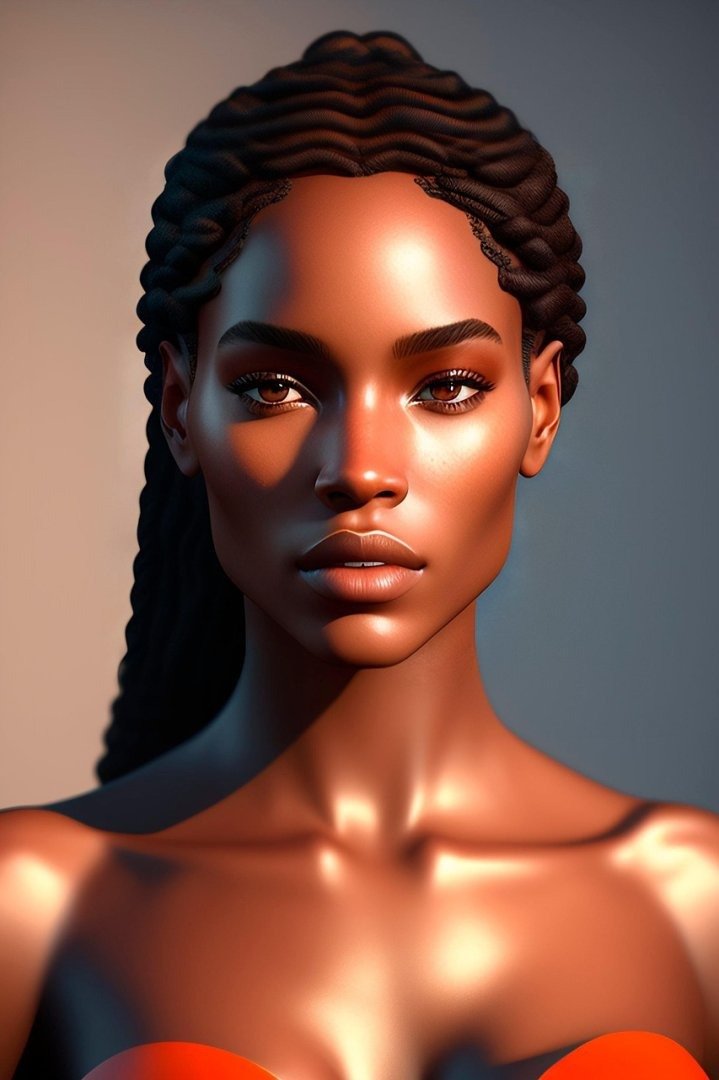
The Professional Cinematic Lighting Studio Asset Prompt provides high-end creative direction for generating photorealistic studio environments optimized for commercial photography and film production. By utilizing advanced lighting parameters, this resource enables users to achieve industry-standard visual fidelity, perfect for high-conversion marketing materials, social media reels, and professional portfolio development. Whether you are a creative director, a digital artist, or a marketing specialist, this asset ensures precise control over shadow depth, color temperature, and material texture. It is engineered to perform seamlessly across advanced generative models, providing a reliable workflow for those seeking to produce viral content or professional-grade assets without the need for traditional studio equipment. By leveraging sophisticated lighting configurations and camera optics, this prompt ensures that every output maintains the polish and technical accuracy required by top-tier creative studios and international brands looking to scale their production capabilities through modern generative AI technology.
About Prompt
Prompt Type: Text-to-Image / AI Image Generation
Niche: Professional Photography & Commercial Cinematography
Category: Creative Production Assets
Language: English
Prompt Title: Professional Cinematic Lighting Studio Asset Prompt
Prompt Platforms: Midjourney, Flux, Stable Diffusion, DALL-E 3
Target Audience: Professional Photographers, Creative Directors, Marketing Agencies
Skill Level: Intermediate, Advanced
Visual Style: Photorealistic, High-Contrast Cinematic, Studio Grade
Optional Notes: Focus on adjusting the Kelvin temperature and aperture settings to fine-tune the mood of the studio environment.
Prompt
Prompt Variations
Variation 1 (Luxury Editorial): Focuses on high-fashion aesthetics with gold-rimmed lighting, deep mahogany backgrounds, and a 35mm lens for a more intimate, editorial look.
Variation 2 (Cyberpunk Studio): Replaces the neutral studio with a neon-drenched industrial loft, utilizing blue and magenta rim lights, wet floor reflections, and a gritty, high-contrast atmosphere.
Variation 3 (Minimalist Architectural): Employs natural window light from a single source, high-key exposure, stark white aesthetic, and soft, diffused shadows for a clean, architectural photography vibe.
Variation 4 (Noir Cinematic): Utilizes hard, directional lighting, deep chiaroscuro effects, smoke and haze elements, and a 50mm vintage anamorphic lens for a moody, dramatic noir film aesthetic.
Variation 5 (Product Focus): Adjusts the focal length to 100mm macro, tight framing on a luxury object, extreme depth of field, metallic texture highlights, and a soft-box array for perfect product commercialization.
Negative Prompt
Expert Usage Tips
Adjust the Kelvin value in the prompt to shift between warm (3200K) and cool (6500K) lighting moods.
Change the aperture setting (f/2.8 for bokeh, f/11 for deep focus) to dictate the depth of field in your studio scene.
Experiment with adding specific color gels like “teal and orange” to the lighting description for instant cinematic grading.
Use the “80mm lens” reference as a baseline, but swap to “24mm” for dramatic, distorted wide-angle architectural shots.
Incorporate specific material keywords like “brushed aluminum” or “matte velvet” to influence how the environment reflects light.