

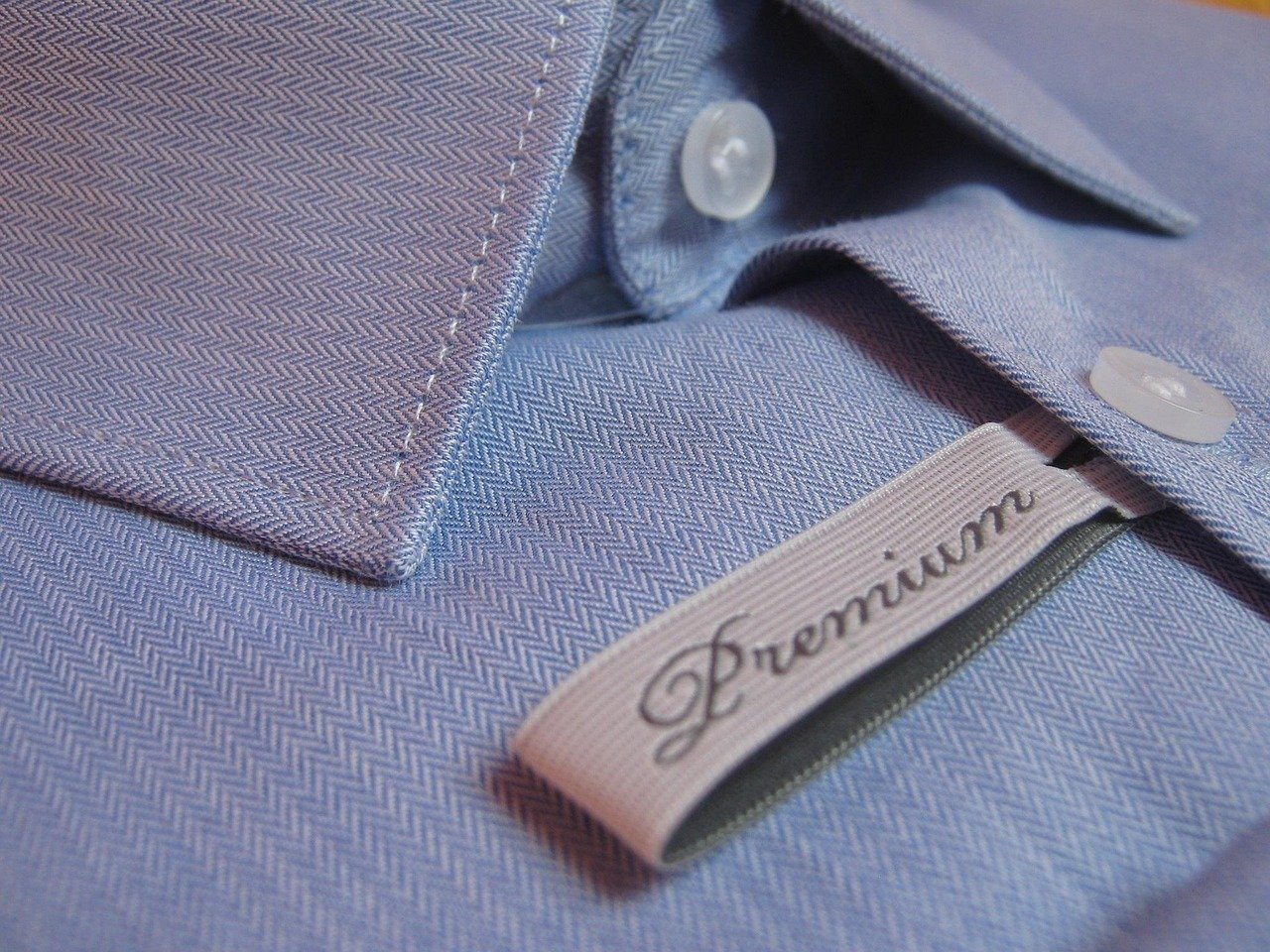
The Minimalist Studio E-commerce Shopify Product Photography Prompt provides a high-end framework for generating clean, conversion-focused imagery that aligns with modern digital storefront aesthetics. By utilizing precise lighting parameters and professional composition techniques, this tool allows brand owners, graphic designers, and social media managers to produce studio-grade visuals without the overhead of physical photoshoots. It is specifically engineered to highlight product textures, material integrity, and structural design, making it an essential asset for anyone looking to scale their online presence. Whether you are launching a new skincare line, a premium accessory brand, or a boutique tech collection, the output ensures a consistent, high-fidelity look that builds immediate consumer trust. By integrating sophisticated rendering variables, the prompt empowers users to achieve a polished, editorial-ready finish that stands out in competitive marketplaces, ultimately driving higher engagement and sales through professional-grade visual storytelling across all digital touchpoints.
About Prompt
Prompt Type: Image Generation / Text-to-Image
Niche: E-commerce & Retail
Category: Product Photography
Language: English
Prompt Title: Minimalist Studio E-commerce Shopify Product Photography Prompt
Prompt Platforms: Midjourney, DALL-E 3, Stable Diffusion XL, Adobe Firefly
Target Audience: Shopify Merchants, E-commerce Brand Owners, Digital Marketers
Skill Level: Beginner, Intermediate, Advanced
Visual Style: Clean, Minimalist, High-Key, Commercial Studio
Optional Notes: Focus on maintaining a neutral background color palette to ensure the product remains the central focal point for high-conversion web layouts.
Prompt
Prompt Variations
Cinematic: A dramatic, moody product reveal featuring low-key chiaroscuro lighting, deep shadows, and a singular, piercing rim-light that accentuates the product’s silhouette against a dark, charcoal-textured background.
Luxury Commercial: An opulent studio setup featuring the product placed on a polished obsidian plinth with soft, warm golden-hour side lighting, reflecting subtle luxury and exclusivity.
Editorial Photography: A high-fashion, top-down flat-lay composition on a textured concrete surface, incorporating natural botanicals and soft, diffused daylight for a lifestyle-oriented editorial feel.
Cyberpunk: A futuristic, neon-accented product display featuring cool blue and magenta ambient light, metallic reflections, and a sleek, high-tech industrial aesthetic in a dark, atmospheric environment.
Hyper Realistic: An extreme close-up macro study focusing on the microscopic textures, pores, and intricate details of the product materials, illuminated by clinical, shadow-free ring lighting for maximum scientific accuracy.
Negative Prompt
low quality, blurry, pixelated, deformed anatomy, extra limbs, duplicate subjects, watermarks, logos, text overlays, render artifacts, motion glitches, poor composition, bad lighting, cluttered background, distorted shapes, oversaturated colors, flat lighting, noisy textures, jagged edges, floating objects, unnatural shadows, inconsistent scale, watermark, copyright text, signature, grainy, low-res, out of focus, distorted perspective.
Expert Usage Tips
Adjust the “f-stop” parameter in your settings to control depth of field; use f/2.8 for a blurred background and f/11 for a sharp, detailed product view.
Change the background color by adding specific hex codes or descriptive terms like “matte charcoal” or “warm terracotta” to match your brand identity.
Incorporate specific material keywords such as “brushed aluminum,” “frosted glass,” or “full-grain leather” to enhance the tactile realism of your product.
Experiment with lighting angles by appending “side lighting,” “backlit,” or “overhead softbox” to change the mood and highlight different product contours.
Scale your image by adding “aspect ratio 16:9” for website headers or “aspect ratio 4:5” for Instagram product posts to fit your specific marketing channels.