

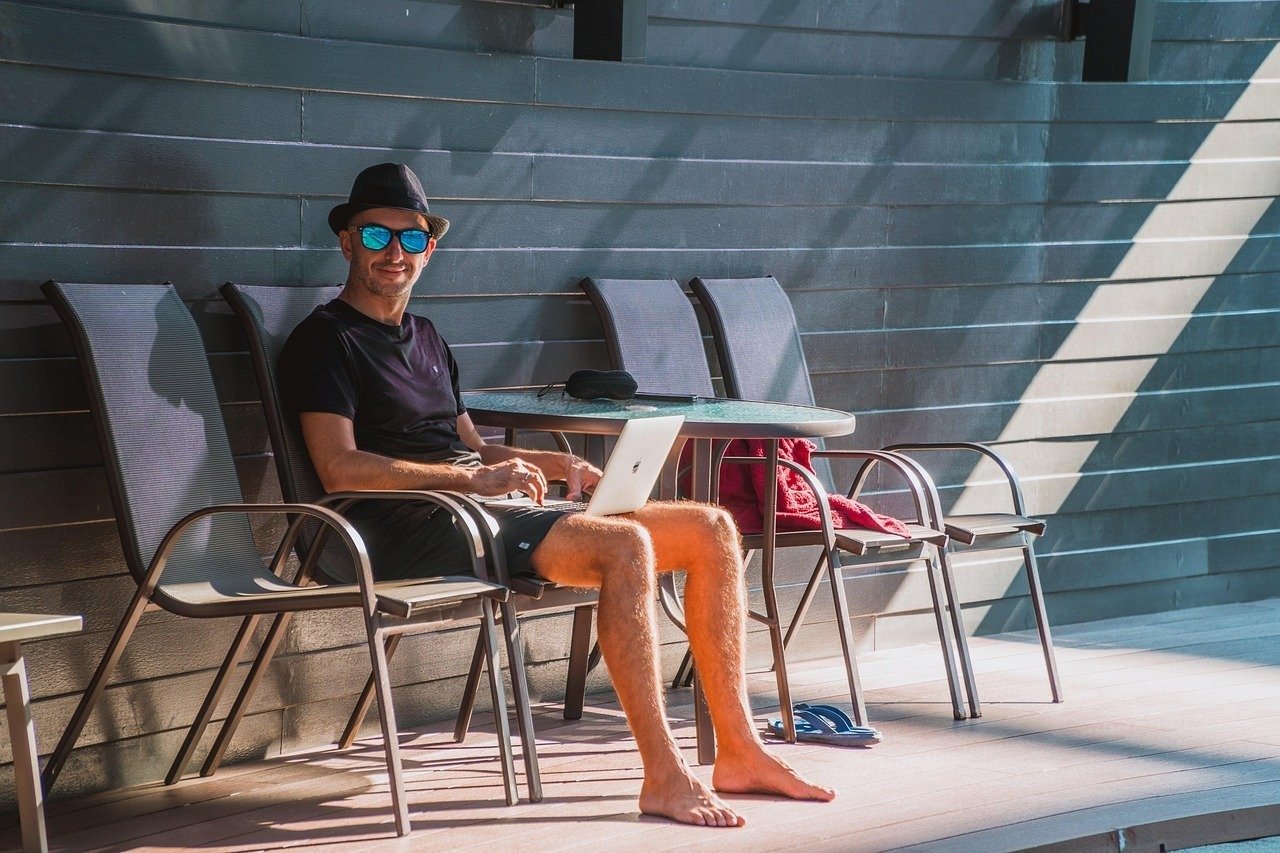
This Cinematic High Fidelity AI Video Generation Prompt provides a comprehensive, production-ready framework for creating professional-grade, photorealistic video sequences. Designed for creators, filmmakers, and digital artists, this prompt enables the generation of high-impact visuals by meticulously defining camera movement, atmospheric lighting, material textures, and temporal consistency. Whether you are crafting social media reels, commercial advertisements, or conceptual storytelling content, this structured approach ensures that AI models maintain character identity and environmental stability throughout the duration of the clip. By leveraging advanced cinematography principles and precise rendering instructions, users can achieve studio-quality results that stand out in competitive digital markets. This resource is essential for professionals utilizing platforms like Runway, Luma Dream Machine, Kling AI, or Sora who demand granular control over the aesthetic output and narrative flow of their generative media projects.
Contents
About Prompt
Prompt Type: Cinematic Text-to-Video / Image-to-Video
Prompt Nature: Text-to-Video generation using advanced cinematic parameters
Niche: Professional Film Production and Digital Marketing
Category: Generative AI Media
Language: English
Prompt Title: Cinematic High Fidelity AI Video Generation Prompt
Prompt Platforms: Runway Gen-3, Luma Dream Machine, Kling AI, Sora, Pika Labs
Target Audience: Filmmakers, Content Creators, Digital Marketers, VFX Artists
Skill Level: Advanced
Visual Style: Cinematic Photorealism, 8K HDR, High Fidelity
Optional Notes: For best results, use a consistent 24fps frame rate and ensure your NVIDIA GPU-accelerated workflows are optimized for high-resolution output.
How to Use This Prompt
- Step 1: Copy the full block of text from the Prompt section below.
- Step 2: Open your preferred AI video generation tool (e.g., Runway, Luma, or Kling).
- Step 3: Paste the prompt into the generation input field.
- Step 4: Replace all bracketed variables like [subject] or [location] with your specific project requirements.
- Step 5: If using an Image-to-Video model, upload your reference frame first to maintain identity consistency before submitting the prompt.
Required Input: No external file required. Customize the relevant details directly inside the prompt.
Customize: [subject], [clothing], [action], [location], [lighting], [camera_movement], [color_palette], [mood], [duration_seconds]
Example Values
[subject]: An elegant woman with auburn hair wearing a silk evening gown
[clothing]: Deep emerald velvet floor-length dress with gold embroidery
[action]: Walking slowly through a rain-slicked cobblestone alleyway, looking back over her shoulder
[location]: Neo-noir cyberpunk city street at midnight, neon signs reflecting in puddles
[lighting]: Cinematic rim lighting, volumetric fog, blue and magenta neon highlights
[camera_movement]: Slow tracking shot following the subject, shallow depth of field
[color_palette]: High contrast, teal and orange color grading, deep blacks
[mood]: Mysterious, melancholic, high-fashion editorial
[duration_seconds]: 10 seconds
Prompt
Prompt Variations
Variation 1 (Documentary Style): 4K documentary footage, elderly craftsman working in a rustic woodshop, natural morning light streaming through dusty windows, static tripod shot, macro detail on hands carving wood, earthy tones, muted colors, authentic textures, slow pacing, emotional and nostalgic mood.
Variation 2 (Sci-Fi Action): High-octane sci-fi action scene, futuristic soldier in matte black tactical armor, running through a collapsing space station, intense handheld camera shake, volumetric red emergency lighting, sparks and debris particles, cool color palette, high contrast, fast-paced motion, 16:9 aspect ratio.
Variation 3 (Luxury Commercial): High-end luxury watch commercial, extreme close-up of mechanical watch movement, gold and brushed steel textures, soft studio rim lighting, slow motion rotating camera, bokeh background, clean corporate aesthetic, elegant and sophisticated mood, 8K ultra-HD.
Variation 4 (Fantasy Epic): Epic fantasy cinematic, knight in ornate silver armor standing on a cliff edge, overlooking a vast mountain range at sunset, golden hour lighting, long tracking drone shot, cinematic scale, epic orchestral mood, vibrant colors, realistic hair and cape movement.
Variation 5 (Horror Noir): Dark psychological horror, silhouette of a figure standing at the end of a long, flickering hallway, heavy shadows, high-contrast monochrome, 35mm film grain, slow zoom, suspenseful and eerie atmosphere, desaturated tones, sharp focus on unsettling details.
Negative Prompt
Expert Usage Tips
Tip 1: Use specific camera lens terminology like “85mm” for portraits or “14mm” for wide landscapes to influence depth of field.
Tip 2: If the character changes appearance, include a static reference image in the initial prompt upload to anchor the identity.
Tip 3: Adjust the “motion” or “creativity” slider in your AI tool settings to align with the action intensity specified in the prompt.
Tip 4: For complex scenes, break your prompt into separate clips and use a video editor to join them for better temporal stability.
Tip 5: Always define the lighting source (e.g., “golden hour,” “neon,” “soft studio”) to drastically change the emotional impact of the video.