

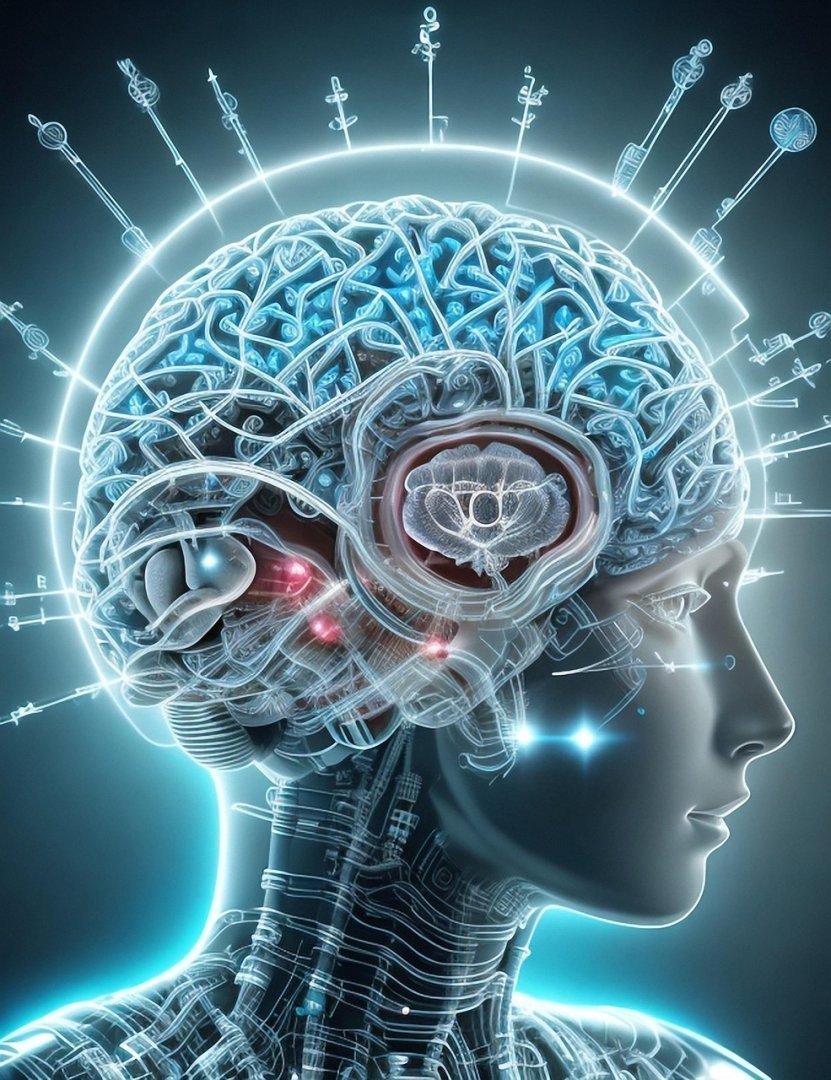
The Hyper Realistic Cinematic Cyberpunk Street Portrait Prompt provides a sophisticated framework for generating high-end, visually arresting character studies set within complex, neon-drenched urban environments. By leveraging precise technical descriptors and advanced lighting parameters, this resource enables photographers, concept artists, and digital creators to produce studio-grade AI images that maintain perfect anatomical proportions and atmospheric depth. The prompt is specifically engineered for professionals seeking to push the boundaries of photorealistic character design, making it an essential asset for those producing concept art for gaming, editorial fashion photography, or high-concept marketing campaigns. Whether you are working with Midjourney, Flux, or Stable Diffusion, this tool ensures consistent, high-fidelity results that capture the gritty, high-tech essence of the cyberpunk genre. It serves as a vital component in any creative workflow, helping users achieve professional, market-ready visuals that stand out in the competitive landscape of modern digital media.
About Prompt
Prompt Type: Text-to-Image
Niche: Cyberpunk Photography
Category: Character Design & Digital Art
Language: English
Prompt Title: Hyper Realistic Cinematic Cyberpunk Street Portrait Prompt
Prompt Platforms: Midjourney, Flux.1, Stable Diffusion XL, Leonardo AI
Target Audience: Concept Artists, Digital Photographers, Art Directors
Skill Level: Intermediate, Advanced
Visual Style: Cinematic Photorealism
Optional Notes: Focus on skin texture and light refraction on synthetic materials for the most professional commercial output.
Prompt
Prompt Variations
1. The Dystopian Veteran: Shift the character to an older, battle-scarred cyborg male with heavy mechanical implants, set in a desolate, industrial sector with cold, monochromatic blue lighting and harsh shadows.
2. High-Fashion Cyber-Luxury: Focus on a high-fashion model character wearing avant-garde metallic clothing, set in a clean, minimalist, white-neon laboratory environment with soft, diffused studio-style lighting.
3. Action-Oriented Motion Blur: Modify the scene to capture the character in a dynamic pose mid-run, incorporating motion blur in the background, rain droplets suspended in air, and intense, vibrant orange and purple flare lighting.
4. Retro-Futuristic Noir: Apply a 1980s synth-wave aesthetic with heavy film grain, VHS-glitch artifacts, saturated pink and green color palettes, and a moody, smoke-filled atmospheric environment.
5. Macro-Detail Focus: Zoom in to an extreme close-up of the character’s eye, highlighting the intricate mechanical iris and the reflection of a sprawling cyberpunk megacity in the pupil, shot with a 100mm macro lens.
Negative Prompt
Expert Usage Tips
Adjust the aperture value (f-stop) between 1.2 and 2.8 to control the intensity of the background bokeh effect.
Swap the neon color palette (e.g., “cyan and magenta”) for specific brand colors to align the output with your marketing materials.
Incorporate specific camera models like “Shot on Sony A7R IV” or “Kodak Portra 400” to influence the film grain and color science.
Add specific weather conditions like “heavy downpour” or “thick industrial fog” to significantly alter the atmosphere and light diffusion.
Use weight modifiers (e.g., ::2) in Midjourney on specific keywords like “bioluminescent” to increase the intensity of lighting effects.