

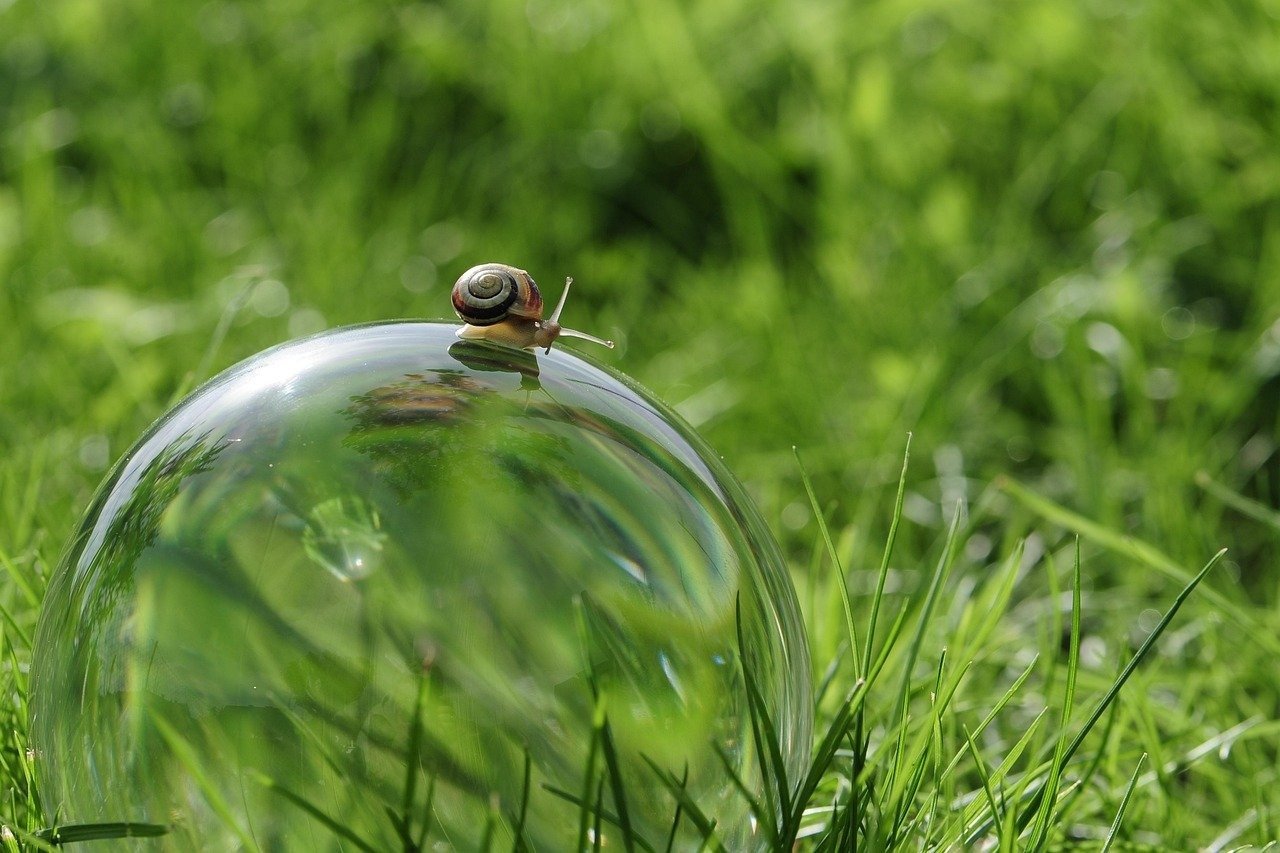
The *Reality Glitch Distortion Effect Prompt* allows artists and creators to simulate disruptions in visual perception, mirroring the sensation of errors or anomalies in the fabric of reality. This effect is significant because it taps into our fascination with the unknown and the potential for worlds beyond our everyday experience. It can be used to create compelling visuals for sci-fi narratives, abstract art, or even to add a sense of unease to horror projects. The key lies in manipulating visual elements like color, shape, and texture to create a jarring, unsettling image that suggests a breakdown in the expected order. By experimenting with different parameters, it’s possible to achieve a wide range of effects, from subtle distortions to full-blown reality collapses.
About Prompt
Prompt Type: Content Generation, Image Creation
Niche: Technology, AI, Gaming, Art
Category: Tips, Tricks, Tutorials, Examples
Language: English
Prompt Title: Reality Glitch Distortion Effect Prompt
Prompt Platforms: Midjourney, DALL E, Stable Diffusion, Leonardo AI
Target Audience: Artists, Designers, Content Creators
Optional Notes: Focus on creating a prompt that can be used to generate both a still image and a subsequent video animation of the glitch effect. Consider specifying the type of subject to be glitched (e.g., portrait, landscape, object).
Prompt
Create a photorealistic image of a [Subject: e.g., bustling city street, serene forest, human portrait] experiencing a Reality Glitch Distortion Effect. The glitch manifests as [Glitch Type: e.g., chromatic aberration, pixel displacement, geometric fragmentation, temporal stuttering, texture shifting]. The intensity of the glitch is [Intensity Level: e.g., subtle, moderate, extreme], localized around [Location of Glitch: e.g., specific buildings, the subject’s face, the center of the frame]. The overall tone of the image should be [Tone: e.g., unsettling, surreal, cyberpunk, abstract]. Use a color palette of [Color Palette: e.g., neon pinks and blues, muted greens and grays, vibrant complementary colors]. The image should be in [Aspect Ratio: e.g., 16:9, 1:1, 9:16] aspect ratio. Render in [Resolution: e.g., 4K, 8K] resolution with high detail.
Examples:
-
Subject: Bustling city street
-
Glitch Type: Pixel displacement
-
Intensity Level: Moderate
-
Location of Glitch: Specific buildings
-
Tone: Cyberpunk
-
Color Palette: Neon pinks and blues
-
Aspect Ratio: 16:9
-
Resolution: 4K
-
Subject: Serene forest
-
Glitch Type: Geometric fragmentation
-
Intensity Level: Subtle
-
Location of Glitch: The center of the frame
-
Tone: Surreal
-
Color Palette: Muted greens and grays
-
Aspect Ratio: 1:1
-
Resolution: 8K
-
Subject: Human portrait
-
Glitch Type: Chromatic aberration
-
Intensity Level: Extreme
-
Location of Glitch: The subject’s face
-
Tone: Unsettling
-
Color Palette: Vibrant complementary colors
-
Aspect Ratio: 9:16
-
Resolution: 4K
Detailed AI Image to Video Prompt:
Animate the still image of a [Subject] with a Reality Glitch Distortion Effect to create a short video. The [Glitch Type] should [Animation Style: e.g., subtly pulse, rapidly flicker, gradually spread] across the image. Introduce [Motion Element: e.g., camera shake, zoom, panning] to enhance the sense of disruption. The duration of the video should be [Duration: e.g., 5 seconds, 10 seconds, 15 seconds]. Maintain the [Tone] and [Color Palette] from the original image. The video should be rendered at [Frame Rate: e.g., 30 fps, 60 fps] and [Resolution]. Add a subtle [Sound Effect: e.g., static noise, echoing drone, distorted synth] to further emphasize the glitch effect.
Examples:
-
Subject: Bustling city street
-
Glitch Type: Pixel displacement
-
Animation Style: Rapidly flicker
-
Motion Element: Camera shake
-
Duration: 5 seconds
-
Tone: Cyberpunk
-
Color Palette: Neon pinks and blues
-
Frame Rate: 60 fps
-
Resolution: 4K
-
Sound Effect: Static noise
-
Subject: Serene forest
-
Glitch Type: Geometric fragmentation
-
Animation Style: Gradually spread
-
Motion Element: Zoom
-
Duration: 10 seconds
-
Tone: Surreal
-
Color Palette: Muted greens and grays
-
Frame Rate: 30 fps
-
Resolution: 8K
-
Sound Effect: Echoing drone
-
Subject: Human portrait
-
Glitch Type: Chromatic aberration
-
Animation Style: Subtly pulse
-
Motion Element: Panning
-
Duration: 15 seconds
-
Tone: Unsettling
-
Color Palette: Vibrant complementary colors
-
Frame Rate: 60 fps
-
Resolution: 4K
-
Sound Effect: Distorted synth