

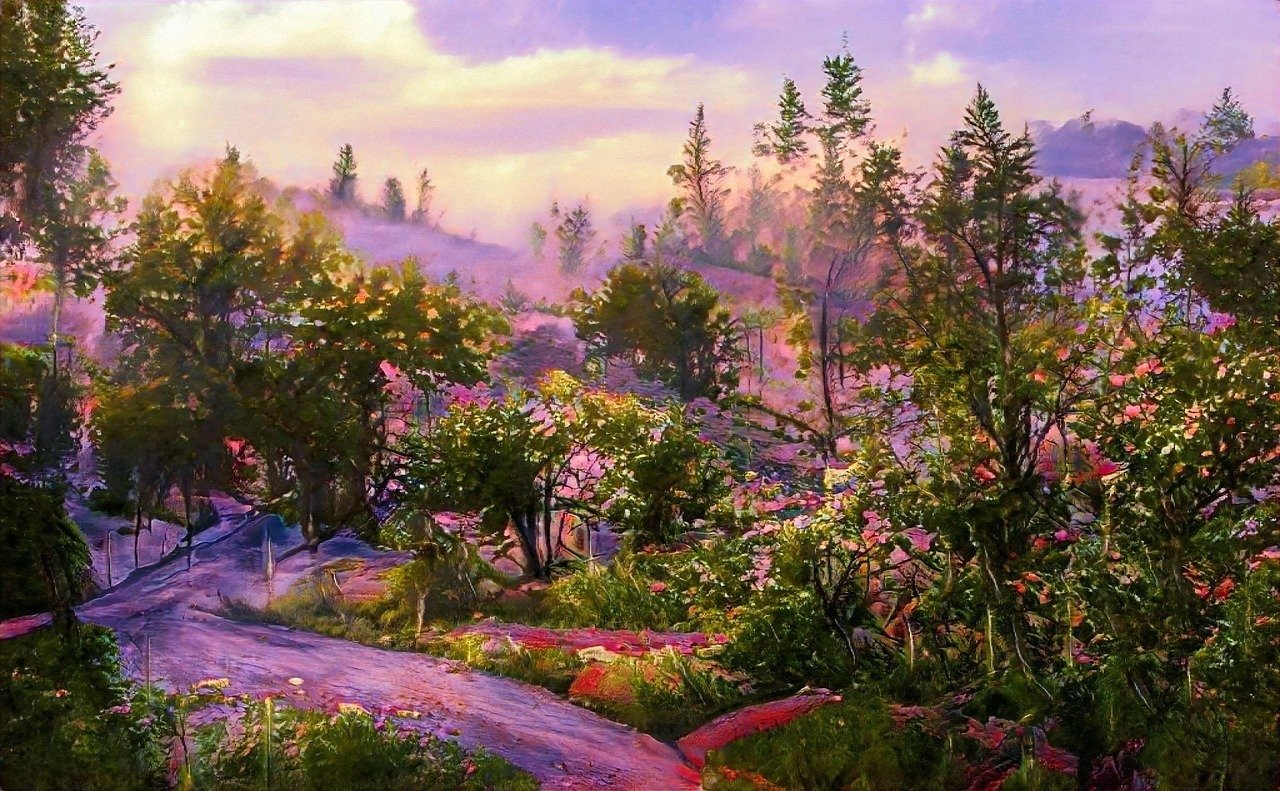
This professional-grade photography resource provides a specialized framework for capturing the nuanced beauty of seasonal transitions. By focusing on the interplay of light, texture, and temporal change, the prompt enables creators to generate high-fidelity nature imagery that captures the fleeting moment between climatic shifts. This tool is specifically designed for professional photographers, digital artists, and creative directors who require precise control over environmental storytelling and atmospheric depth. Whether you are developing visual assets for editorial projects, marketing campaigns, or conceptual digital art, this prompt ensures consistent, high-end results across major generative models. Users will benefit from the ability to dictate specific lighting conditions, depth-of-field settings, and complex natural textures, facilitating the creation of hyper-realistic nature imagery that adheres to industry-standard aesthetic principles. By utilizing these advanced AI models and specialized computational photography research techniques, creators can achieve professional-level results with unprecedented speed and creative precision.
Contents
About Prompt
Prompt Type: AI Image Generation
Prompt Nature: Text to Image
Niche: Nature Photography / Environmental Art
Category: Fine Art & Commercial Photography
Language: English
Prompt Title: Seasonal Transition Nature Photography Midjourney Image Generation Prompt
Prompt Platforms: Midjourney, Flux, Stable Diffusion, DALL-E 3
Target Audience: Photographers, Creative Directors, Digital Artists
Skill Level: Intermediate to Advanced
Visual Style: Cinematic Photorealism
Optional Notes: Focuses on the “liminal” space of seasons, such as the first frost on autumn leaves or the first buds beneath melting snow.
How to Use This Prompt
- Step 1: Access your preferred AI image generator (e.g., Midjourney v6.1 or Flux.1).
- Step 2: Copy the master prompt provided below and paste it into the generation interface.
- Step 3: Replace the bracketed variables—such as [Season A] and [Season B]—with your specific transition of choice.
- Step 4: Adjust the aspect ratio parameter (e.g., –ar 16:9 for cinematic, –ar 4:5 for editorial) to suit your project requirements.
Required Input: No external file required. Customize the seasonal variables directly inside the prompt.
Customize: You can modify the [Season A] to [Season B] transition, the specific [Flora/Fauna] focal point, the [Time of Day] lighting, and the [Camera Lens] to shift from macro detail to wide-angle landscape.
Prompt
Prompt Variations
Variation 1 (The Wide Landscape): Wide-angle landscape of a forest floor transitioning from winter to spring, panoramic 21:9 aspect ratio, 24mm lens, deep depth of field, vibrant green shoots emerging through melting patches of snow, dramatic volumetric lighting, cinematic color grading, hyper-detailed, 8K resolution.
Variation 2 (Moody Noir): Moody, high-contrast transition from autumn to winter, late afternoon, desaturated blues and burnt oranges, focus on frost-covered leaves, sharp edges, dark cinematic atmosphere, noir photography style, 50mm lens, film grain, shot on Kodak Portra 400 aesthetic.
Variation 3 (Abstract Macro): Macro abstract focus on the transition of ice to water, crystalline structures, extreme close-up, ethereal lighting, light refraction through water droplets, soft pastel color palette, minimalist composition, soft focus background, high-end commercial editorial style.
Variation 4 (Sunset Radiance): Intense golden hour transition from summer to autumn, focus on fire-colored maple leaves against a dark coniferous background, backlit, rim lighting, vibrant warmth, cinematic bokeh, 85mm lens, high-speed photography, sharp focus, vivid textures.
Variation 5 (Architectural Nature): Intersection of man-made structure and seasonal change, ivy-covered stone wall transitioning from summer to autumn, sharp focus on the gradient of leaf colors, symmetrical composition, architectural photography, soft natural light, 35mm lens, hyper-realistic, 8K.
Negative Prompt
Expert Usage Tips
Tip 1: Use a lower f-stop value like f/1.2 or f/1.4 if you want to emphasize a single subject through extreme background blur.
Tip 2: If the AI ignores the seasonal transition, add specific keywords like “half-melted snow” or “emerging green buds” to force the contrast.
Tip 3: Adjust the “–stylize” parameter (in Midjourney) between 250 and 750 to balance between artistic interpretation and photographic realism.
Tip 4: Use the 85mm lens setting for portrait-style nature shots and a 24mm setting for sweeping, immersive environmental captures.
Tip 5: For more “dramatic” results, incorporate weather conditions like “mist,” “heavy dew,” or “light morning frost” into the environment description.