

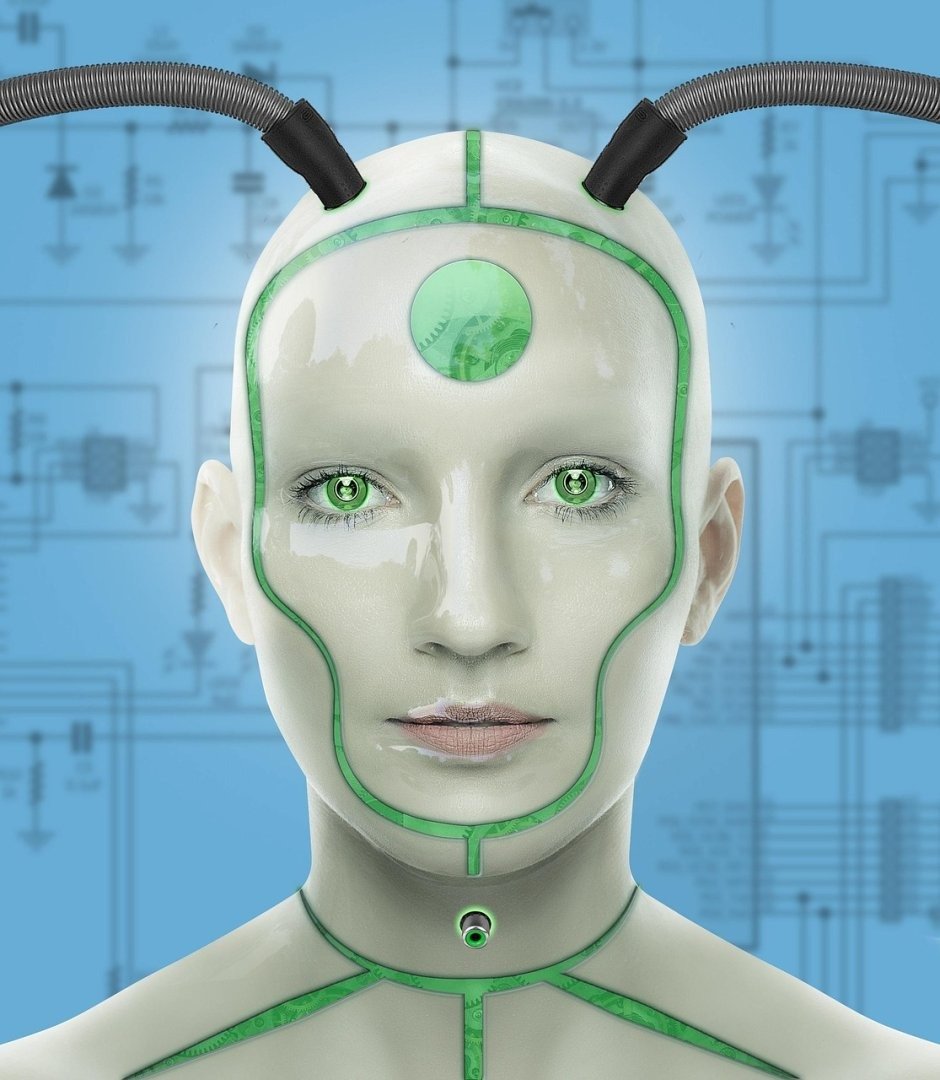
Crafting effective prompts for AI image generation can be challenging, requiring a delicate balance of detail and artistic direction. A *MidJourney Prompt Template Generator* offers a structured approach to this process, ensuring consistent and high-quality results. The key lies in understanding the various components of a successful prompt: subject, style, artist influence, color palette, and lighting. By systematically addressing these elements within a template, users can experiment with different combinations and refine their vision. This not only streamlines the creative workflow but also empowers users to explore the full potential of MidJourney’s capabilities, leading to more personalized and visually stunning artwork. Such generators democratize AI art creation, making it accessible to both seasoned artists and newcomers alike.
About Prompt
Prompt Type: Content Generation
Niche: AI
Category: Template
Language: English
Prompt Title: MidJourney Prompt Template Generator
Prompt Platforms: ChatGPT, GPT 4, GPT 4o, Claude, Claude 3, Claude Sonnet, Gemini, Gemini Pro, Gemini Flash, Google AI Studio, Grok, Perplexity, Copilot, Meta AI, LLaMA, Mistral, Cohere, DeepSeek, Midjourney, DALL E, Stable Diffusion, Leonardo AI, Runway, Pika, Synthesia, ElevenLabs, Other AI Platforms
Target Audience: Designers
Optional Notes:
Prompt
Template Structure:
- Subject: [Describe the main subject of the image. Be specific. Example: “A majestic lion” or “A futuristic cityscape”]
- Style: [Specify the desired art style. Example: “Photorealistic,” “Impressionistic,” “Cyberpunk,” “Anime”]
- Artist Influence: [Optional. Name an artist whose style should be emulated. Example: “In the style of Van Gogh” or “Inspired by Hayao Miyazaki”]
- Color Palette: [Describe the desired color scheme. Example: “Warm earthy tones,” “Vibrant neon colors,” “Monochromatic grayscale”]
- Lighting: [Specify the lighting conditions. Example: “Golden hour,” “Dramatic backlighting,” “Soft diffused light”]
- Camera Angle: [Specify the camera angle. Example: “Low angle,” “Eye-level,” “Birds-eye view”]
- Details: [Add any additional details or modifiers. Example: “Highly detailed,” “8k resolution,” “Ultra realistic”]
- Aspect Ratio: [Specify the desired aspect ratio. Example: “–ar 16:9” or “–ar 1:1”]
Output Format:
Provide a paragraph explaining how to use the template, followed by the template in a copyable text format. Include example prompts generated using the template.
Example Prompts:
- “A majestic lion, photorealistic, golden hour, highly detailed, 8k resolution –ar 16:9”
- “A futuristic cityscape, cyberpunk, vibrant neon colors, dramatic backlighting –ar 16:9”
- “A portrait of a woman, impressionistic, in the style of Van Gogh, warm earthy tones, soft diffused light –ar 1:1”
Instructions:
To use this template, fill in each section with your desired specifications. The more detail you provide, the more control you will have over the final image. Experiment with different combinations to achieve unique and compelling results. Remember to include the aspect ratio parameter (–ar) at the end of your prompt to specify the image dimensions.