

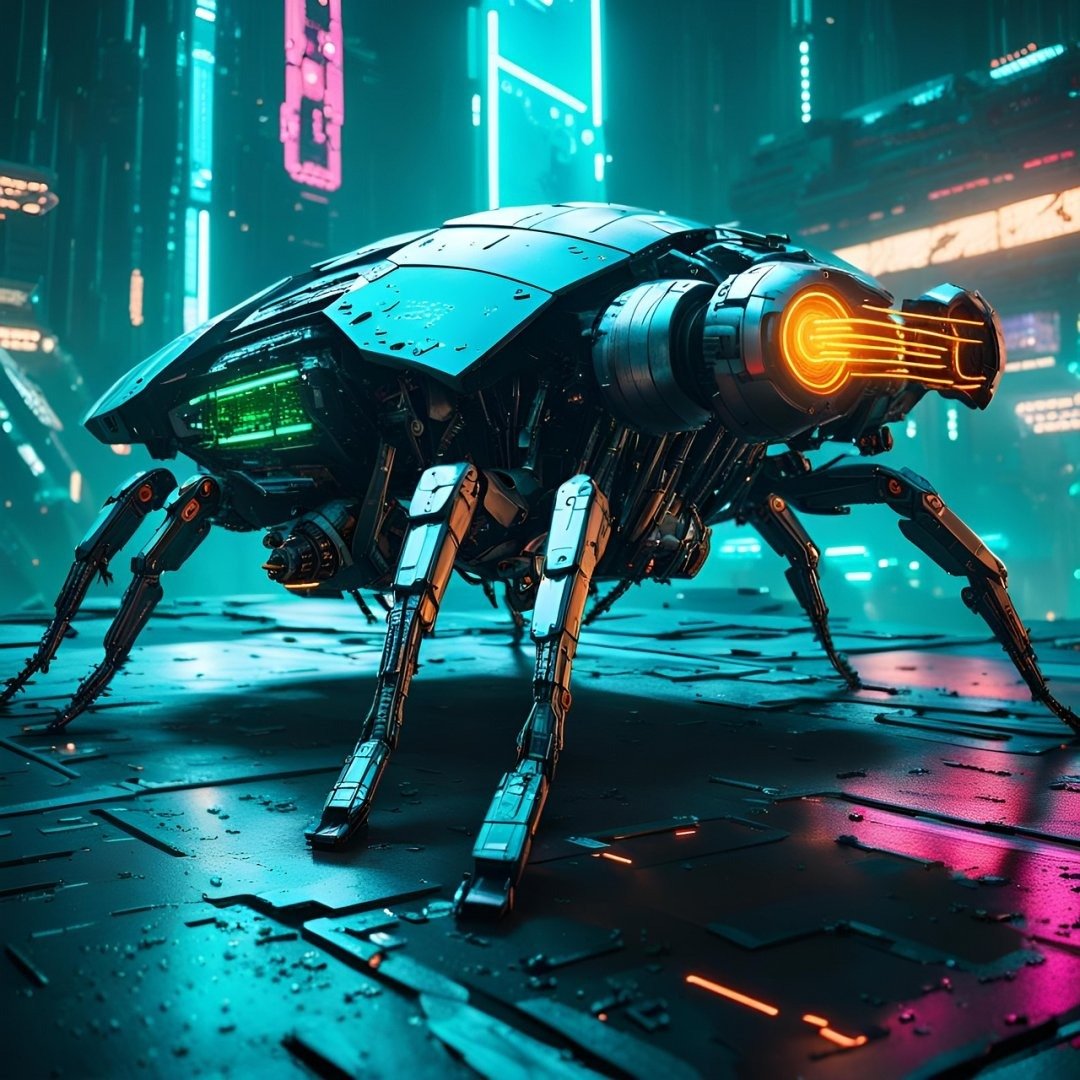
The Surreal CGI Product Takeover FOOH Advertising Video Prompt provides a high-end production framework for creating viral-ready Fake Out-of-Home (FOOH) marketing campaigns. By leveraging advanced generative AI video capabilities, this prompt allows brands and creative agencies to visualize hyper-realistic products interacting with iconic urban environments. It is specifically engineered to produce seamless, eye-catching transitions where products seemingly “take over” city landmarks, creating the illusion of large-scale physical installations. This prompt is ideal for social media managers, digital marketing teams, and motion designers seeking to generate high-engagement content for platforms like Instagram Reels, TikTok, and YouTube Shorts. By focusing on cinematic lighting, physically accurate physics, and consistent environmental integration, users can produce professional-grade assets that elevate brand awareness and maximize viral potential on social media channels.
Contents
About Prompt
Prompt Type: Text-to-Video / Image-to-Video
Prompt Nature: Cinematic Commercial Advertising
Niche: FOOH (Fake Out-of-Home) Marketing
Category: CGI Product Visualization
Language: English
Prompt Title: Surreal CGI Product Takeover FOOH Advertising Video Prompt
Prompt Platforms: Runway Gen-3 Alpha, Luma Dream Machine, Kling AI, Pika Labs
Target Audience: Marketing Agencies, Brand Managers, Social Media Creators
Skill Level: Intermediate to Advanced
Visual Style: Photorealistic CGI, Urban Cinematic
Optional Notes: For best results, use a high-resolution plate shot of the urban location as a starting reference frame to anchor the physics and perspective.
How to Use This Prompt
- Step 1: Prepare a clean, high-resolution plate shot of your chosen urban location (e.g., a famous street corner or plaza).
- Step 2: Upload your reference image to an AI video tool like Runway Gen-3 or Luma Dream Machine to ensure the camera perspective matches your scene.
- Step 3: Paste the Master Prompt into the text-to-video or image-to-video input field, replacing the bracketed [PRODUCT NAME] with your specific item.
- Step 4: Adjust the motion intensity and camera speed settings in your chosen AI platform to match the desired pacing of the takeover effect.
- Step 5: Generate the video and perform light color grading in post-production to match the product’s color temperature with the ambient urban lighting.
Required Input: A high-quality wide-angle reference photo of a city street or landmark to serve as the background plate.
Customize: Modify the [PRODUCT NAME], [CITY LANDMARK], [WEATHER CONDITIONS], and [COLOR PALETTE] variables to align with your specific brand campaign.
Prompt
Scene 1: Wide shot of a bustling [CITY LANDMARK] at golden hour. The camera performs a slow, smooth push-in motion. Suddenly, a massive, hyper-realistic [PRODUCT NAME] emerges from the ground, shattering the pavement with realistic debris and dust particles. The lighting is cinematic, with long shadows and warm highlights reflecting off the product’s surface. 8K resolution, photorealistic rendering, physically accurate shadows, motion blur on falling debris, high dynamic range.
Scene 2: Close-up tracking shot orbiting the [PRODUCT NAME]. The camera moves with a cinematic gimbal stabilization. The product is surrounded by realistic light flares and bokeh city lights in the background. The texture of the product is sharp, showing intricate details, high-gloss finishes, and material accuracy. Ambient sound of city traffic and a low-frequency rumble during the emergence.
Scene 3: Wide aerial drone shot pulling back from the [CITY LANDMARK]. The [PRODUCT NAME] now dominates the plaza, appearing as a permanent, surreal architectural installation. Pedestrians continue walking, reacting with subtle curiosity. The color grading is vibrant and professional, emphasizing the contrast between the organic environment and the sleek, manufactured product. Final frame shows the product centered with a clean, sharp finish.
Rendering details: Octane Render style, Unreal Engine 5 aesthetic, global illumination, ray-traced reflections, 24fps, high-bitrate, seamless transition between scenes, temporal consistency maintained, no morphing, sharp focus on product, depth of field set to f/2.8.
Prompt Variations
Variation 1: Nighttime Neon Noir. Focuses on a dark, rainy city street at night. The [PRODUCT NAME] glows with internal neon lighting, reflecting off wet asphalt and puddles. Cinematic moody lighting, high contrast, cyberpunk aesthetic. Use for luxury tech products.
Variation 2: Nature Overgrowth. The [PRODUCT NAME] is covered in lush vines and moss, emerging from a park or botanical garden setting. Soft, diffused daylight, ethereal atmosphere, slow-motion growth effect. Ideal for eco-friendly or organic brands.
Variation 3: Minimalist Studio Floating. The [PRODUCT NAME] floats in the center of an iconic empty plaza, defying gravity. Bright, clean, high-key studio lighting, stark white shadows, crisp 8K resolution. Perfect for high-end fashion or jewelry.
Variation 4: Retro Vintage Film. The [PRODUCT NAME] appears in a 1970s-style city square. Grainy film texture, muted colors, slight lens flare, handheld camera shake. Gives the video an authentic, nostalgic, and artistic documentary feel.
Variation 5: High-Octane Action. The [PRODUCT NAME] bursts through a glass window of a skyscraper, falling and landing perfectly in the middle of a busy traffic intersection. Fast-paced editing, dynamic camera shakes, extreme motion blur. Best for performance-based brands.
Negative Prompt
low quality, low resolution, compression artifacts, blur, noise, poor anatomy, duplicate subjects, cropped, bad proportions, watermarks, logos, text overlays, incorrect lighting, oversaturated colors, underexposed, overexposed, motion artifacts, render errors, AI hallucinations, extra limbs, extra fingers, incorrect perspective, identity drift, camera jitter, frame flicker, temporal inconsistency, lip sync mismatch, motion warping, scene discontinuity, character inconsistency, object morphing, background instability, audio clipping, music distortion, flat textures, cartoonish rendering, unrealistic shadows.
Expert Usage Tips
Tip 1: Use a high-quality static image as your starting frame to ensure the city landmark remains perfectly stable throughout the video.
Tip 2: Adjust the motion factor in your AI settings to 4 or 5 to ensure the “emergence” effect feels weighty and realistic rather than floating.
Tip 3: If the product texture looks flat, add keywords like “anisotropic reflections” or “brushed metal finish” to the prompt to force better material rendering.
Tip 4: To ensure the product matches the environment, mention the time of day and light source (e.g., “warm sunset side-lighting”) explicitly in every scene.
Tip 5: If you experience flickering, generate the video in shorter 2-second clips and use a cross-dissolve transition in your video editor to maintain continuity.