

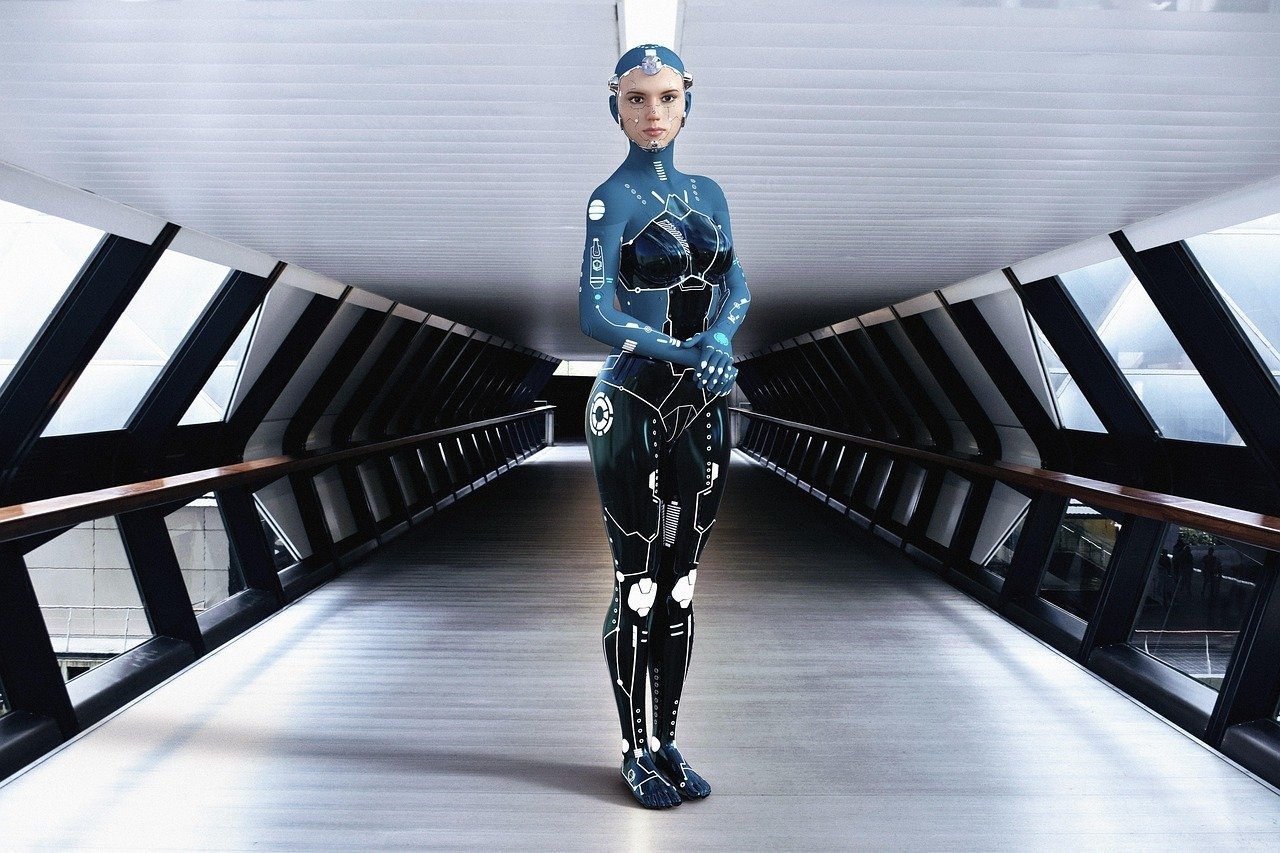
The Professional LTX AI Video Generation Workflow Prompt provides a robust framework for high-fidelity cinematic motion production, specifically designed for users leveraging advanced generative models like those from Black Forest Labs or similar diffusion-based architectures. This workflow enables creators to produce studio-grade visuals by meticulously defining camera choreography, lighting dynamics, and character consistency across sequential scenes. Ideal for digital filmmakers, marketing professionals, and creative agencies, this prompt ensures that complex visual narratives remain cohesive, avoiding the common pitfalls of flickering and identity drift. By utilizing this structured approach, users can streamline the creation of high-impact social media reels, commercial advertisements, and viral video content while maintaining a polished, professional aesthetic that aligns with current industry standards in AI media generation.
Contents
About Prompt
Prompt Type: Text-to-Video Workflow
Prompt Nature: Text-to-Video / Cinematic Production
Niche: Professional Filmmaking & Digital Marketing
Category: AI Video Generation
Language: English
Prompt Title: Professional LTX AI Video Generation Workflow Prompt
Prompt Platforms: Black Forest Labs, Runway, Kling AI, Luma Dream Machine
Target Audience: Filmmakers, Content Producers, Marketing Agencies
Skill Level: Advanced
Visual Style: Cinematic, Photorealistic, High-End Commercial
Optional Notes: Use this workflow to maintain temporal consistency and precise camera movement in complex multi-scene video projects.
How to Use This Prompt
- Step 1: Copy the full prompt text into your preferred AI video generation interface that supports long-form or multi-scene instructions.
- Step 2: Replace the bracketed placeholders [subject], [environment], and [action] with your specific project requirements to ensure the model focuses on your core narrative.
- Step 3: Adjust the [camera_movement] and [duration] variables to match your storyboard pacing and desired output length.
- Step 4: If using a model that supports image-to-video, upload a high-resolution character or product reference before inputting the prompt to lock in visual identity.
Required Input: No external file required. Customize the relevant details directly inside the prompt.
Customize: [subject], [environment], [action], [lighting], [camera_movement], [color_palette], [duration].
Example Values
[subject]: A futuristic cyberpunk courier wearing a weathered leather jacket
[environment]: A rain-slicked neon-lit alleyway in Neo-Tokyo
[action]: Walking briskly while checking a holographic wrist display
[lighting]: High-contrast cinematic noir lighting with cyan and magenta rim light
[camera_movement]: Slow tracking shot following the subject from the side
[color_palette]: Moody desaturated blues contrasted with vibrant neon highlights
[duration]: 10 seconds
Prompt
Scene 01: Duration [duration]. Camera: [camera_movement]. The subject enters the frame from the left, focus pulling from the background to the subject’s face. High-fidelity textures on clothing and skin. Atmospheric particles: rain and soft fog.
Scene 02: Duration [duration]. Camera: Static close-up. Focus on the subject’s micro-expressions. Natural skin pores, realistic eye reflections, subtle movement in hair. Lighting highlights the facial contours.
Scene 03: Duration [duration]. Camera: Wide-angle tracking shot. Subject moves through [environment]. Maintain temporal consistency, seamless motion, and physics-accurate fabric animation.
Technical requirements: 60fps, motion blur, depth of field, sharp focus, no distortion, high dynamic range, professional color correction, consistent character identity, coherent background geometry, smooth transitions between scenes.
Prompt Variations
1. Horror/Thriller: Focus on [subject] in a dark, abandoned [environment]. Use moody, high-contrast lighting, handheld shaky camera movement, and a desaturated, cold color palette to build suspense.
2. Luxury Commercial: High-end fashion aesthetic for [subject] in a minimalist, sun-drenched [environment]. Use slow, sweeping drone shots, golden hour lighting, and a warm, elegant color palette.
3. Sci-Fi Epic: [subject] exploring a massive, sprawling [environment]. Utilize wide-angle panoramic shots, cool, clinical lighting, and a vibrant, futuristic neon color palette with high-speed action.
4. Documentary Style: Natural, candid [action] of [subject] in a realistic [environment]. Use static, tripod-mounted camera angles, soft, natural daylight, and a neutral, documentary-grade color grading.
5. Retro Vintage: [subject] in a 1970s-inspired [environment]. Use 16mm film grain, zoom-in camera techniques, warm, nostalgic lighting, and a sepia-toned, muted color palette for an authentic vintage feel.
Negative Prompt
Expert Usage Tips
Tip 1: Use specific camera terms like “dolly zoom” or “pan” to influence the AI’s motion behavior more accurately. Consistent camera descriptions yield better temporal stability.
Tip 2: If the subject’s identity shifts, provide a highly descriptive physical breakdown in the first scene. Reiterate key physical features in subsequent scene prompts if necessary.
Tip 3: Control the lighting intensity by specifying the time of day or light source type. This prevents the AI from defaulting to flat, uninspired studio lighting.
Tip 4: Use “high-fidelity textures” and “physically accurate lighting” to force the model to prioritize detail over smooth, plastic-looking surfaces.
Tip 5: For longer videos, break the prompt into shorter, distinct clips rather than one long sequence. Stitching shorter, stable clips often produces a higher overall quality.