

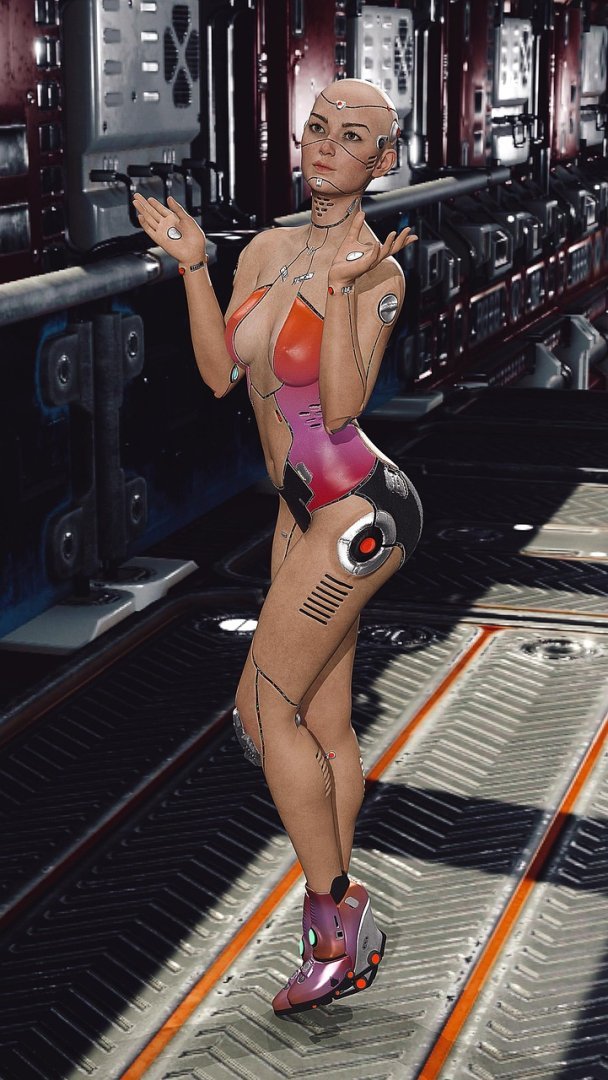
Crafting effective prompts for Stable Diffusion is both an art and a science, crucial for unlocking its full potential in generating stunning and unique visuals. A well-structured prompt acts as a detailed set of instructions, guiding the AI model to create images that align with your creative vision, whether you are designing photorealistic landscapes or abstract art. The quality of your prompt directly impacts the final output, making it essential to understand the key elements, such as descriptive keywords, artistic styles, and specific details, to produce the desired results. Mastering the *Stable Diffusion Image Prompt Guide* allows users to fine-tune their creations, explore new artistic avenues, and achieve unparalleled levels of customization in their AI-generated imagery, ultimately transforming imagination into reality.
About Prompt
Prompt Type: Content Generation, Image Creation, Coding, Educational, Marketing
Niche: Technology, AI, Gaming, Finance, Health, Lifestyle, Education
Category: Tips, Tricks, Tutorials, Guides, Examples, Templates
Language: English
Prompt Title: Stable Diffusion Image Prompt Guide
Prompt Platforms: ChatGPT, GPT 4, GPT 4o, Claude, Claude 3, Claude Sonnet, Gemini, Gemini Pro, Gemini Flash, Google AI Studio, Grok, Perplexity, Copilot, Meta AI, LLaMA, Mistral, Cohere, DeepSeek, Midjourney, DALL E, Stable Diffusion, Leonardo AI, Runway, Pika, Synthesia, ElevenLabs, Other AI Platforms
Target Audience: Beginners, Professionals, Students, Content Creators, Developers, Marketers, Designers
Optional Notes: Provide clear examples of effective and ineffective prompts.
Prompt
Tone: Professional, friendly, informative
Style: Paragraphs and bullet points
Target Audience: Content Creators, Designers, AI enthusiasts
Output Format: Text, HTML
Content:
- Introduction: Explain what Stable Diffusion is and why effective prompting is crucial for generating high-quality images.
- Basic Prompt Structure:
- Subject: What is the main focus of the image? (e.g., “A majestic lion”)
- Action: What is the subject doing? (e.g., “A majestic lion roaring”)
- Environment: Where is the subject located? (e.g., “A majestic lion roaring in the African savanna”)
- Style: What artistic style should be applied? (e.g., “A majestic lion roaring in the African savanna, photorealistic”)
- Lighting: How should the scene be lit? (e.g., “A majestic lion roaring in the African savanna, photorealistic, golden hour lighting”)
- Quality Enhancers: Keywords to improve image quality (e.g., “A majestic lion roaring in the African savanna, photorealistic, golden hour lighting, 8k, detailed”)
- Advanced Prompting Techniques:
- Negative Prompts: How to specify elements to avoid (e.g., “ugly, blurry, deformed”)
- Using Artistic Styles: Examples of different artistic styles (e.g., “Impressionism,” “Cyberpunk,” “Anime”)
- Controlling Composition: Keywords for framing and perspective (e.g., “wide shot,” “close-up,” “aerial view”)
- Seed Values: Explain the role of seed values for reproducibility.
- Using Modifiers: Examples of modifiers to add detail (e.g., “highly detailed,” “intricate,” “ornate”)
- Examples of Good and Bad Prompts:
- Bad: “Cat” (too vague)
- Good: “A fluffy ginger cat sleeping on a window sill, bathed in sunlight, realistic painting”
- Bad: “Landscape” (not descriptive enough)
- Good: “A breathtaking mountain landscape at sunset, snow-capped peaks, vibrant colors, dramatic lighting”
- Tools and Resources:
- List useful websites and tools for prompt generation and exploration.
- Troubleshooting:
- Common issues and how to resolve them (e.g., distorted faces, incorrect colors).
- Conclusion: Recap the key points and encourage experimentation.
Optional Variations/Enhancements:
- Include a section on using prompt weighting for more precise control.
- Add a glossary of common Stable Diffusion terms.
- Incorporate example images generated from the provided prompts.