

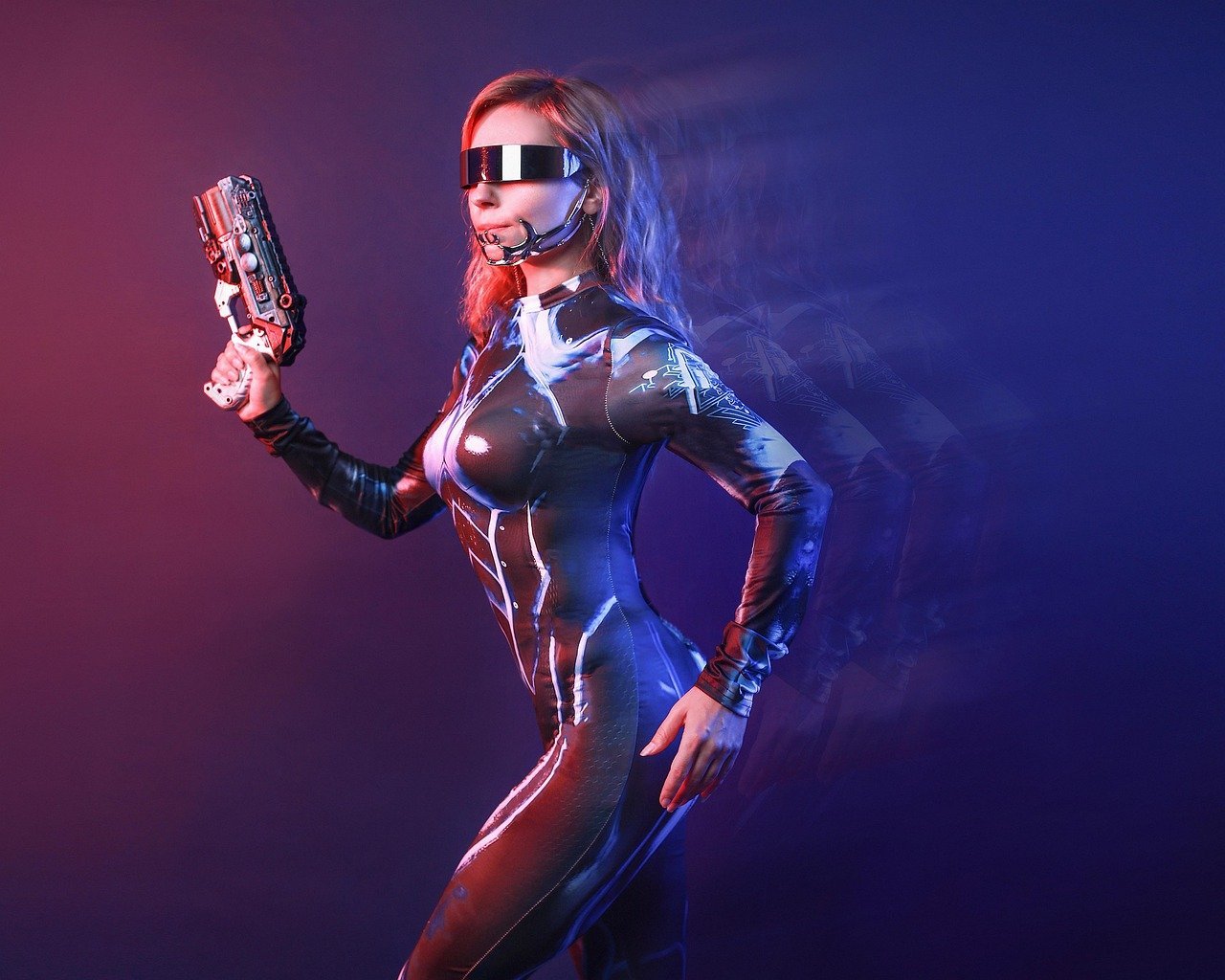
Image generation has become increasingly accessible, thanks to platforms like MidJourney. Crafting the perfect prompt is essential for achieving the desired aesthetic and thematic elements in your AI-generated artwork. A well-structured MidJourney Prompt for Image Generation can unlock a world of creative possibilities, allowing users to visualize complex ideas and concepts with stunning detail. Understanding the nuances of prompt engineering, including the use of keywords, artistic styles, and compositional techniques, is vital for both beginners and experienced users. By mastering these skills, anyone can transform simple text descriptions into breathtaking visual masterpieces, pushing the boundaries of digital art and design.
About Prompt
Prompt Type: Content Generation, Image Creation
Niche: Technology, AI, Art
Category: Tips, Tricks, Tutorials
Language: English
Prompt Title: MidJourney Prompt for Image Generation
Prompt Platforms: Midjourney
Target Audience: Beginners, Professionals, Content Creators, Designers
Optional Notes: Focus on clear instructions and effective keywords
Prompt
Tone: Professional, Artistic, Detailed
Style: Paragraph (followed by specific keyword examples)
Target Audience: Digital Artists, Graphic Designers, AI Enthusiasts
Output Format: Text
Prompt:
Imagine a breathtaking landscape photograph, rendered in the style of Ansel Adams but with a surreal twist. The scene depicts jagged, snow-capped mountains piercing through swirling, iridescent clouds. In the foreground, a lone, ancient tree stands silhouetted against a sky filled with bioluminescent stars. The overall mood should be ethereal and awe-inspiring, capturing the raw power and beauty of nature.
Keywords and Parameters:
/imagine: Initiates the image generationAnsel Adams: Specifies the photographic styleSurreal landscape: Defines the subject matterSnow-capped mountains: Describes the mountain rangeIridescent clouds: Adds a unique visual elementBioluminescent stars: Enhances the surreal atmosphereAncient tree silhouette: Creates a focal pointEthereal: Sets the mood--ar 3:2: Sets the aspect ratio to 3:2--v 6: Specifies Midjourney version 6
Optional Variations:
- Try different artistic styles (e.g., Van Gogh, Monet)
- Experiment with different weather conditions (e.g., stormy, foggy)
- Incorporate mythical creatures or elements
- Adjust the aspect ratio for different display formats
- Add specific color palettes for a unique visual effect