

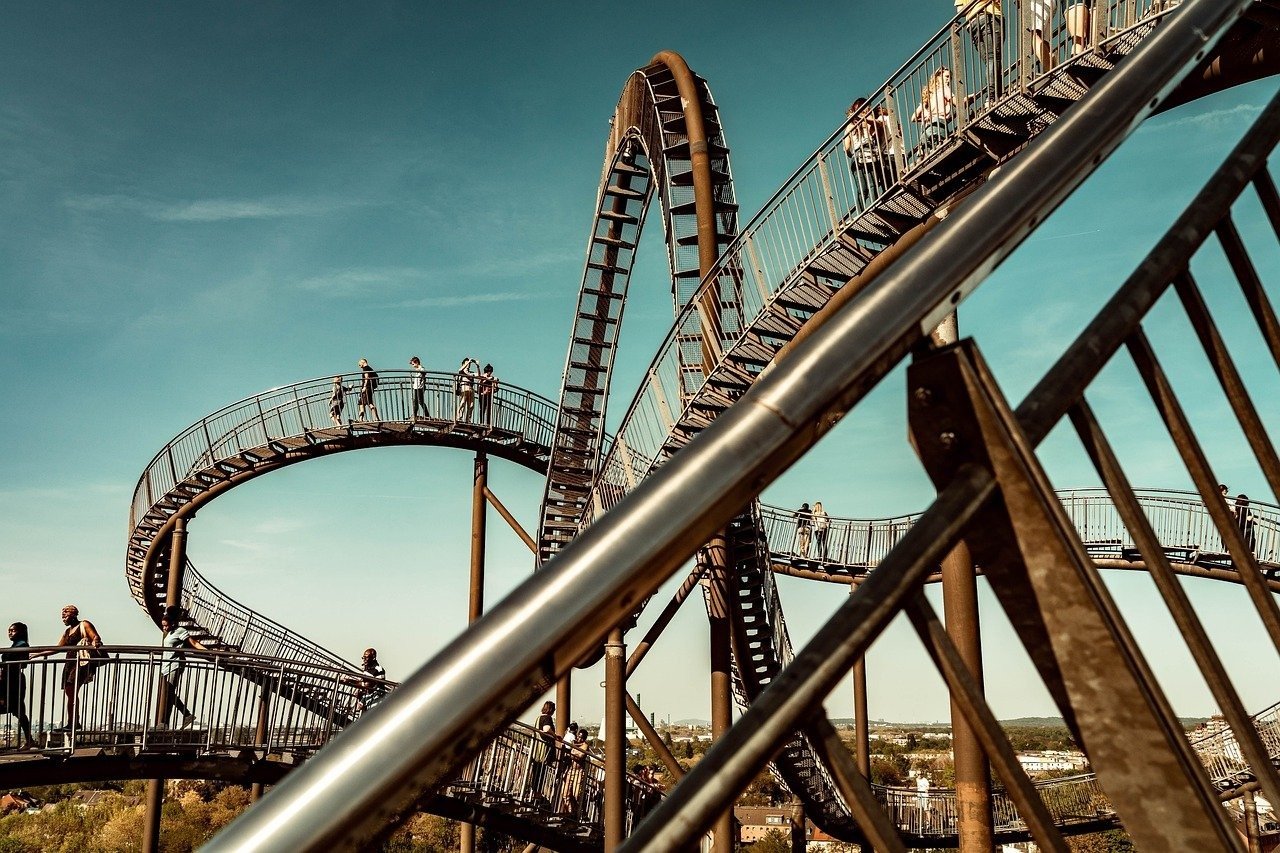
Crafting compelling image generation prompts is both an art and a science, essential for unlocking the true potential of AI art platforms. The quality of the generated image hinges directly on the clarity, specificity, and creativity embedded within the prompt. A well-constructed prompt acts as a detailed blueprint, guiding the AI’s interpretation and execution to produce results that align with the user’s vision. Understanding the nuances of prompt engineering empowers users to move beyond generic outputs and create truly unique and captivating visuals. Mastering this skill is increasingly valuable, as AI image generation tools become more sophisticated and integrated into various creative workflows. The key is to experiment with different descriptive elements and understand how the AI interprets *Image Generation Prompt Guide* instructions to refine your prompting techniques.
About Prompt
Prompt Type: Content Generation
Niche: Technology, AI
Category: Guides
Language: English
Prompt Title: Image Generation Prompt Guide
Prompt Platforms: Midjourney, DALL E, Stable Diffusion, Leonardo AI
Target Audience: Beginners, Content Creators, Designers
Optional Notes: Provide a comprehensive guide with examples for creating effective image generation prompts.
Prompt
Tone: Professional, friendly, informative
Style: Paragraphs with bulleted examples
Target Audience: Beginners interested in AI image generation
Output Format: Text
Guide Content:
-
Introduction: Explain the importance of well-crafted prompts and their impact on image quality.
-
Basic Elements of a Prompt:
- Subject: The main focus of the image (e.g., a cat, a landscape).
- Example: “A majestic lion”
- Setting: The environment or background (e.g., a forest, a city).
- Example: “A bustling cityscape at night”
- Art Style: The artistic style or medium (e.g., photorealistic, impressionistic, watercolor).
- Example: “A watercolor painting”
- Lighting: The lighting conditions (e.g., soft, dramatic, natural).
- Example: “Soft, golden hour lighting”
- Color Palette: The dominant colors in the image (e.g., vibrant, muted, monochromatic).
- Example: “Vibrant, tropical colors”
- Camera Angle: The perspective from which the image is viewed (e.g., close-up, wide shot, bird’s eye view).
- Example: “Close-up shot”
- Keywords: Specific words that enhance the description (e.g., detailed, intricate, dynamic).
- Example: “Detailed, intricate patterns”
- Subject: The main focus of the image (e.g., a cat, a landscape).
-
Combining Elements: Explain how to combine these elements to create more complex and detailed prompts.
- Example: “A majestic lion in a lush green forest, photorealistic, soft, golden hour lighting, vibrant colors, close-up shot, detailed, intricate fur”
-
Negative Prompts: Explain the use of negative prompts to exclude unwanted elements.
- Example: “A portrait of a woman, but no glasses, no hat, no jewelry”
-
Prompt Engineering Techniques:
- Specificity: The more specific the prompt, the better the results.
- Experimentation: Try different combinations of words and phrases.
- Iteration: Refine your prompts based on the generated images.
- Using weights: How to emphasize certain keywords in Midjourney.
-
Examples of Good and Bad Prompts: Provide examples of prompts that generate good and bad results, and explain why.
- Bad: “A dog”
- Good: “A golden retriever puppy playing in a field of sunflowers, photorealistic, bright sunny day, vibrant colors, wide shot, playful, energetic”
-
Conclusion: Summarize the key takeaways and encourage experimentation.
Optional Enhancements:
- Include a section on advanced prompting techniques, such as using seed numbers for consistency.
- Add a glossary of common AI image generation terms.