
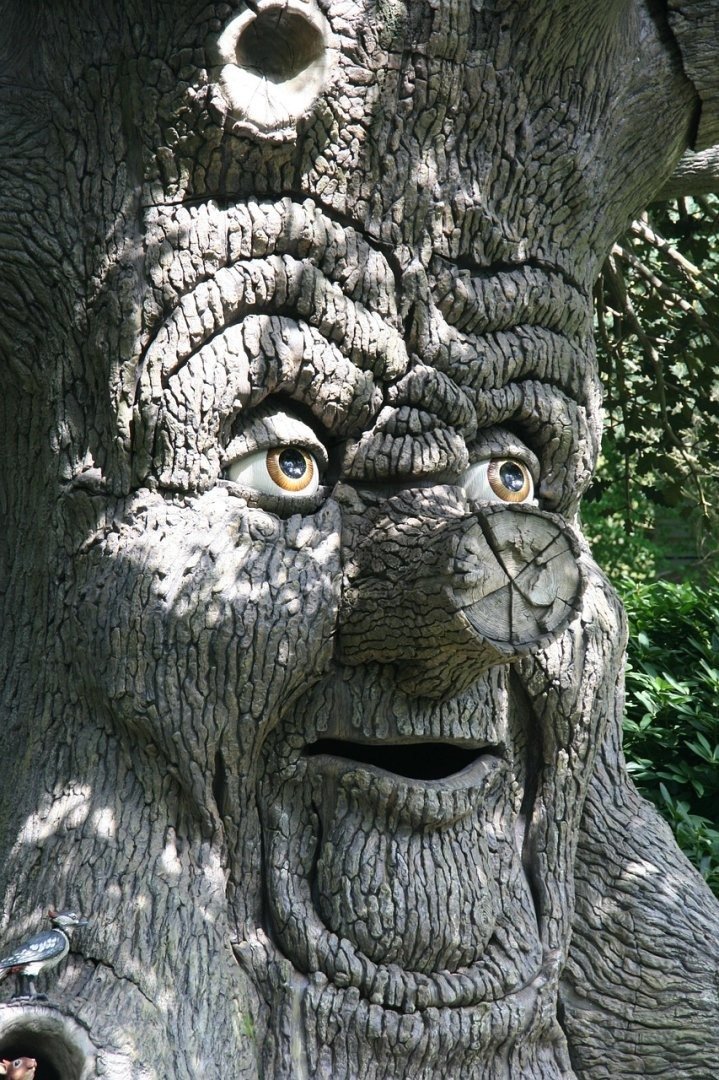
The *Impasto Brushstroke World Environment Prompt* offers a gateway to creating visually stunning and texturally rich digital art that mimics the thick, layered application of paint characteristic of impasto techniques. This approach transcends mere image generation, allowing artists and designers to simulate the depth and physicality of traditional painting within a digital canvas. Mastering this prompt style not only enhances the aesthetic appeal of generated visuals but also offers a unique method for expressing complex ideas and emotions through simulated textures and color interactions. It is a powerful tool for creating immersive environments and evocative scenes, blending the boundaries between digital art and classical painting, and providing a tactile dimension to virtual worlds. The ability to control brushstroke direction, paint thickness, and color blending opens up endless possibilities for artistic exploration.
About Prompt
Prompt Type: Content Generation, Image Creation
Niche: Technology, AI, Art
Category: Examples, Tutorials
Language: English
Prompt Title: Impasto Brushstroke World Environment Prompt
Prompt Platforms: Midjourney, DALL E, Stable Diffusion, Leonardo AI
Target Audience: Artists, Designers, Content Creators
Optional Notes: Focus on creating visually striking and unique environments.
Prompt
Create a [Scene Description] rendered in the style of impasto painting. The brushstrokes should be thick and visible, creating a strong sense of texture and depth. Use [Color Palette] to evoke a [Mood/Emotion]. The lighting should be [Lighting Style], accentuating the three-dimensional quality of the paint. The composition should be [Composition Technique], drawing the viewer's eye to [Focal Point].
Variables and Examples:
[Scene Description]:- Example 1: “A sunlit Tuscan vineyard at harvest time”
- Example 2: “A bustling cyberpunk cityscape at night”
- Example 3: “A serene snow-covered mountain range at dawn”
[Color Palette]:- Example 1: “Warm, earthy tones of ochre, sienna, and burnt umber”
- Example 2: “Cool, vibrant colors of neon blue, electric pink, and deep purple”
- Example 3: “Monochromatic palette of white, gray, and charcoal”
[Mood/Emotion]:- Example 1: “Sense of tranquility and abundance”
- Example 2: “Feeling of chaotic energy and technological advancement”
- Example 3: “Atmosphere of peaceful solitude and stark beauty”
[Lighting Style]:- Example 1: “Golden hour light, casting long shadows”
- Example 2: “Harsh, artificial light from neon signs and holographic displays”
- Example 3: “Soft, diffused light reflecting off the snow”
[Composition Technique]:- Example 1: “Rule of thirds”
- Example 2: “Symmetrical composition”
- Example 3: “Leading lines”
[Focal Point]:- Example 1: “A group of grape pickers working in the vineyard”
- Example 2: “A towering skyscraper with glowing advertisements”
- Example 3: “A lone cabin nestled in the mountains”
Corresponding AI Image to Video Prompt:
Animate a subtle shift in lighting across the [Scene Description] impasto painting. The camera slowly pans across the [Focal Point], highlighting the texture and depth created by the thick brushstrokes. The [Color Palette] should subtly shift to reflect the changing light. Add a gentle [Sound Effect] to enhance the [Mood/Emotion] of the scene.
Variables and Examples:
[Scene Description]: (Use the same description as the image prompt)[Focal Point]: (Use the same focal point as the image prompt)[Color Palette]: (Use the same color palette as the image prompt)[Sound Effect]:- Example 1: “Rustling leaves and distant birdsong”
- Example 2: “Ambient city noise and electronic hums”
- Example 3: “Gentle wind and the crunch of snow”
[Mood/Emotion]: (Use the same emotion as the image prompt)
Desired Tone: Artistic, expressive, detailed
Style: Paragraph/Descriptive
Target Audience: Digital artists, animators
Output Format: Text, usable in AI video generation tools