
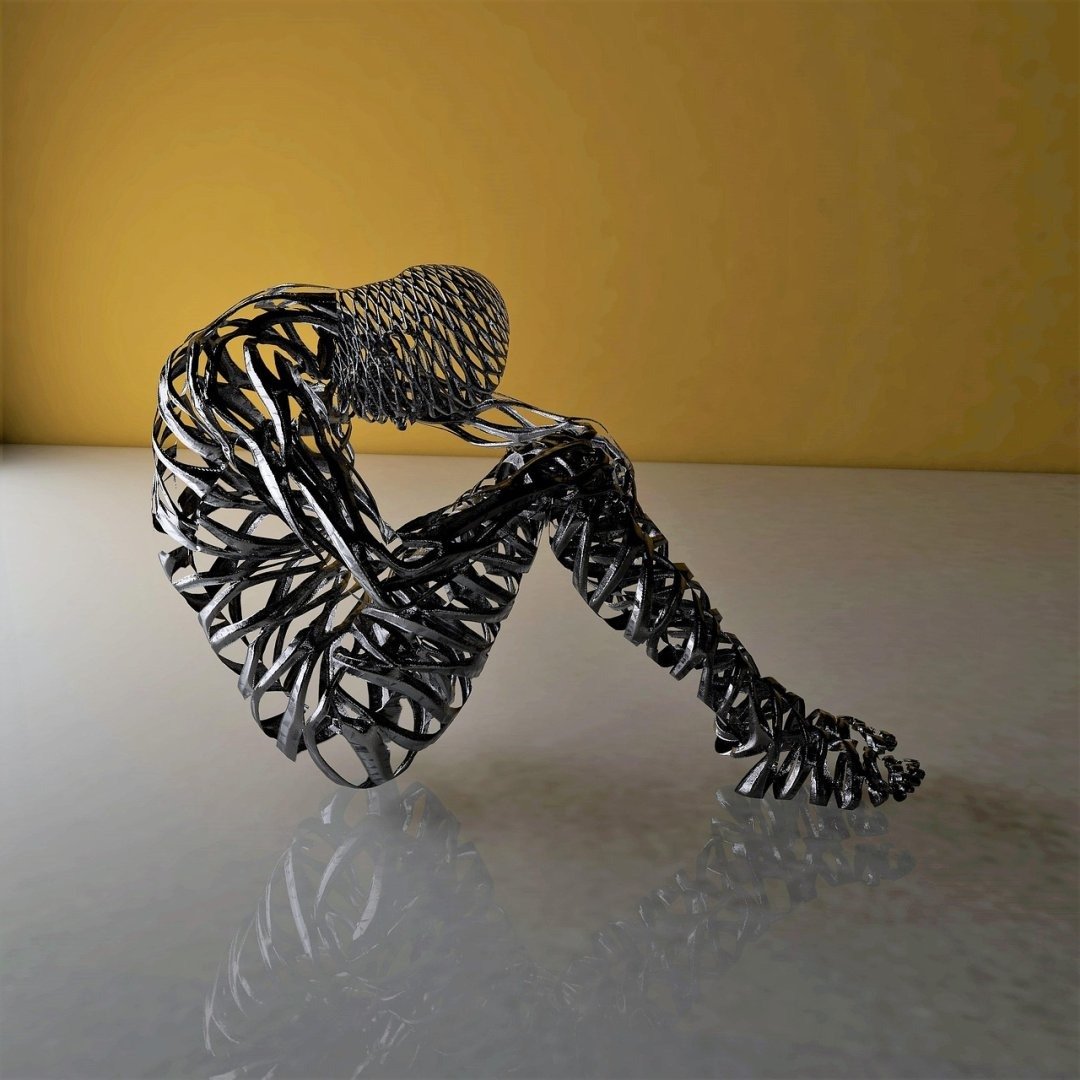
The glitched reality distortion effect is a powerful tool for artists and designers looking to add a unique and unsettling aesthetic to their work. It simulates the visual anomalies one might expect from a malfunctioning simulation or a breach in the fabric of reality. This effect can range from subtle distortions and color aberrations to dramatic glitches and fragmented imagery. Mastering the glitched reality distortion effect allows for the creation of striking visuals that capture a sense of unease and technological breakdown, making it invaluable for projects seeking to convey themes of cyberpunk, digital decay, or existential uncertainty. The ability to manipulate and control this effect opens up exciting possibilities for exploring the boundaries between the real and the virtual, and the exploration of what it means when our perception of reality is unreliable. Understanding how to create a convincing *glitched reality distortion effect* is increasingly relevant in a world saturated with digital media.
About Prompt
Prompt Type: Content Generation, Image Creation, Coding, Educational, Marketing
Niche: Technology, AI, Gaming, Finance, Health, Lifestyle, Education
Category: Tips, Tricks, Tutorials, Guides, Examples, Templates
Language: English, Hindi, Spanish, Other
Prompt Title: glitched reality distortion effect prompt
Prompt Platforms: ChatGPT, GPT 4, GPT 4o, Claude, Claude 3, Claude Sonnet, Gemini, Gemini Pro, Gemini Flash, Google AI Studio, Grok, Perplexity, Copilot, Meta AI, LLaMA, Mistral, Cohere, DeepSeek, Midjourney, DALL E, Stable Diffusion, Leonardo AI, Runway, Pika, Synthesia, ElevenLabs, Other AI Platforms
Target Audience: Beginners, Professionals, Students, Content Creators, Developers, Marketers, Designers
Optional Notes: Any additional context that improves prompt clarity
Prompt
Create a photorealistic image of [Subject: a bustling city street, a serene forest, a futuristic cityscape] experiencing a severe glitched reality distortion. The scene should appear as if the digital simulation of reality is breaking down.
- Style: Cyberpunk, Glitch Art, Digital Decay, Photorealism
- Lighting: Dramatic, high-contrast lighting to emphasize the distortions. Use neon colors mixed with dark shadows.
- Color Palette: Predominantly neon blues, purples, and greens, with accents of corrupted reds and yellows.
- Distortion Effects:
- Pixelation: Introduce areas of extreme pixelation, as if the resolution is failing.
- Color Bleeding: Simulate color channels separating and bleeding into each other.
- Data Corruption: Add random blocks of static and distorted textures.
- Temporal Anomalies: Create ghosting effects where objects appear to be slightly out of sync with themselves.
- Geometric Distortions: Skew perspectives and bend straight lines unnaturally.
- Subject Details:
- [Specific details of the subject, e.g., for a city street: include holographic advertisements flickering erratically, self-driving cars glitching and colliding, pedestrians with distorted faces].
- Camera Angle: Low angle, wide shot to capture the full scope of the distorted environment.
- Resolution: High resolution (at least 4K).
- Tone: Unsettling, surreal, and visually striking.
Examples of Variables:
- Subject:
- A bustling city street
- A serene forest
- A futuristic cityscape
- A portrait of a person
- An ancient artifact
- Specific Subject Details (City Street):
- Holographic advertisements flickering erratically
- Self-driving cars glitching and colliding
- Pedestrians with distorted faces
- Specific Subject Details (Forest):
- Trees flickering in and out of existence
- Animals with fragmented bodies
- The sky displaying distorted patterns
AI Image-to-Video Prompt:
Animate the above image to create a short video (5-10 seconds) further emphasizing the glitched reality distortion effect.
- Animation Style: Subtle, unsettling movements that enhance the feeling of a broken simulation.
- Keyframes: Create keyframes to control the intensity of the glitch effects over time.
- Motion Effects:
- Warping: Gently warp and distort the overall image.
- Chromatic Aberration: Increase and decrease chromatic aberration dynamically.
- Flickering: Add a subtle flicker to the entire scene.
- Data Stream: Simulate data streams flowing across the screen.
- Sound Design (Optional): Add a soundscape of distorted electronic noises and glitching sounds to complement the visual effects.
- Target Audience: Digital artists, cyberpunk enthusiasts, and anyone interested in surreal and unsettling visuals.
- Output Format: MP4, 1920×1080 resolution, 30 fps.