
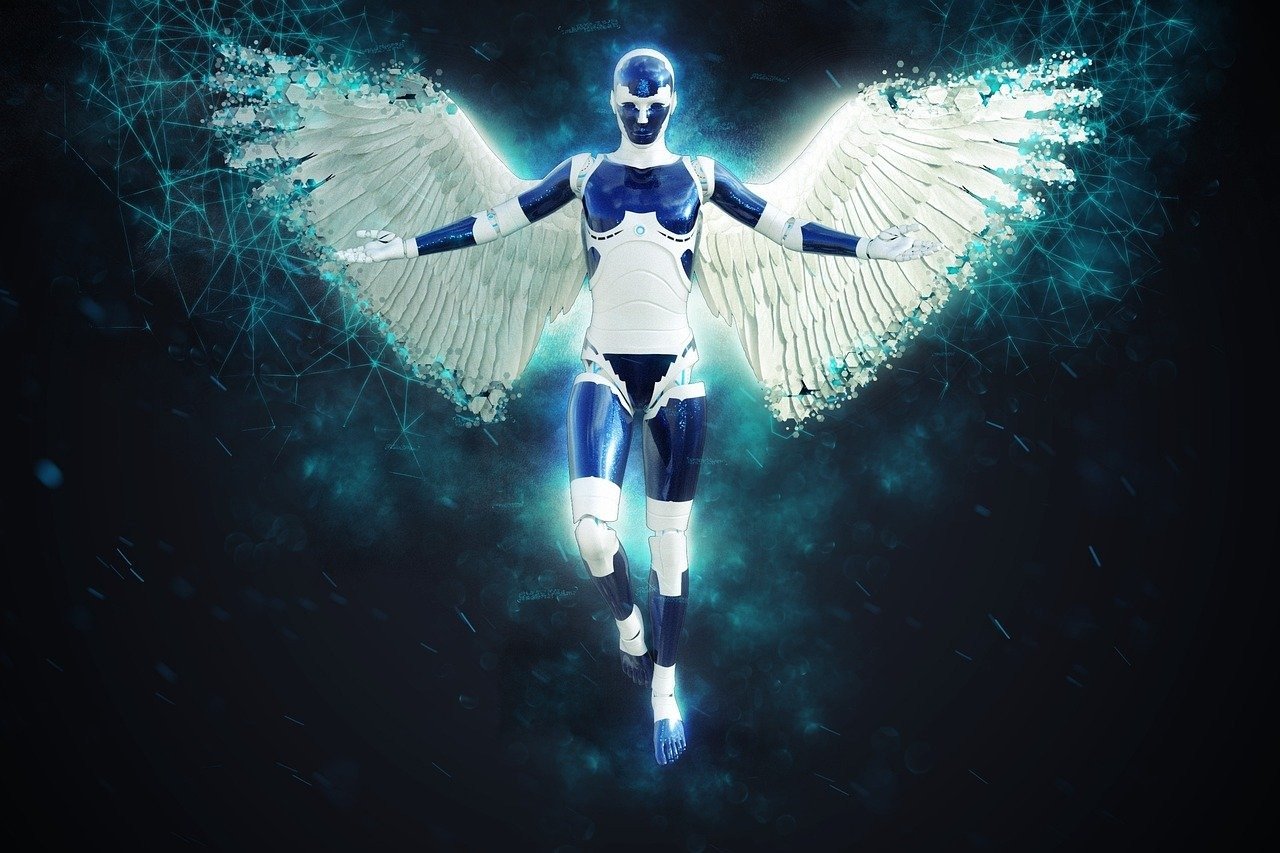
The concept of *Glitch Reality Distortion* explores the fascinating intersection of digital errors and perceived reality, presenting a unique lens through which to examine the nature of our technologically mediated world. This phenomenon, often manifested through visual or auditory anomalies, can range from subtle distortions to complete sensory overloads, challenging our understanding of what is real and what is simulated. The study of glitch reality is increasingly relevant as our lives become more intertwined with virtual spaces and artificial intelligence, prompting us to question the reliability of our senses and the potential for these glitches to reveal hidden layers of information. Furthermore, understanding these distortions can inform the development of more robust and resilient technologies, minimizing the negative impacts of errors and potentially harnessing them for creative expression.
About Prompt
Prompt Type: Content Generation, Image Creation, Coding, Educational, Marketing
Niche: Technology, AI, Gaming, Finance, Health, Lifestyle, Education
Category: Tips, Tricks, Tutorials, Guides, Examples, Templates
Language: English
Prompt Title: Glitch Reality Distortion Visual Prompt
Prompt Platforms: ChatGPT, GPT 4, GPT 4o, Claude, Claude 3, Claude Sonnet, Gemini, Gemini Pro, Gemini Flash, Google AI Studio, Grok, Perplexity, Copilot, Meta AI, LLaMA, Mistral, Cohere, DeepSeek, Midjourney, DALL E, Stable Diffusion, Leonardo AI, Runway, Pika, Synthesia, ElevenLabs, Other AI Platforms
Target Audience: Beginners, Professionals, Students, Content Creators, Developers, Marketers, Designers
Optional Notes: Any additional context that improves prompt clarity
Prompt
Imagine a photograph capturing the essence of “Glitch Reality Distortion.” The scene is a [CITY] street ([EXAMPLE: New York, Tokyo, London]), but with visible digital anomalies overlaying the physical environment. The style should be reminiscent of [ART_STYLE] ([EXAMPLE: Cyberpunk, Vaporwave, Impressionism]), with a [COLOR_PALETTE] ([EXAMPLE: Neon, Pastel, Monochromatic]) color scheme. The main subject is a [SUBJECT] ([EXAMPLE: Person, Building, Vehicle]) experiencing or emanating the glitch. The glitch effects include [GLITCH_EFFECTS] ([EXAMPLE: Pixelation, Color separation, Geometric distortions, Screen tearing]). The overall mood should be [MOOD] ([EXAMPLE: Eerie, Surreal, Chaotic, Mysterious]). Use a [CAMERA_ANGLE] ([EXAMPLE: Wide angle, Close-up, Bird’s eye view]) and a [LIGHTING] ([EXAMPLE: Dramatic, Soft, Artificial]) setup to enhance the distortion. Add a subtle [TEXTURE] ([EXAMPLE: Grain, Scanlines, Static]) to further emphasize the digital interference.
AI Image-to-Video Prompt:
Take the image generated above and animate it to further illustrate the “Glitch Reality Distortion.” The video should be [DURATION] seconds long ([EXAMPLE: 5, 10, 15]), with a focus on subtly animating the glitch effects described in the image prompt. The [SUBJECT] should exhibit a [MOVEMENT] ([EXAMPLE: Subtle shimmer, Jerky motion, Gradual fade]) related to the glitches. Introduce a [SOUND_EFFECT] ([EXAMPLE: Static, Digital beeps, Distorted music]) that synchronizes with the visual distortions. The overall animation style should be [ANIMATION_STYLE] ([EXAMPLE: Looping animation, Slow zoom, Particle effects]), maintaining the [MOOD] established in the image. Add a [TRANSITION_EFFECT] ([EXAMPLE: Quick cuts, Dissolves, Glitch transitions]) between key moments to enhance the feeling of instability. The video resolution should be [RESOLUTION] ([EXAMPLE: 1080p, 4K]).