
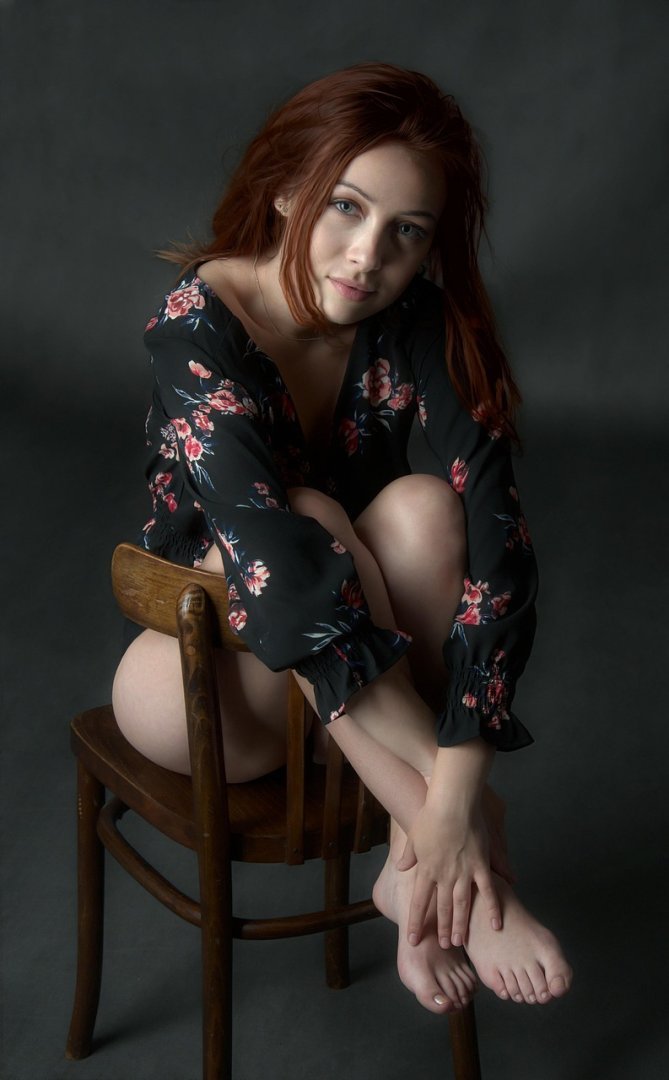
Crafting compelling visuals using AI image generators like DALL-E requires a nuanced understanding of prompt engineering. A well-structured prompt acts as a blueprint, guiding the AI towards the desired aesthetic and thematic outcome. The quality of the generated image hinges directly on the clarity and specificity of the instructions provided; vague or ambiguous prompts often yield unsatisfactory or unpredictable results. Mastering *DALL-E Image Generation Prompt Guide* techniques is therefore crucial for anyone seeking to harness the power of AI for creative expression, marketing, or design. This involves not only describing the subject matter but also considering elements like style, lighting, composition, and emotional tone to fine-tune the final output and achieve a truly unique and impactful visual.
About Prompt
Prompt Type: Content Generation, Image Creation, Coding, Educational, Marketing
Niche: Technology, AI, Gaming, Finance, Health, Lifestyle, Education
Category: Tips, Tricks, Tutorials, Guides, Examples, Templates
Language: English, Hindi, Spanish, Other
Prompt Title: DALL-E Image Generation Prompt Guide
Prompt Platforms: ChatGPT, GPT 4, GPT 4o, Claude, Claude 3, Claude Sonnet, Gemini, Gemini Pro, Gemini Flash, Google AI Studio, Grok, Perplexity, Copilot, Meta AI, LLaMA, Mistral, Cohere, DeepSeek, Midjourney, DALL E, Stable Diffusion, Leonardo AI, Runway, Pika, Synthesia, ElevenLabs, Other AI Platforms
Target Audience: Beginners, Professionals, Students, Content Creators, Developers, Marketers, Designers
Optional Notes: Any additional context that improves prompt clarity
Prompt
Tone: Professional, friendly, and informative.
Style: Paragraphs with bullet-point examples.
Target Audience: Beginners and intermediate users of DALL-E.
Output Format: Text (suitable for a blog post or tutorial).
Content:
-
Introduction: Explain the importance of well-crafted prompts and their impact on the generated image quality.
-
Key Elements of a DALL-E Prompt:
- Subject: The main object or scene. Be specific (e.g., “a Siberian husky” instead of “a dog”).
- Action: What the subject is doing (e.g., “running through a snowy forest”).
- Setting: The environment or background (e.g., “a futuristic cityscape at night”).
- Style: The artistic style (e.g., “photorealistic,” “impressionistic,” “cyberpunk”).
- Lighting: The lighting conditions (e.g., “soft morning light,” “dramatic spotlight”).
- Color Palette: Specify the colors (e.g., “warm colors,” “monochromatic blue”).
- Camera Angle/Perspective: (e.g., “close-up,” “wide-angle,” “bird’s-eye view”).
- Details: Add specific details to refine the image (e.g., “wearing sunglasses,” “with a determined expression”).
-
Prompt Engineering Techniques:
- Specificity: Provide as much detail as possible. Avoid ambiguity.
- Example: Instead of “a house,” use “a Victorian-era house with a red brick facade and a wraparound porch.”
- Keywords: Use relevant keywords to guide the AI.
- Example: “Steampunk robot barista serving coffee in a Victorian cafe.”
- Constraints: Specify what you don’t want in the image.
- Example: “A portrait of a woman, but without any visible jewelry.”
- Experimentation: Try different variations of your prompt to see what works best.
- Iterative Refinement: Start with a basic prompt and gradually add more details.
- Using Negative Prompts: Specify what you don’t want in the image to avoid unwanted elements.
- Example: “A beautiful landscape painting, –no people, –no text.”
- Specificity: Provide as much detail as possible. Avoid ambiguity.
-
Examples of Effective DALL-E Prompts:
- “A photorealistic close-up of a dew-covered spiderweb in a lush green forest, early morning light.”
- “A cyberpunk cityscape at night, neon lights reflecting on wet streets, flying cars, highly detailed, 8k.”
- “An impressionistic painting of a field of sunflowers, vibrant colors, thick brushstrokes, inspired by Van Gogh.”
- “A whimsical illustration of a friendly dragon reading a book to a group of forest animals, fairytale style.”
-
Troubleshooting Common Issues:
- Unrealistic images: Try using “photorealistic” or “hyperrealistic” in the prompt.
- Inaccurate details: Refine the prompt with more specific descriptions.
- Unwanted elements: Use negative prompts to exclude specific features.
- Lack of coherence: Ensure the prompt is logically consistent.
-
Advanced Techniques (Optional):
- Using seeds for consistency.
- Combining multiple prompts.
- Inpainting and outpainting.
-
Conclusion: Emphasize the importance of practice and experimentation in mastering DALL-E prompt engineering.
Optional Variations/Enhancements:
- Include a section on ethical considerations when generating AI images.
- Add a glossary of common AI art terms.
- Include a comparison of DALL-E with other AI image generators.